What Marque does.
Marque writes your brand down as rules and checks everything you make against them. Here are all 113 of its functions, shown as they look. 100 are live from day one, and the rest arrive in the pilot.
- Live from day one
- In Marque now.
- In the pilot
- Added during the pilot.
Try it
Same words. Different brand. Different result.
See one check before you ask for anything. Pick one of three brands, type a line or tap an example, and Ask Marque gives its result against that brand’s rules. Then try the same line on another brand. Nothing you type is kept.
To be read against Northlight Mutual, for established savers, 55 and over
Your result shows here.
Type a line or tap an example, then read it.
Why Marque
Built on your strategy.
Five things every client gets from the first day.
Your strategy, not a rule list
Marque reads every piece against your Intelligence Architecture, your brand strategy in six parts.
Set up by strategists
Big+Bold’s strategists write it with you and stand behind how Marque reads your work.
Notes with their source
Every note shows the line of your strategy it rests on.
One place for the work
Check, make, plan and sign off in the same place.
Your work stays yours
We never train a model on it. Where a model reads or writes, we say so.
Check every piece before it goes out
Marque marks what to change, and why, against your brand strategy.
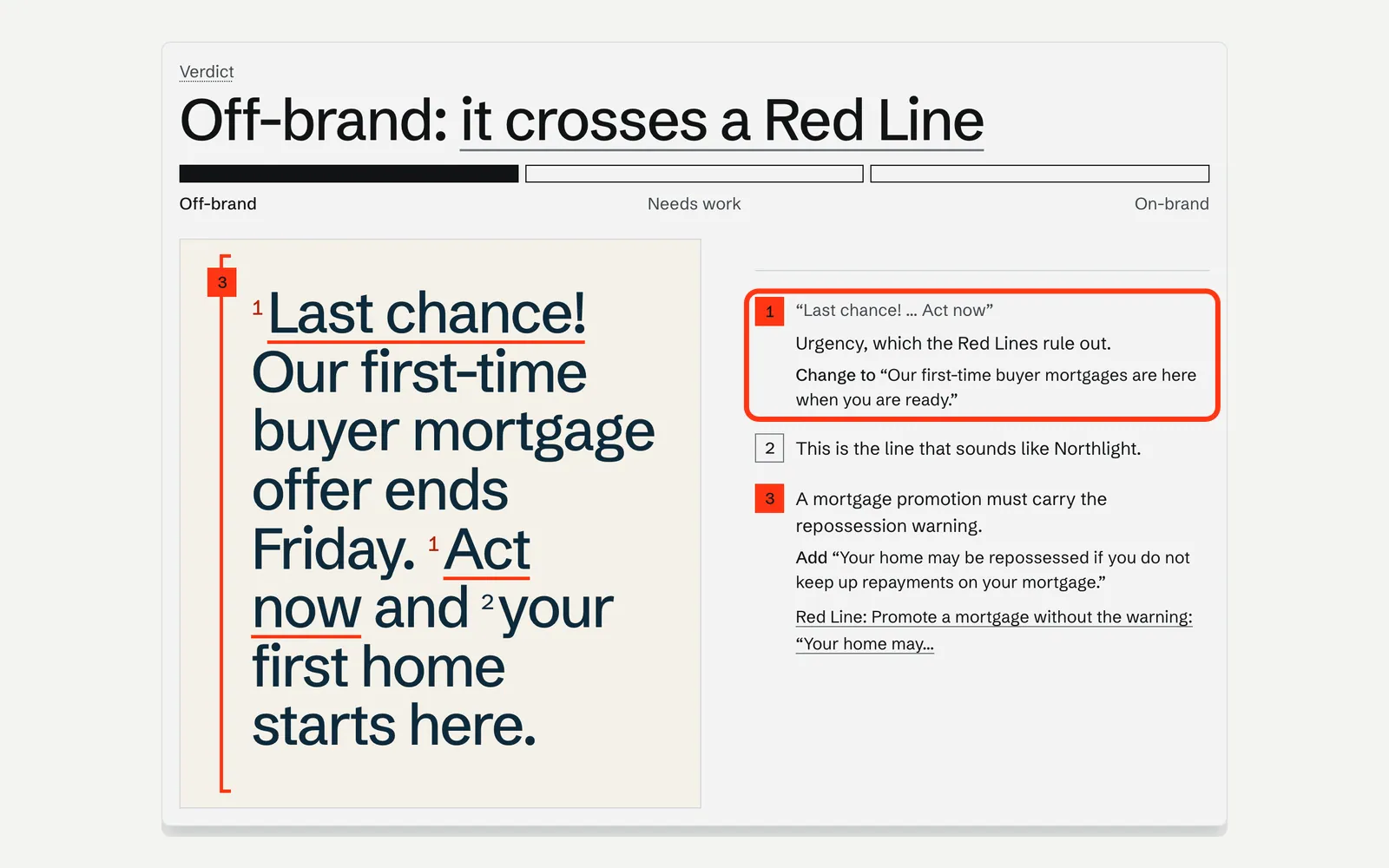
Ask Marque
Marks any copy or creative against your brand, with a reason for each note.
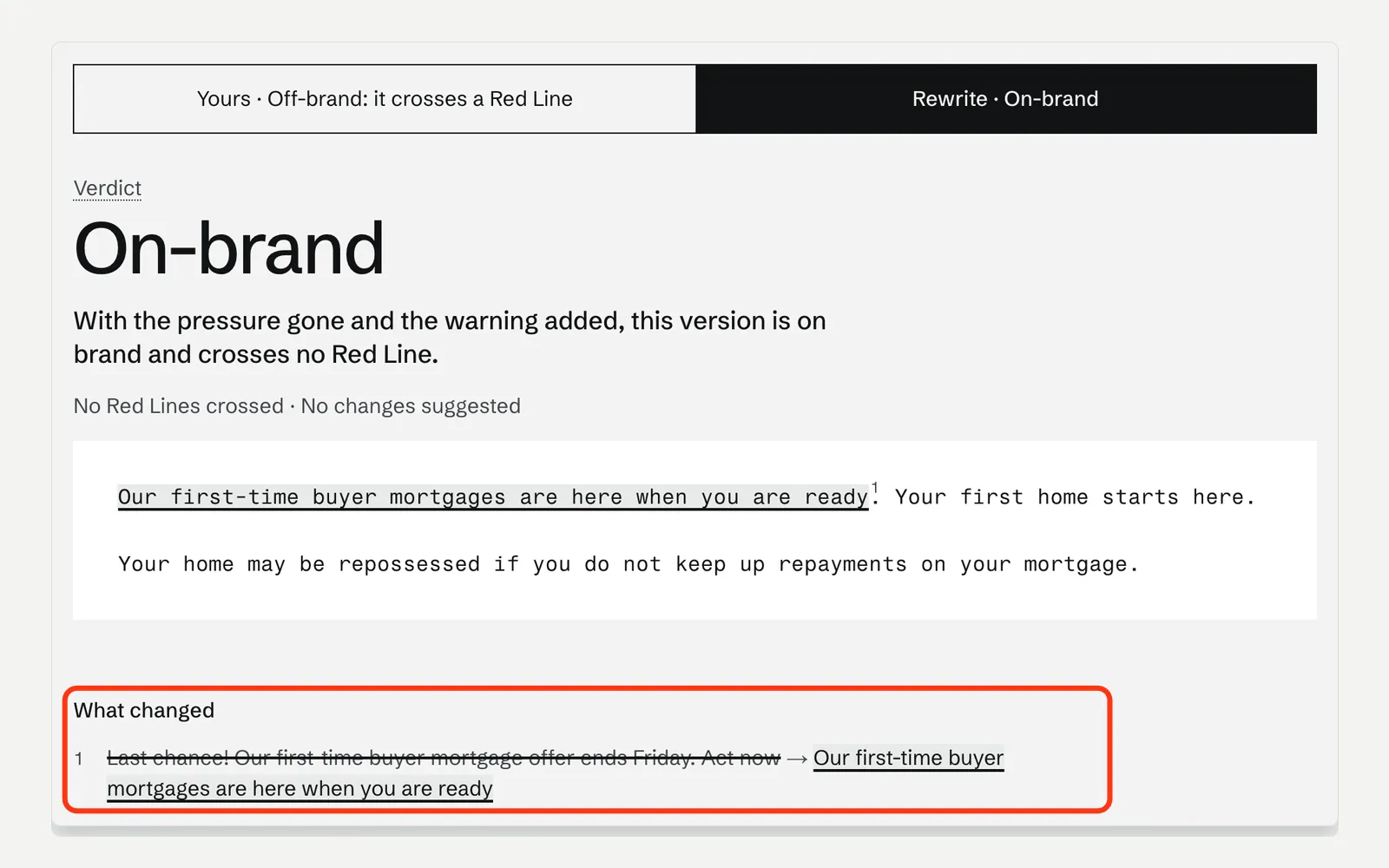
Fix it
One press applies Marque’s changes and checks the result. You keep either version.
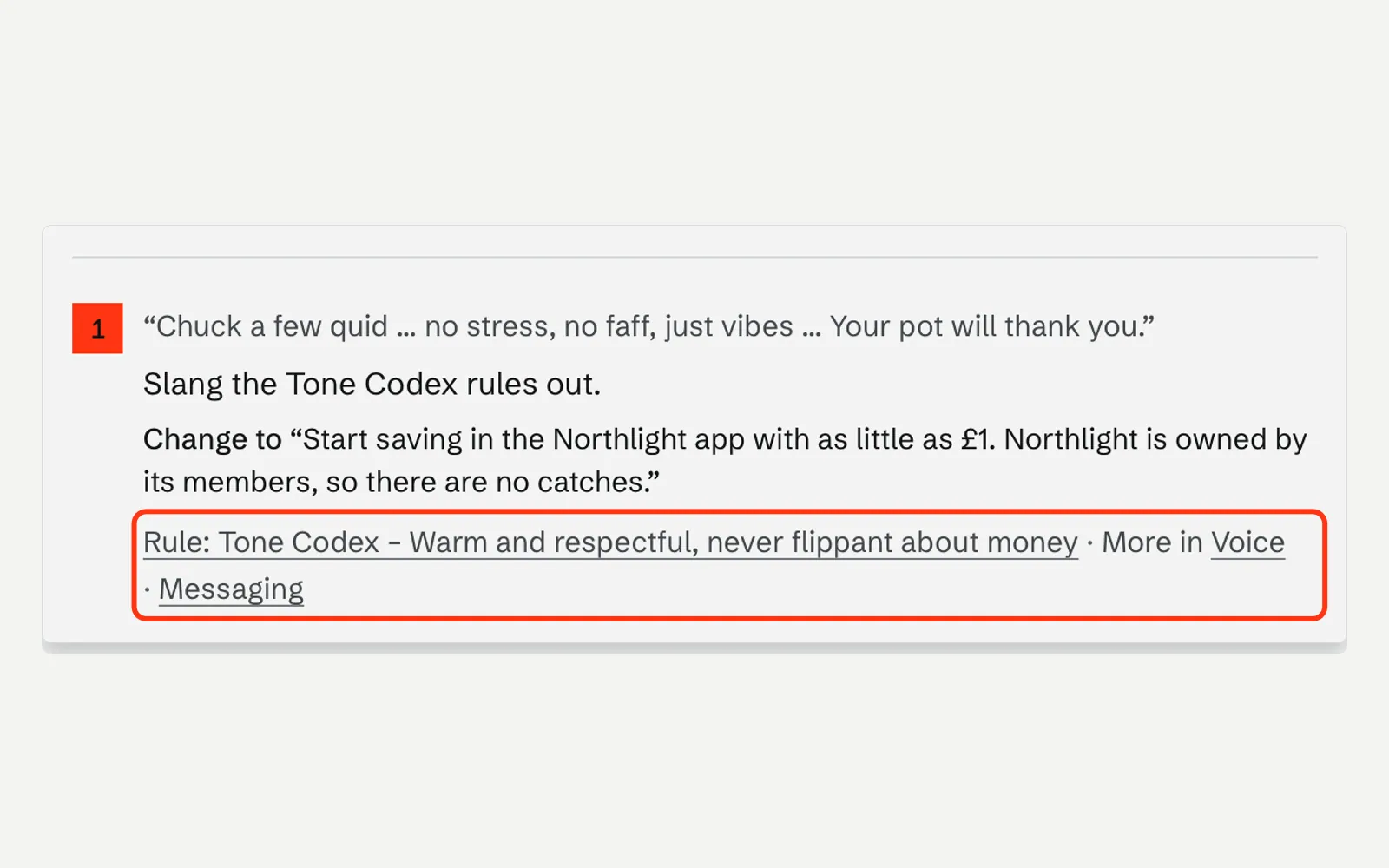
Show the rule
Names the rule behind each note and links to it in Your brand.
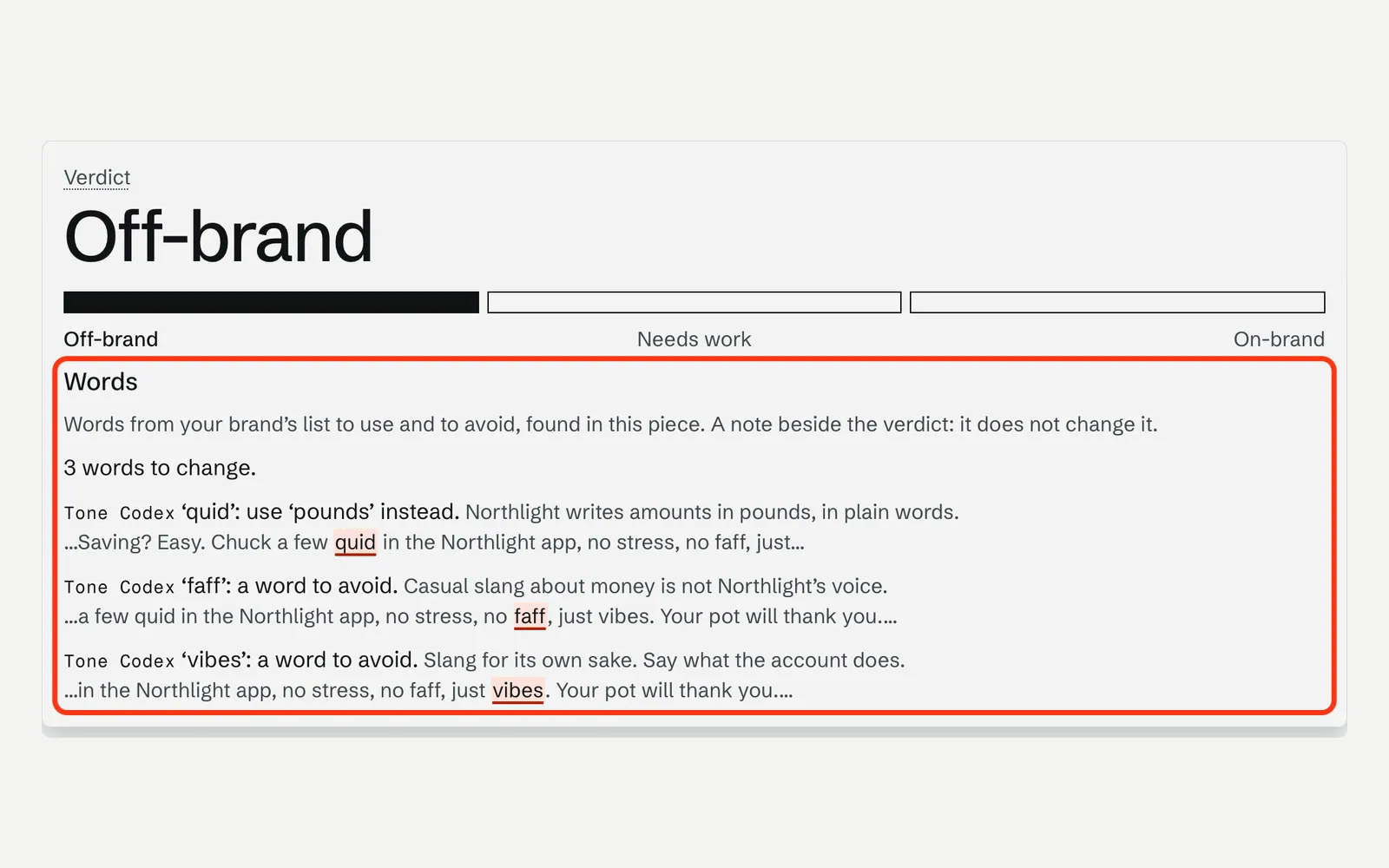
Words to use and avoid
Flags banned words, preferred terms and fixed spellings in every piece.
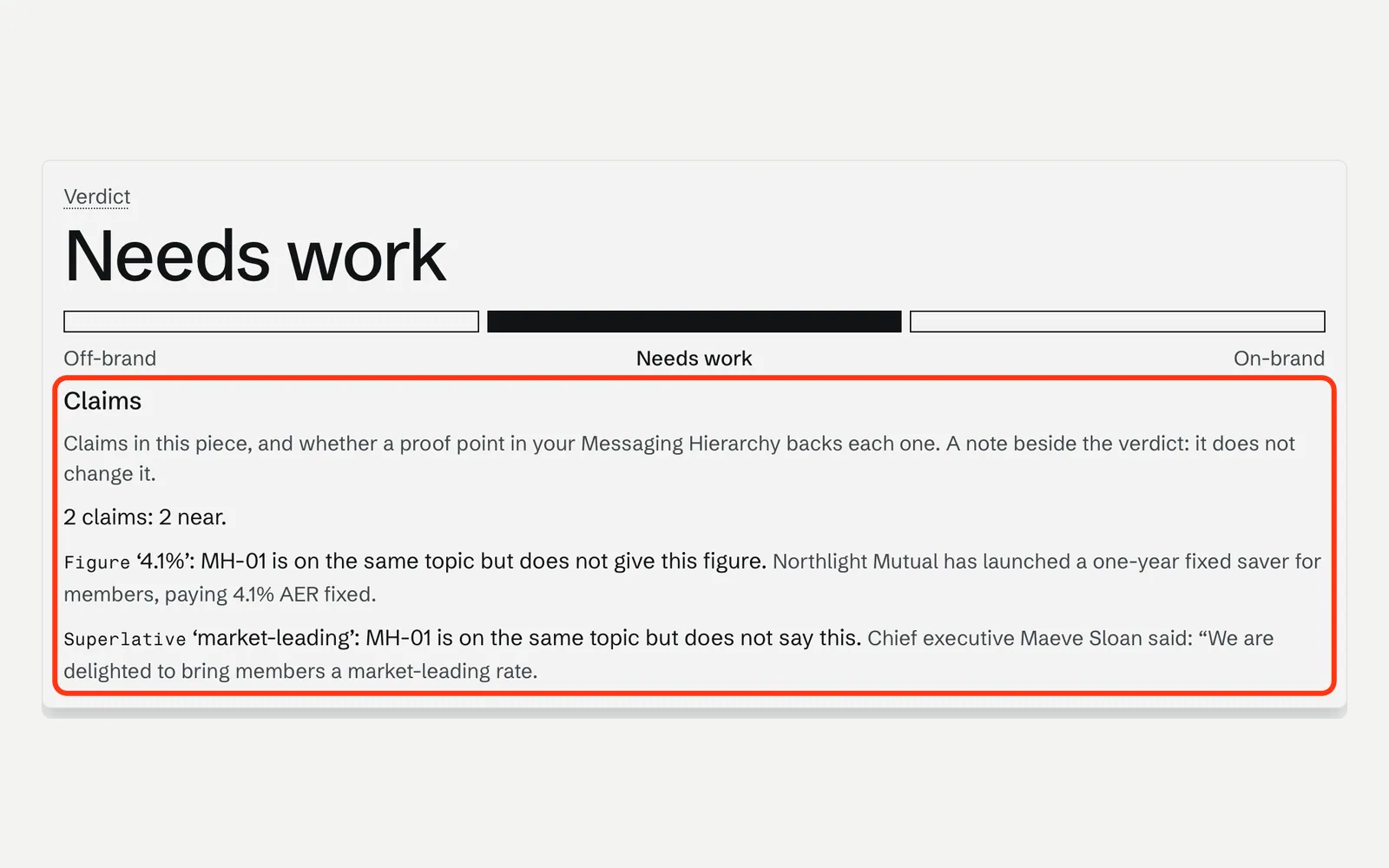
Claims check
Finds each claim in a piece and says whether you have proof for it.
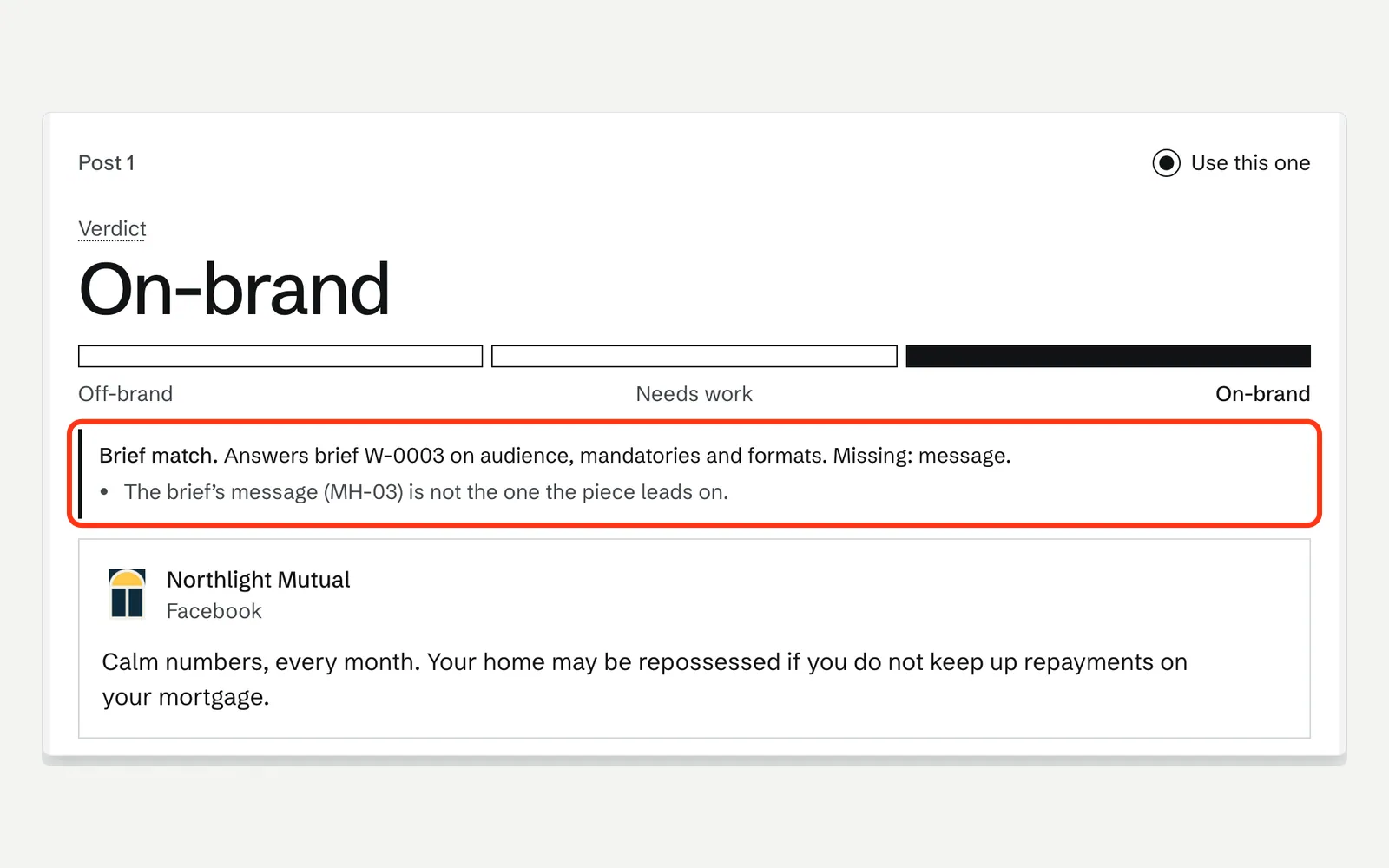
Brief match
Checks a piece against its brief and lists anything missing.
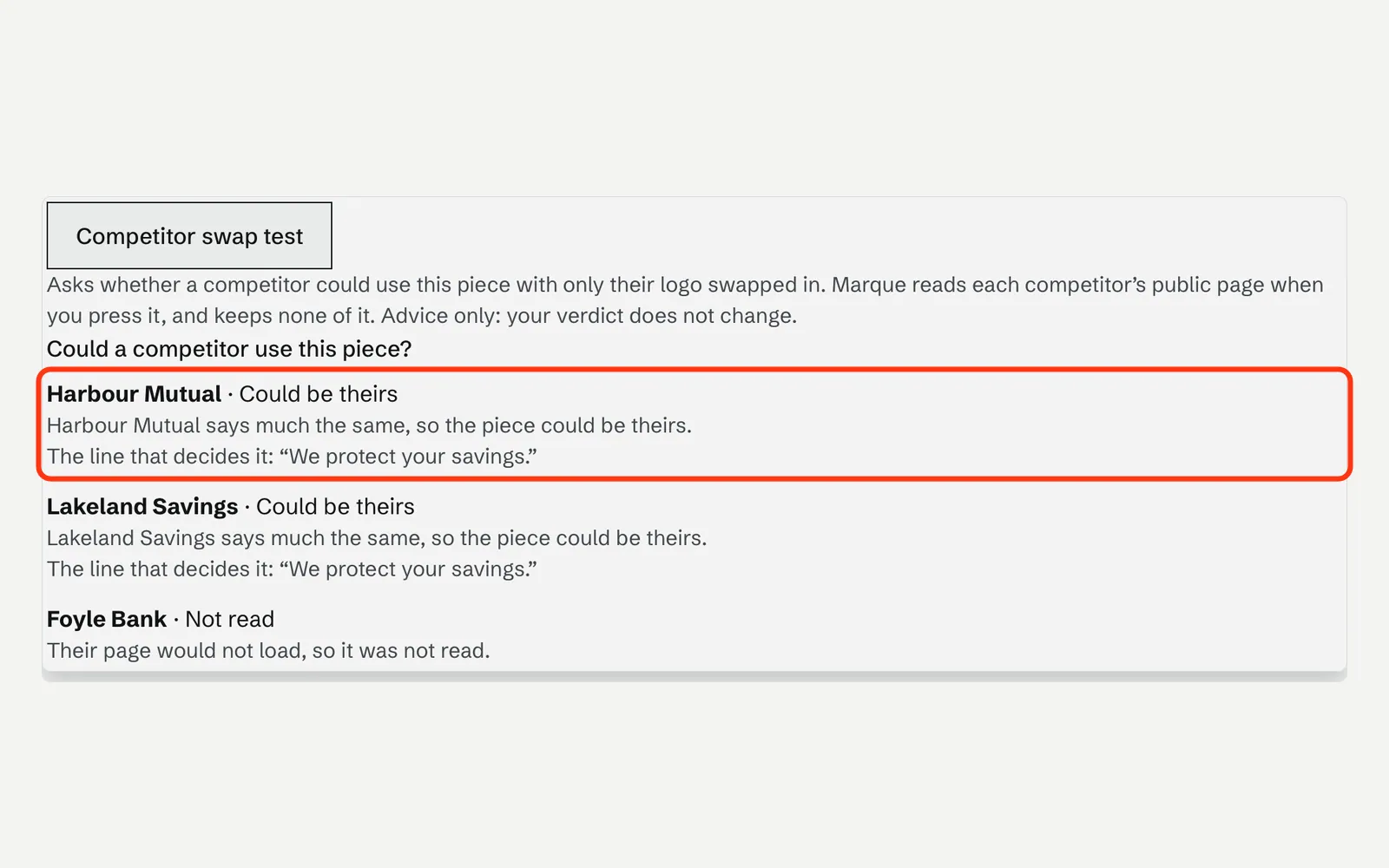
Competitor swap test
Shows whether a competitor could use your piece with only their logo swapped in.
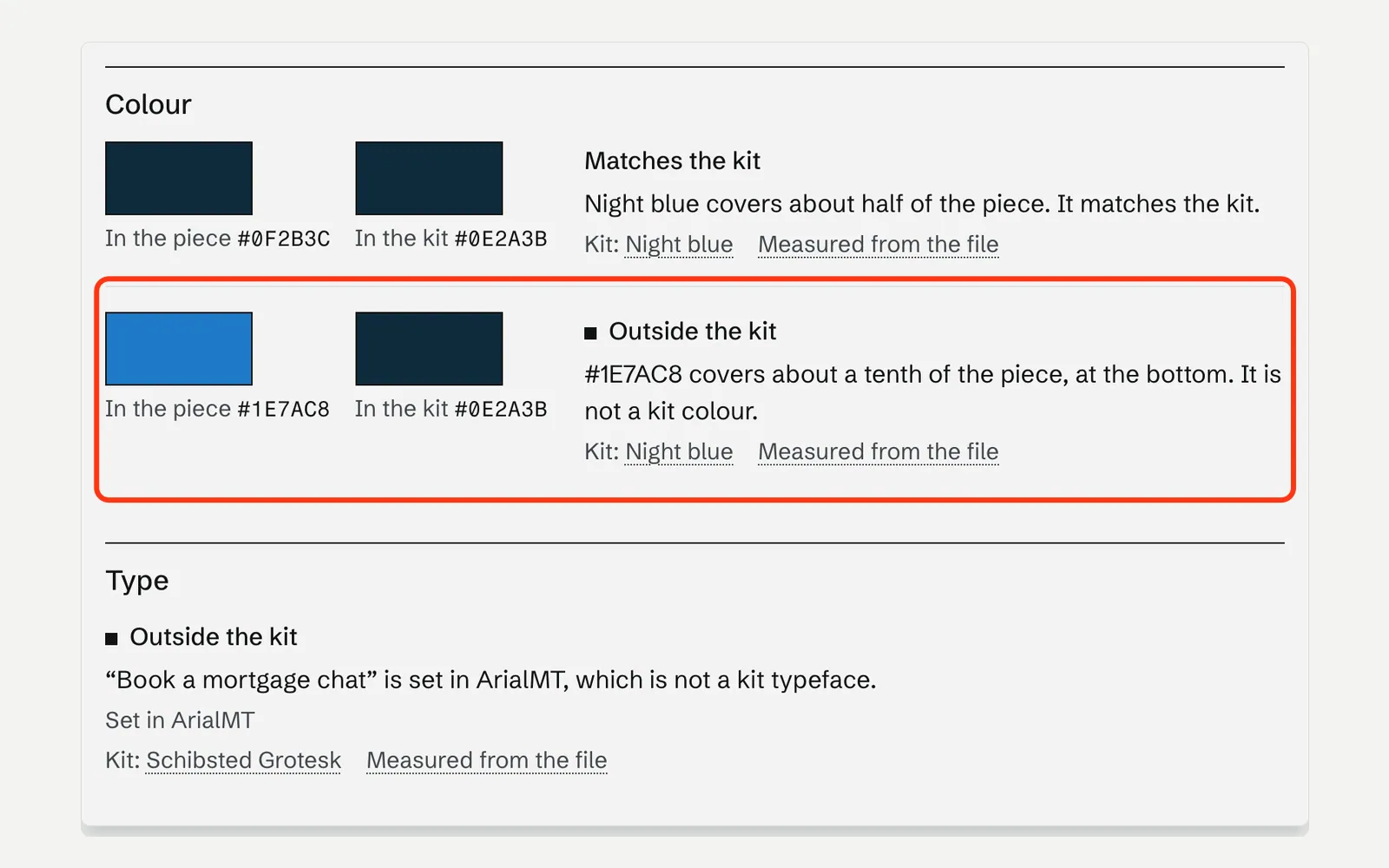
Visual checks
Checks logo, colour, type and image style against your brand kit.
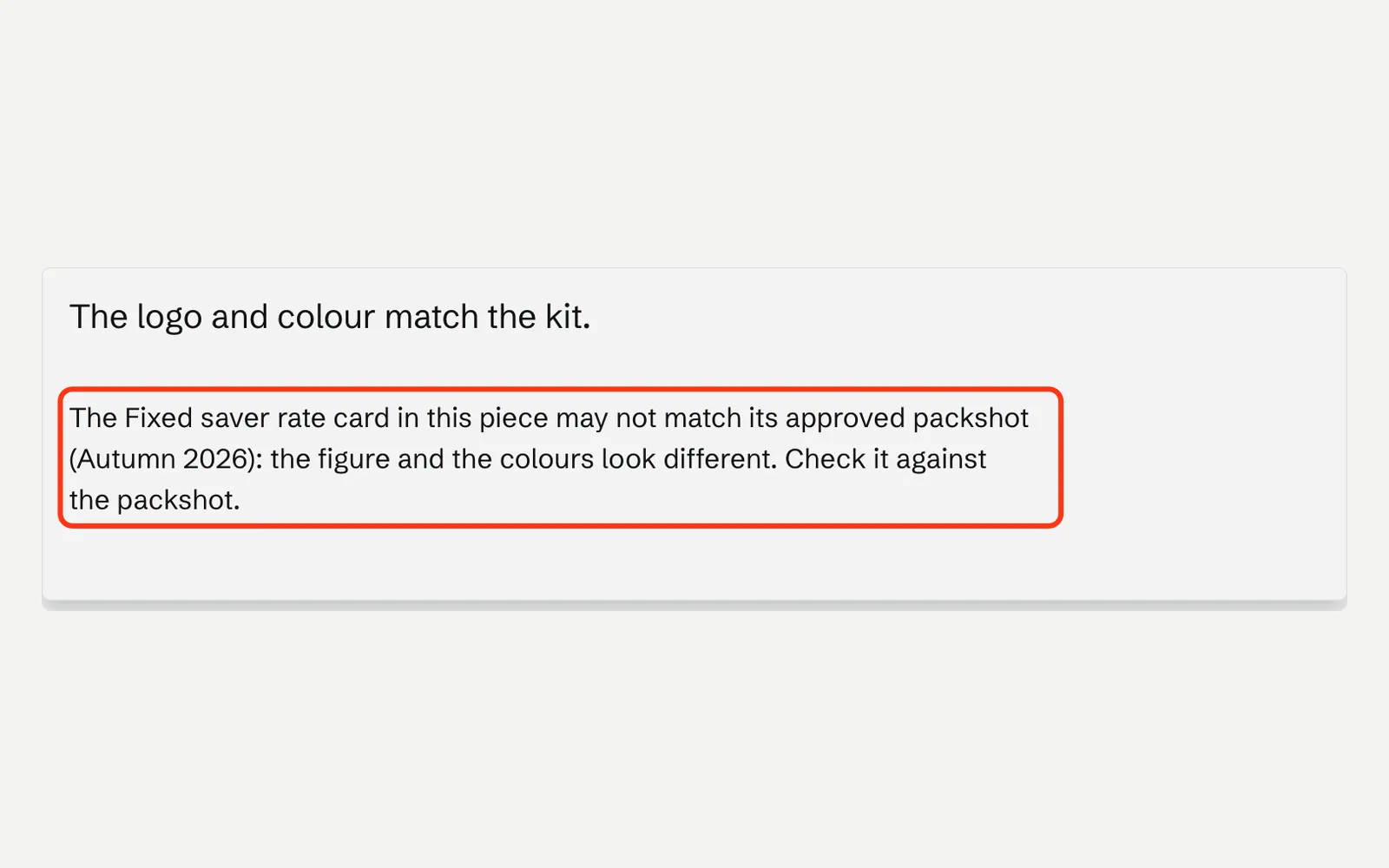
Product shown correctly
Compares the product in a picture with your approved packshot.
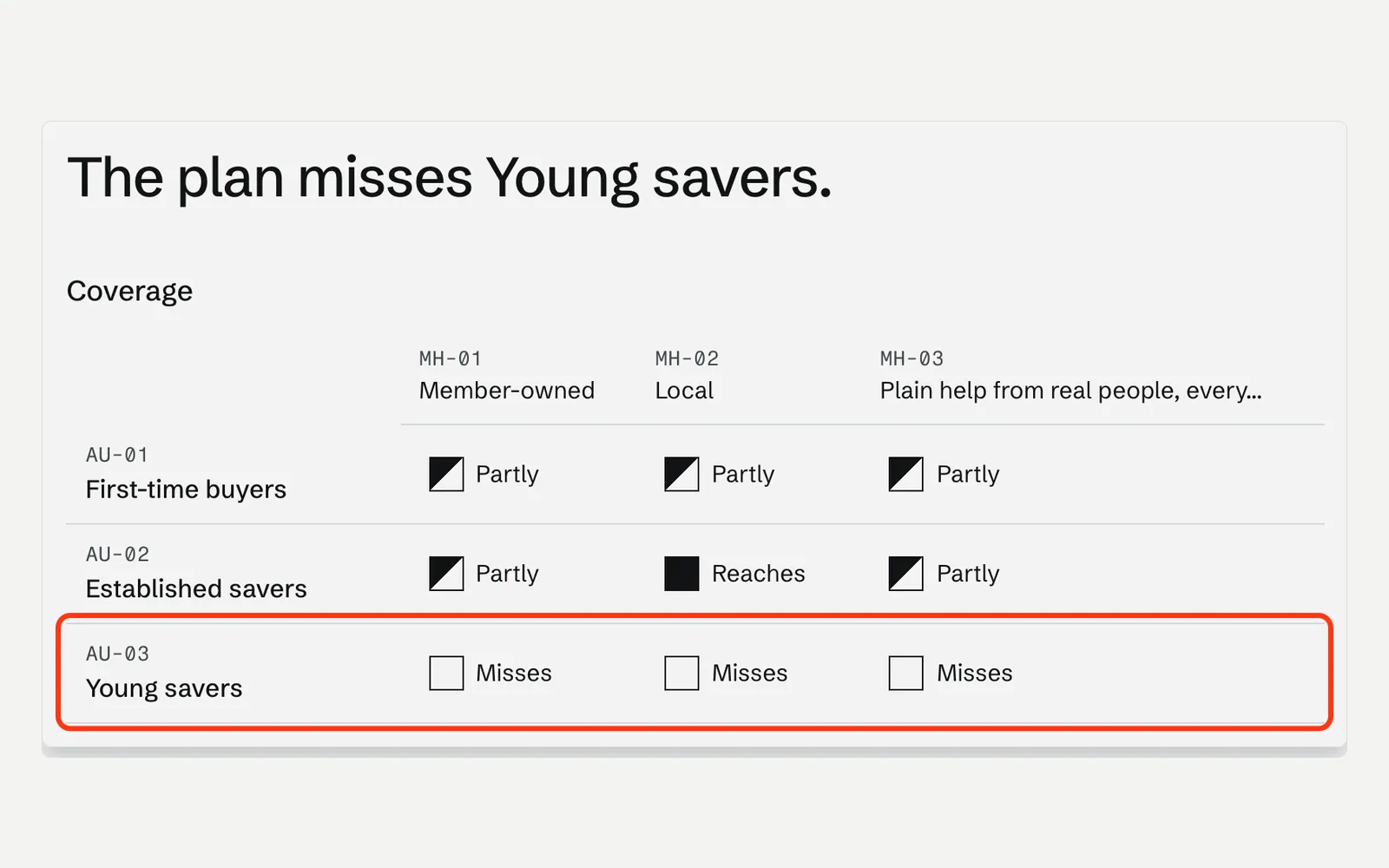
Media plan check
Checks whether a media plan someone else wrote reaches your priority audiences.
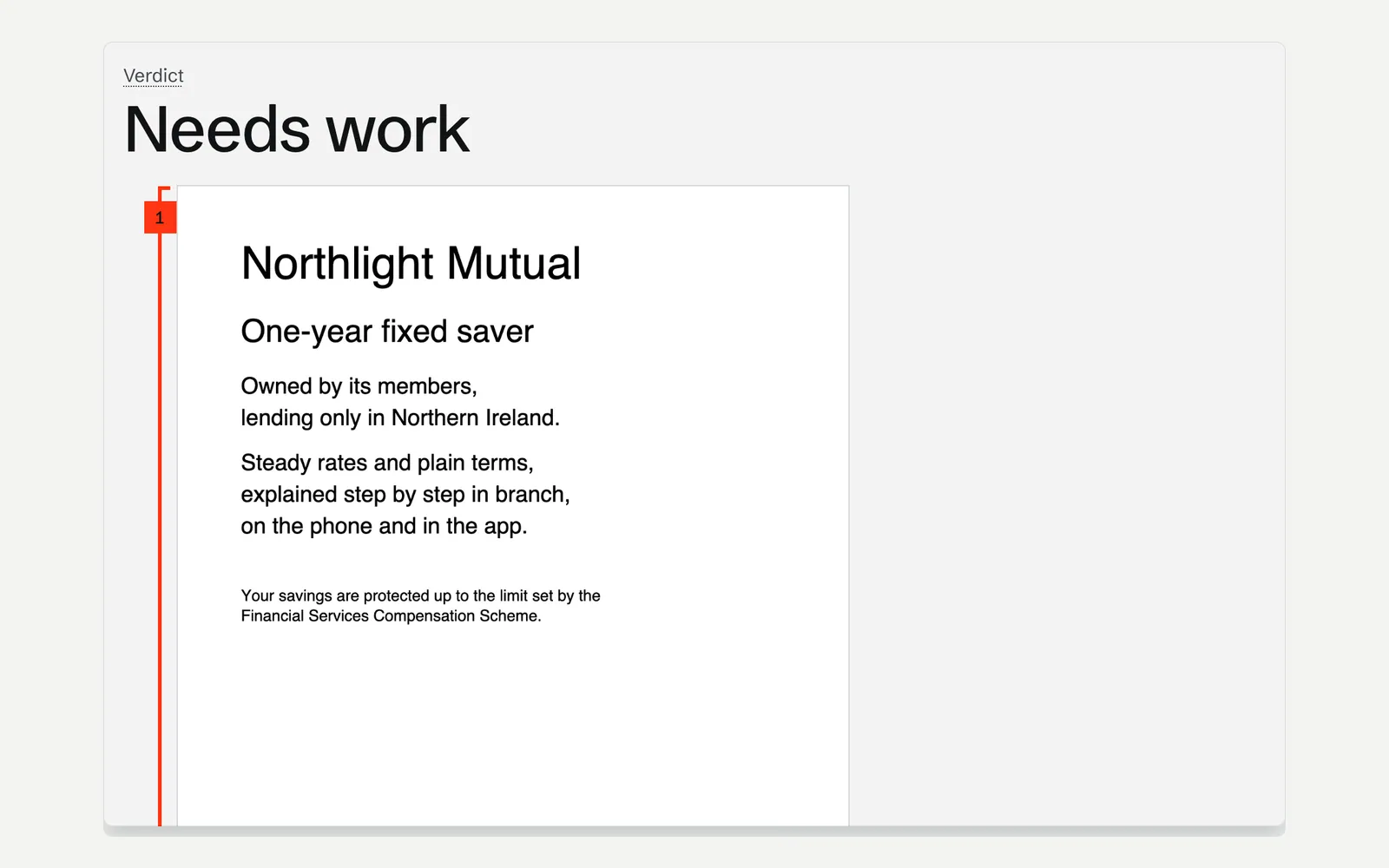
Large PDFs
Checks PDFs of up to 10 MB and sends them for sign-off.
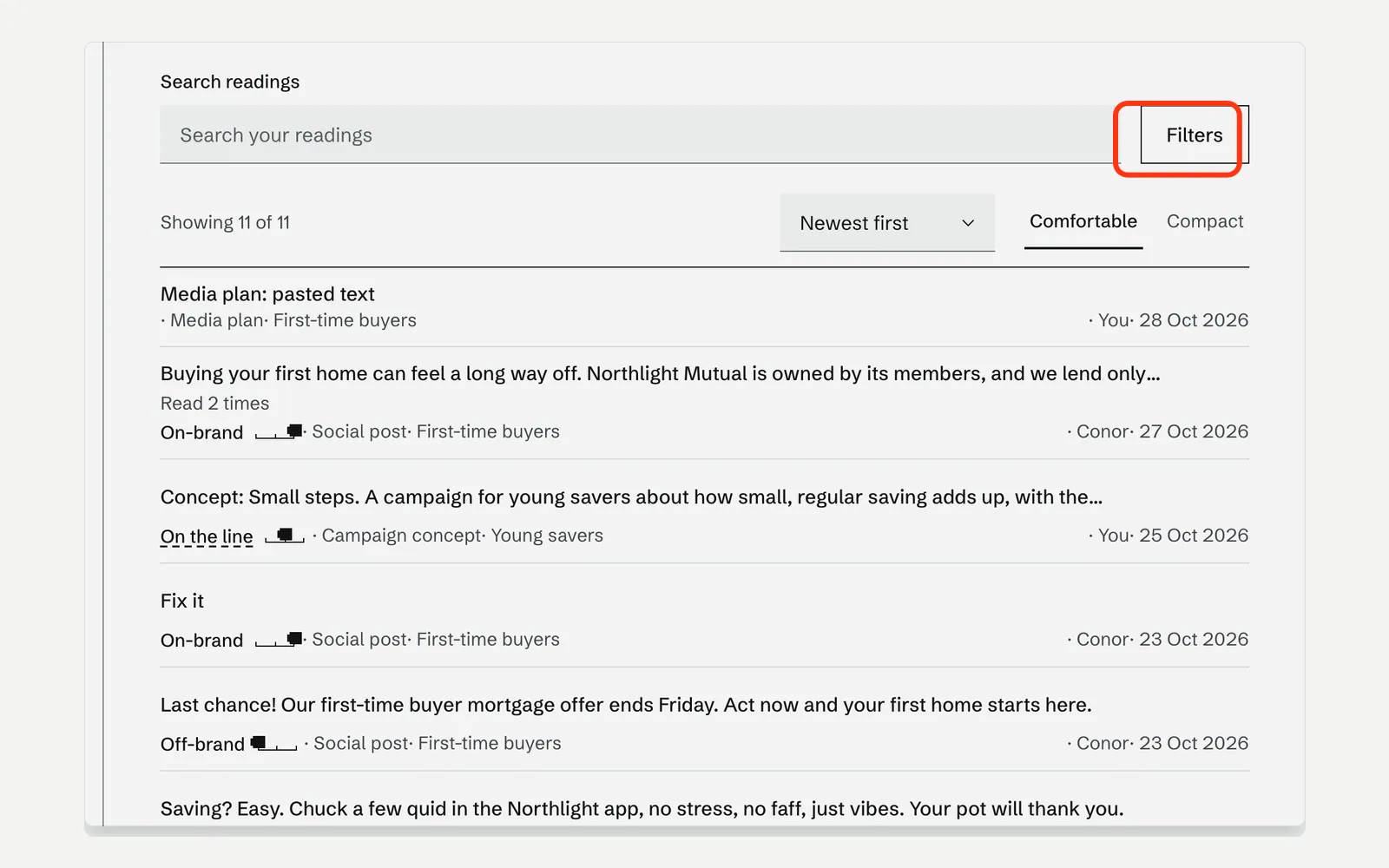
History
Keeps every check, found by date, content type or audience.
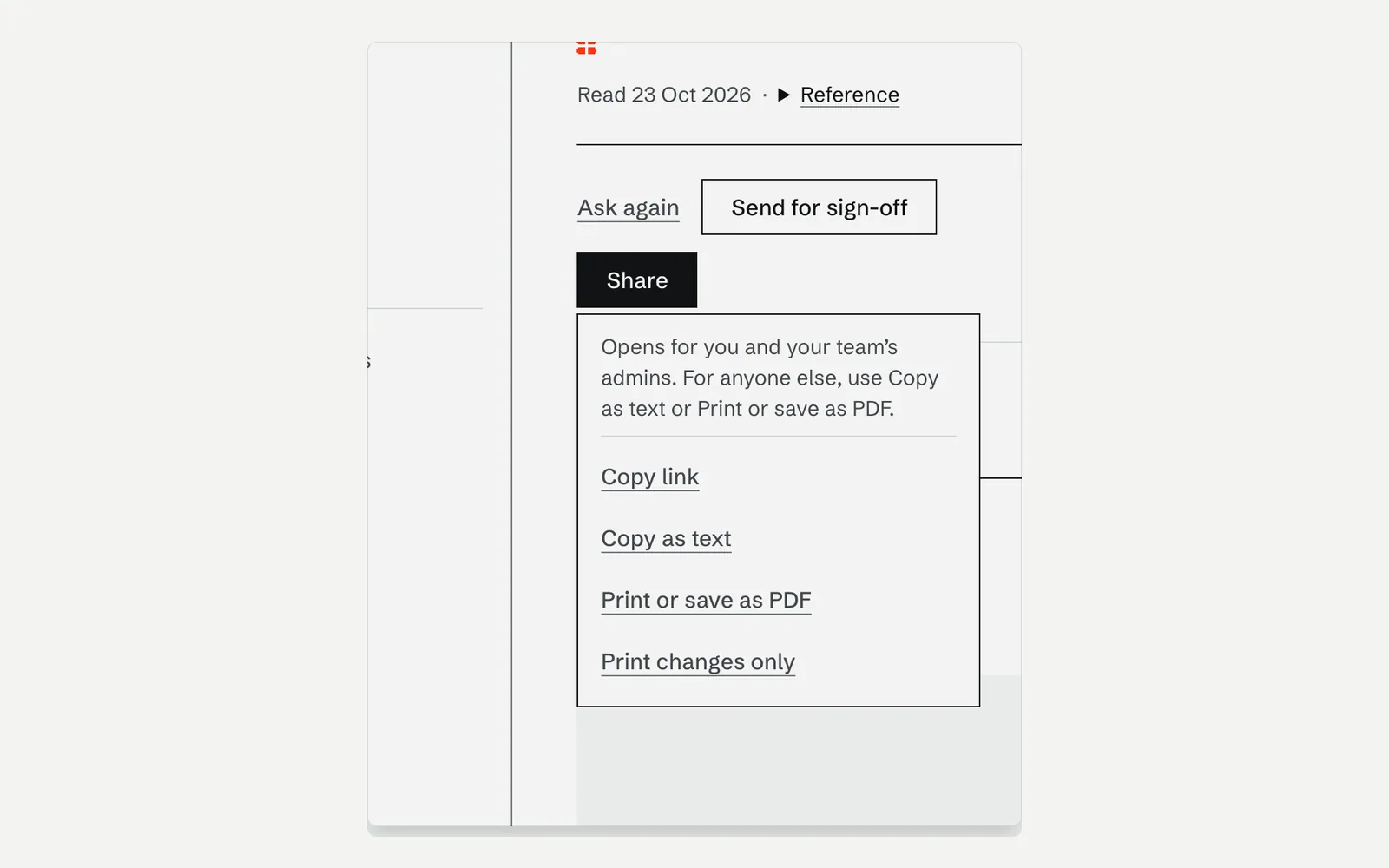
Share a check
Shares a check as a link or text, prints it, or downloads all history.
Catch what a first check misses
Specialist checks for the finer points: your website, each channel, regulated sectors, video and decks.
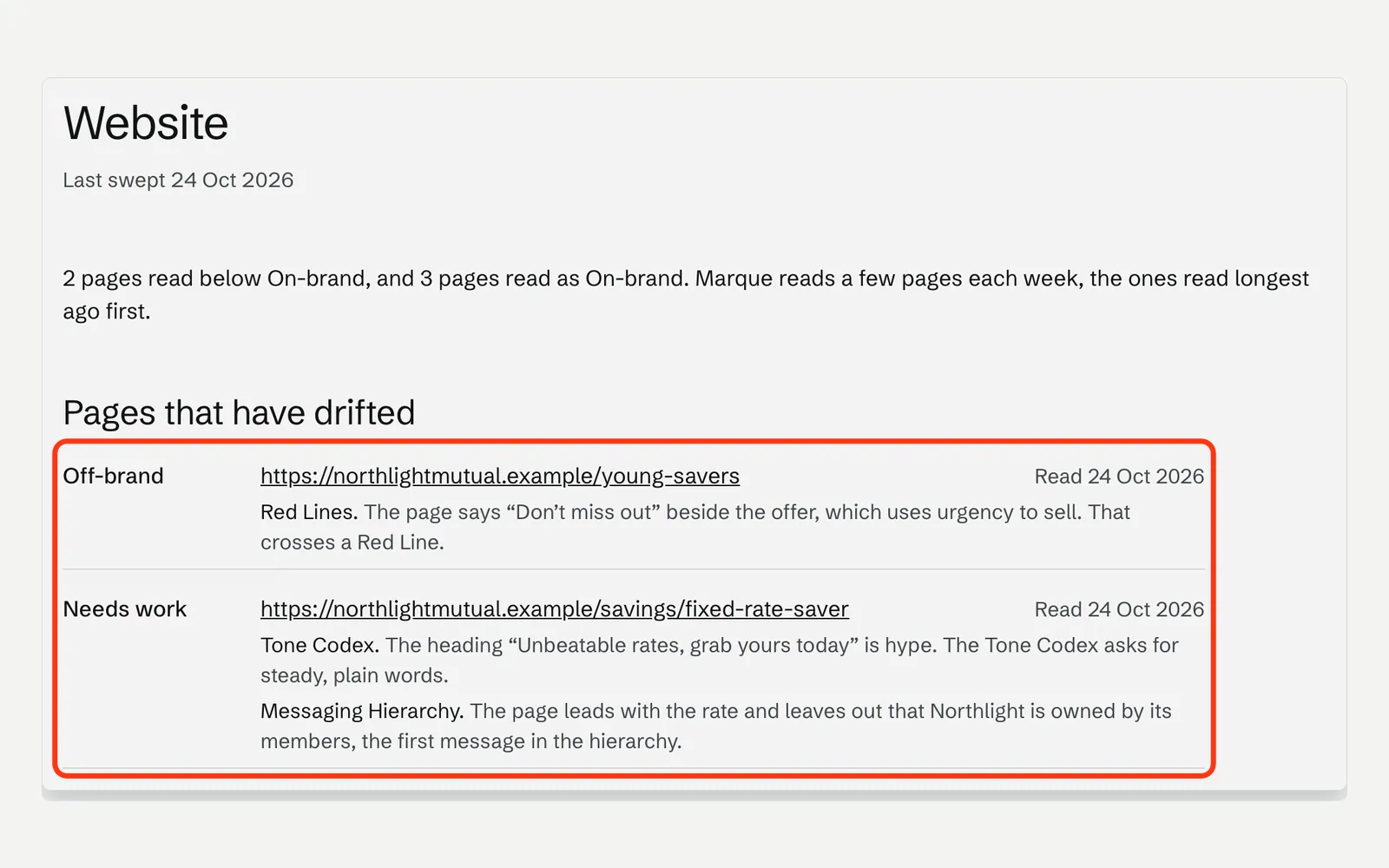
Website review
Checks pages of your website each week and lists any that drift off-brand.
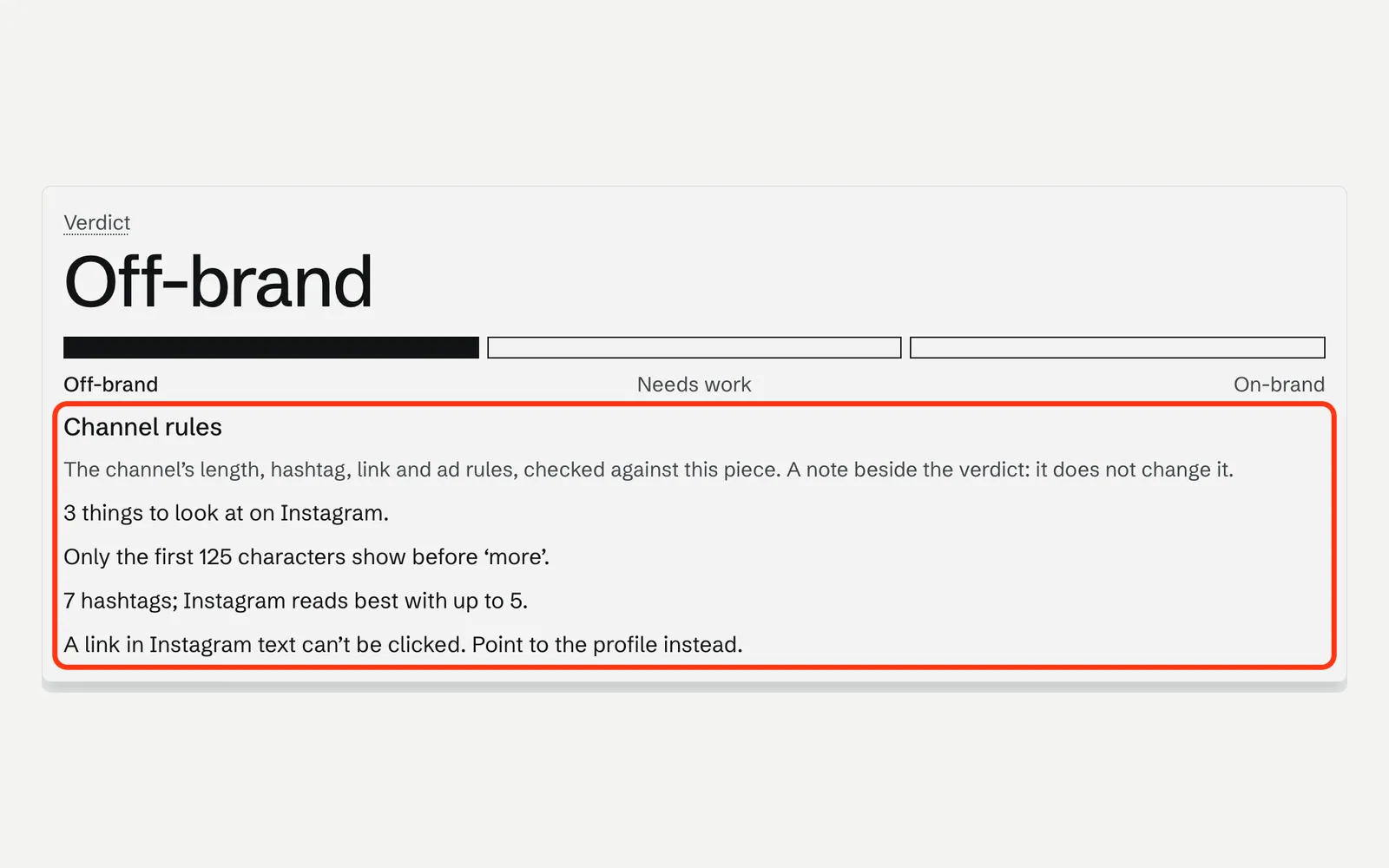
Channel rules
Checks length, hashtag and link limits for the channel a piece is for.
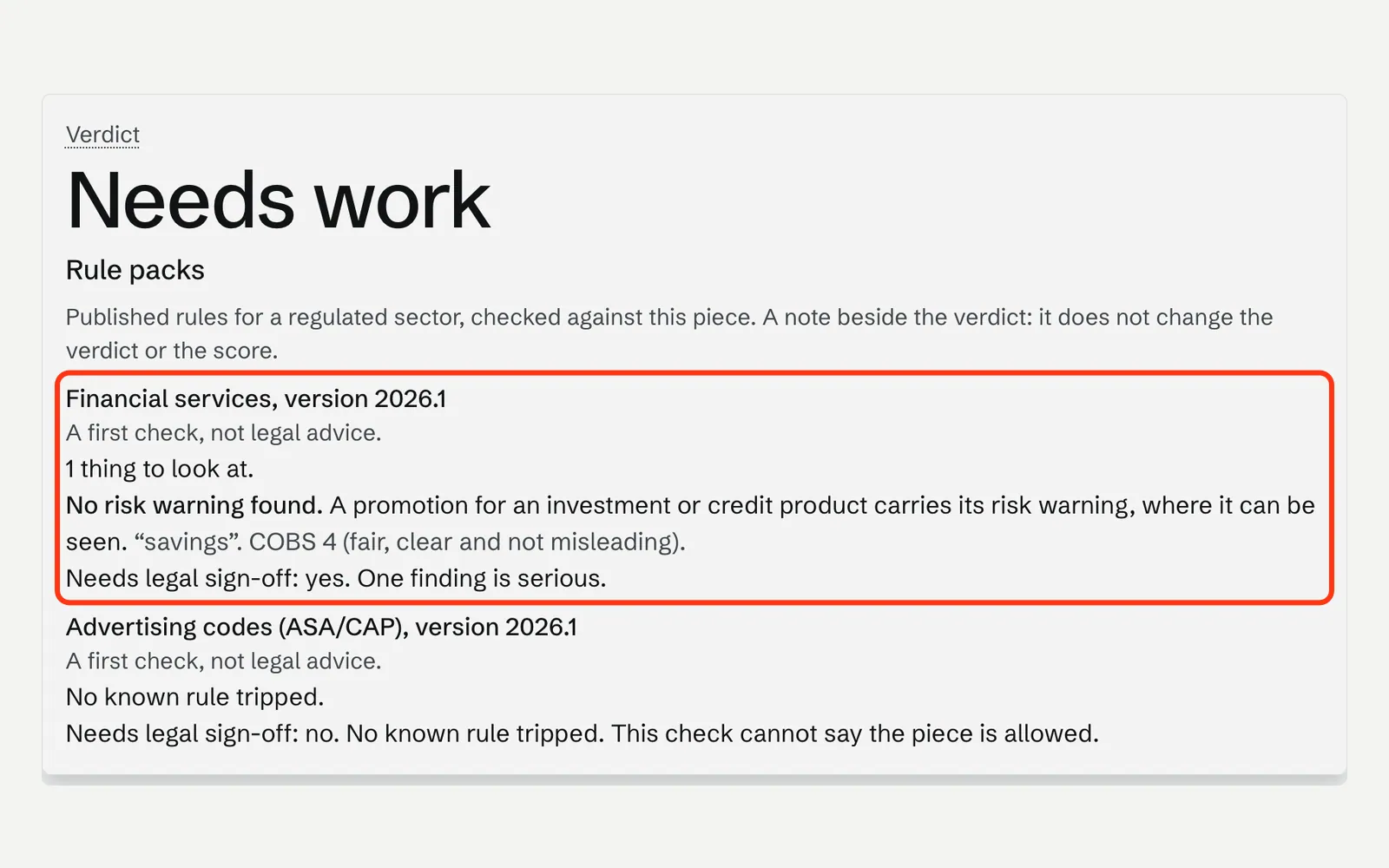
Rule packs
Checks pieces against published rules for regulated sectors. A first check, not legal advice.
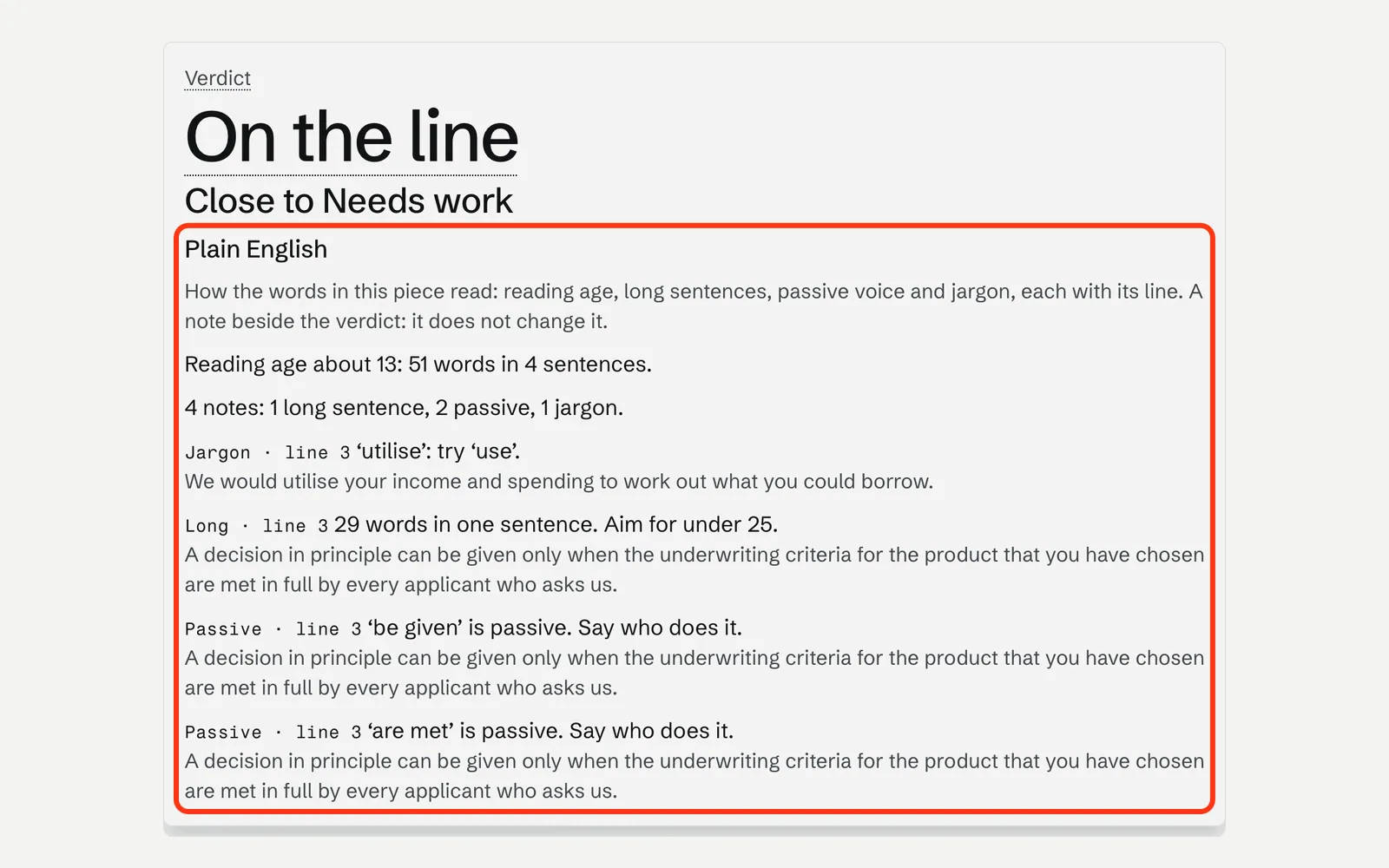
Plain English
Gives a reading age and flags long sentences, passive voice and jargon.
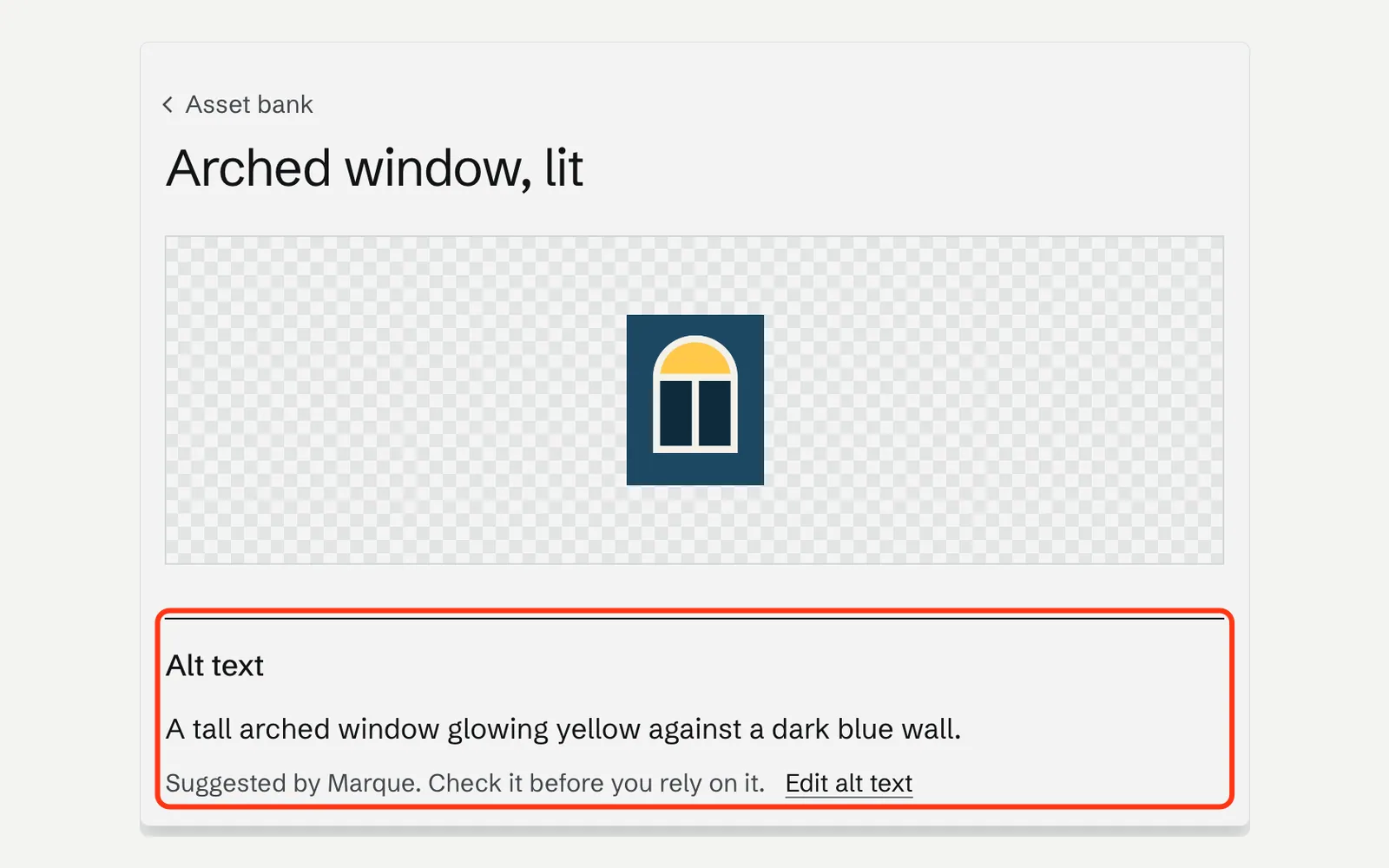
Alt text
Drafts alt text for each image in your brand’s voice, for you to approve.
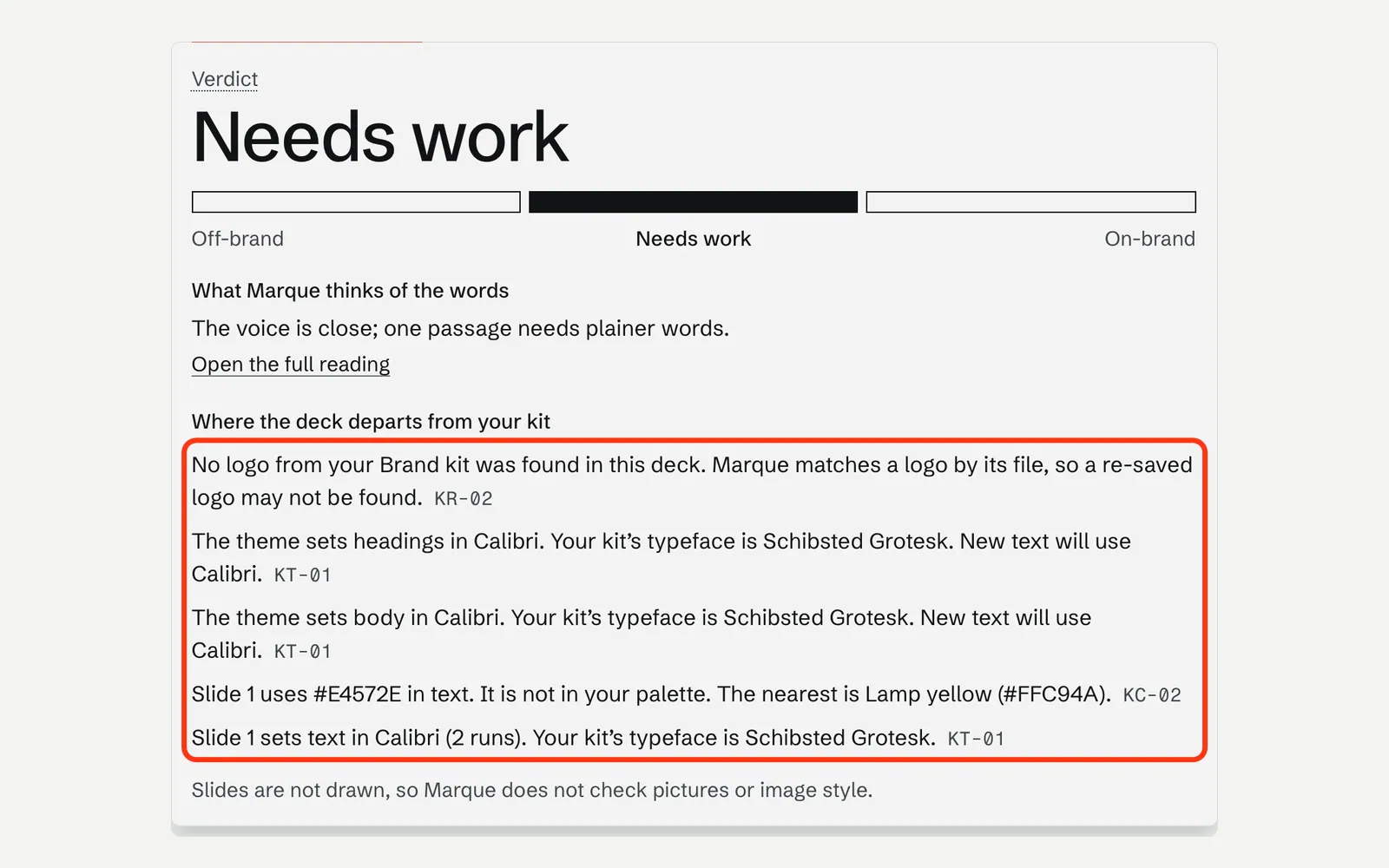
Review a deck
Checks a PowerPoint file against your kit: fonts, colours, logo and layouts.
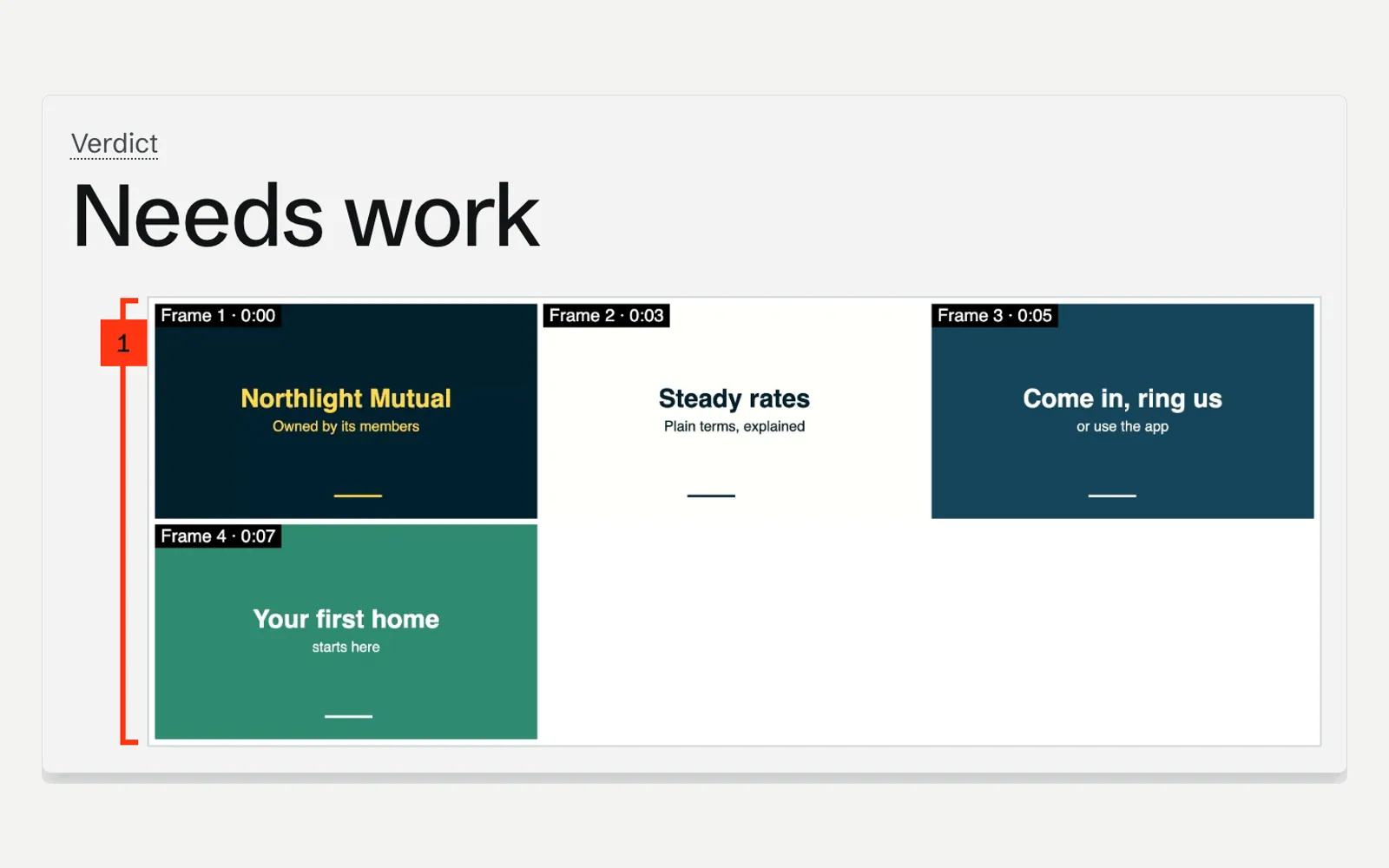
Video and audio checks
Checks video and audio, and says which frame or words each note means.
Find any file
Your files and your brand kit, in one place and found by describing them.
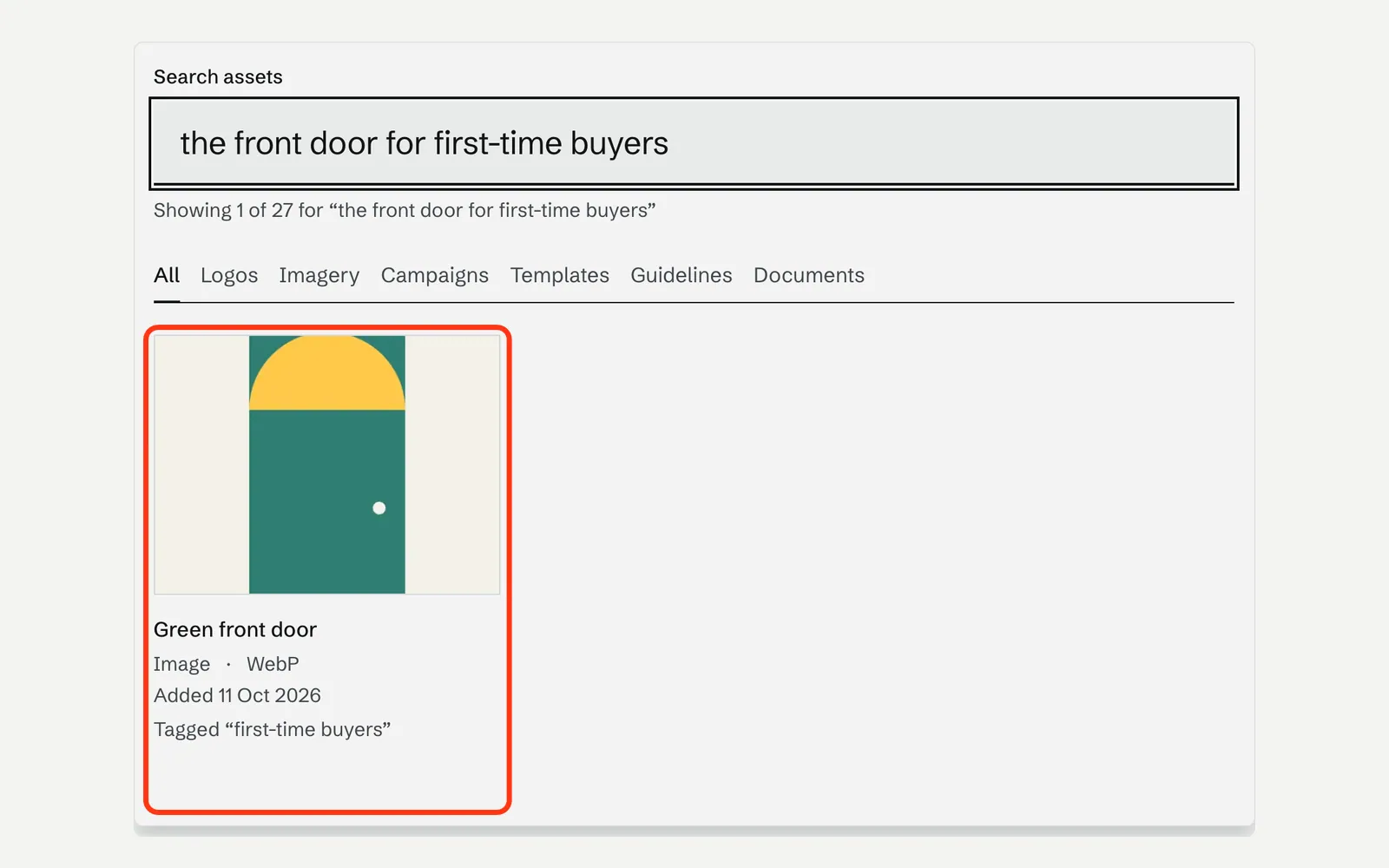
Asset bank
Keeps every file in one place and finds any of them from a description.
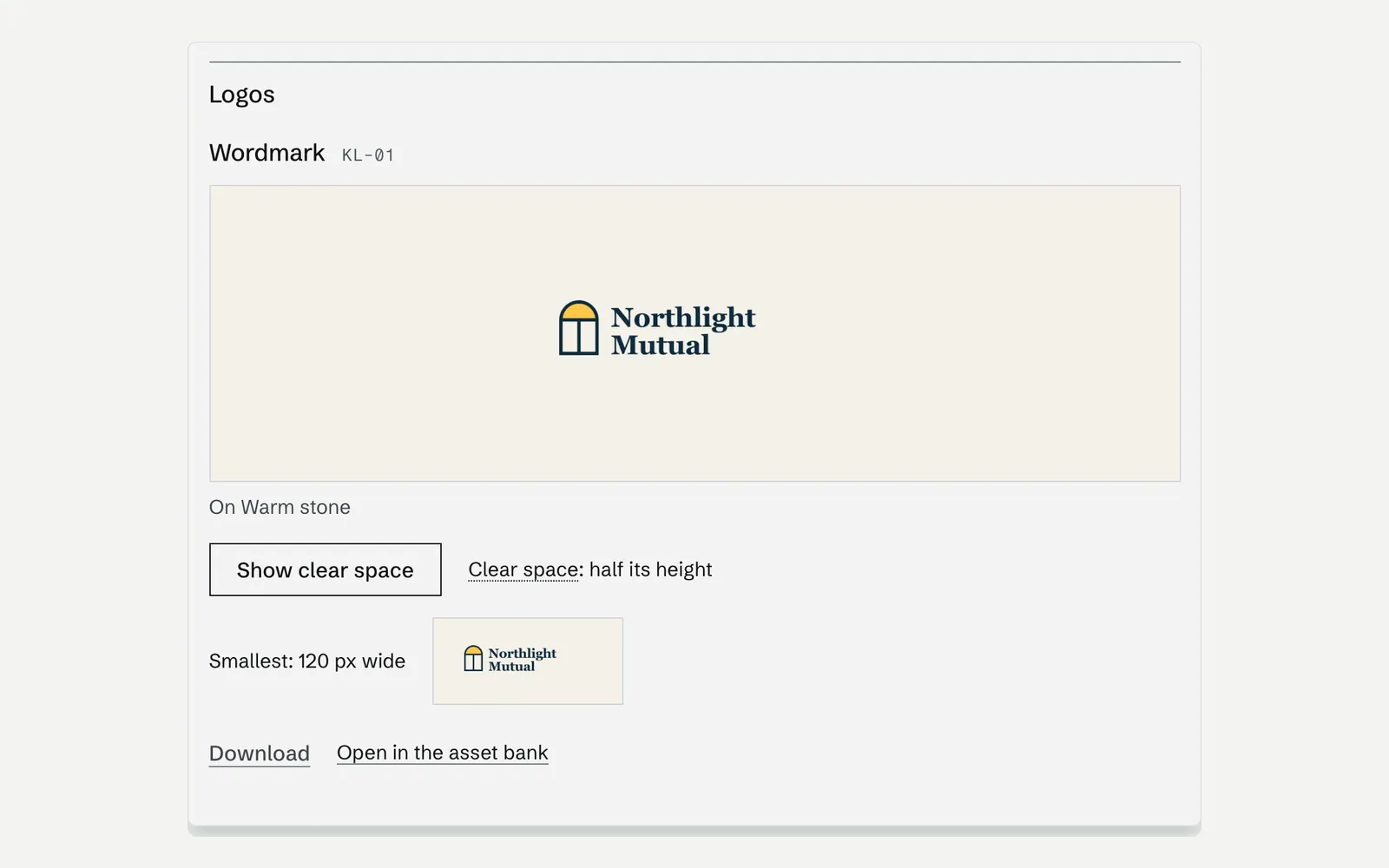
Brand kit
Holds your logos, colours, type and image style, set up by Big+Bold.
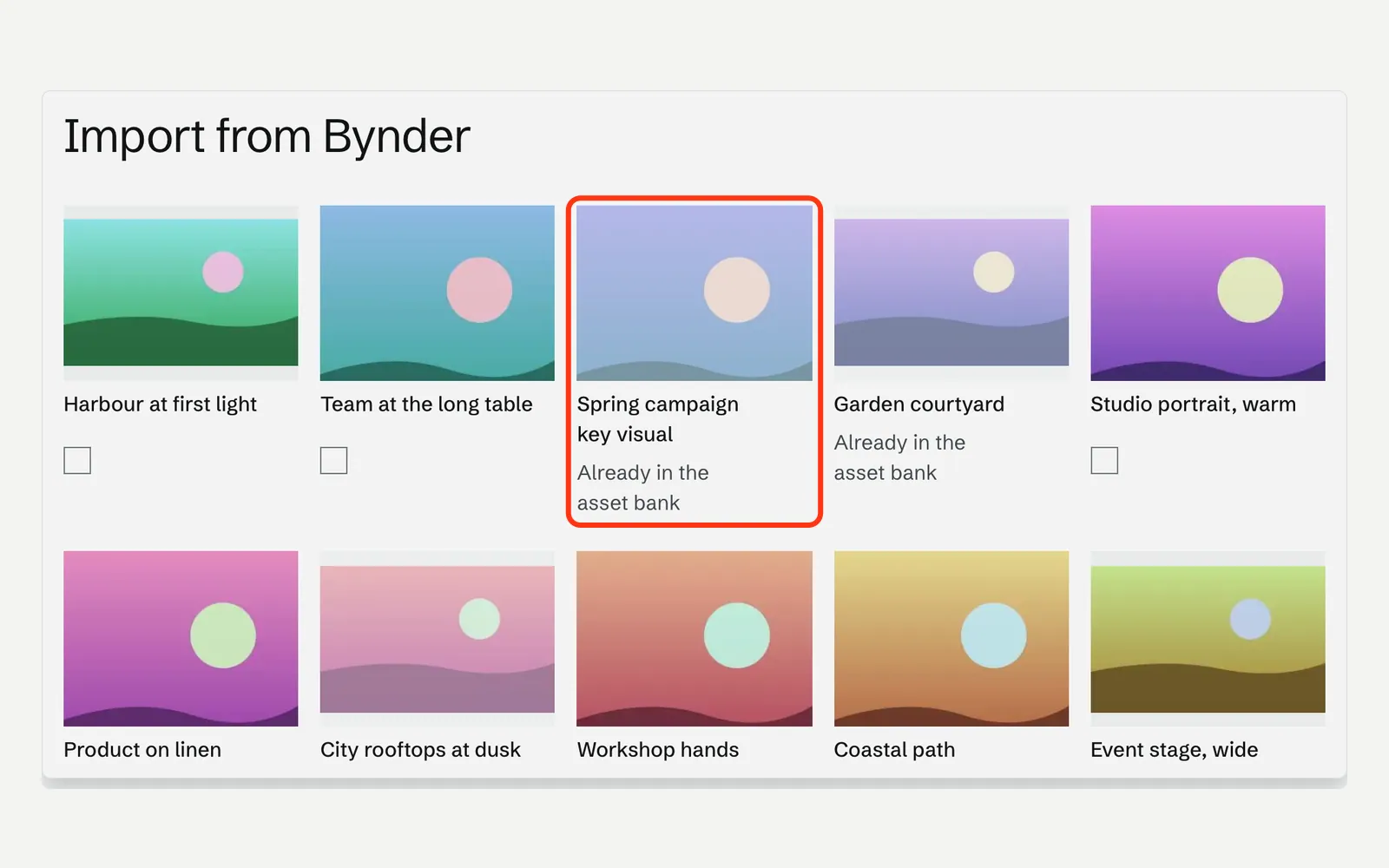
Asset libraries
Brings in assets from the digital asset manager you already run.
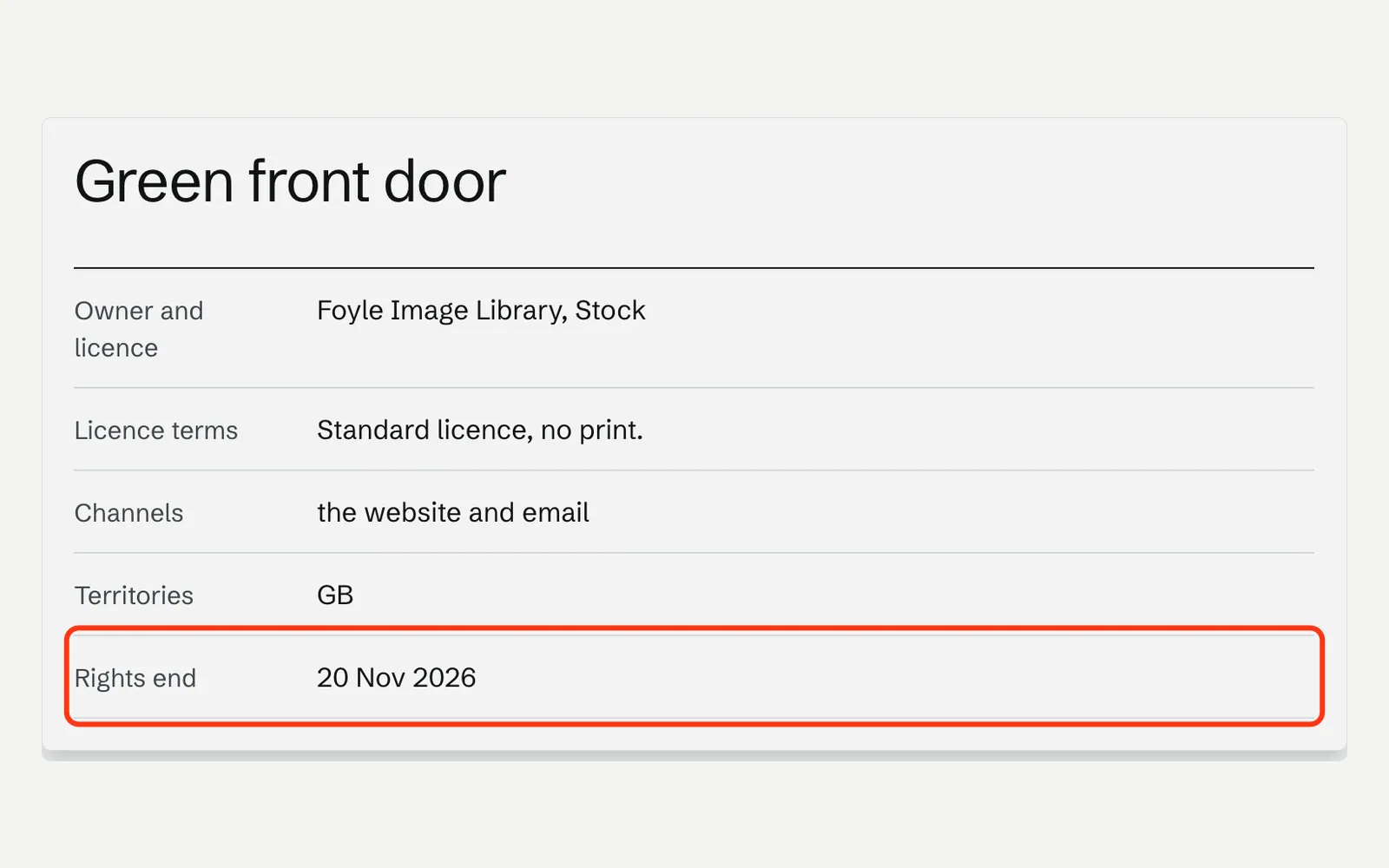
File rights
Records each file’s licence, countries and end date, and stops a use outside them.
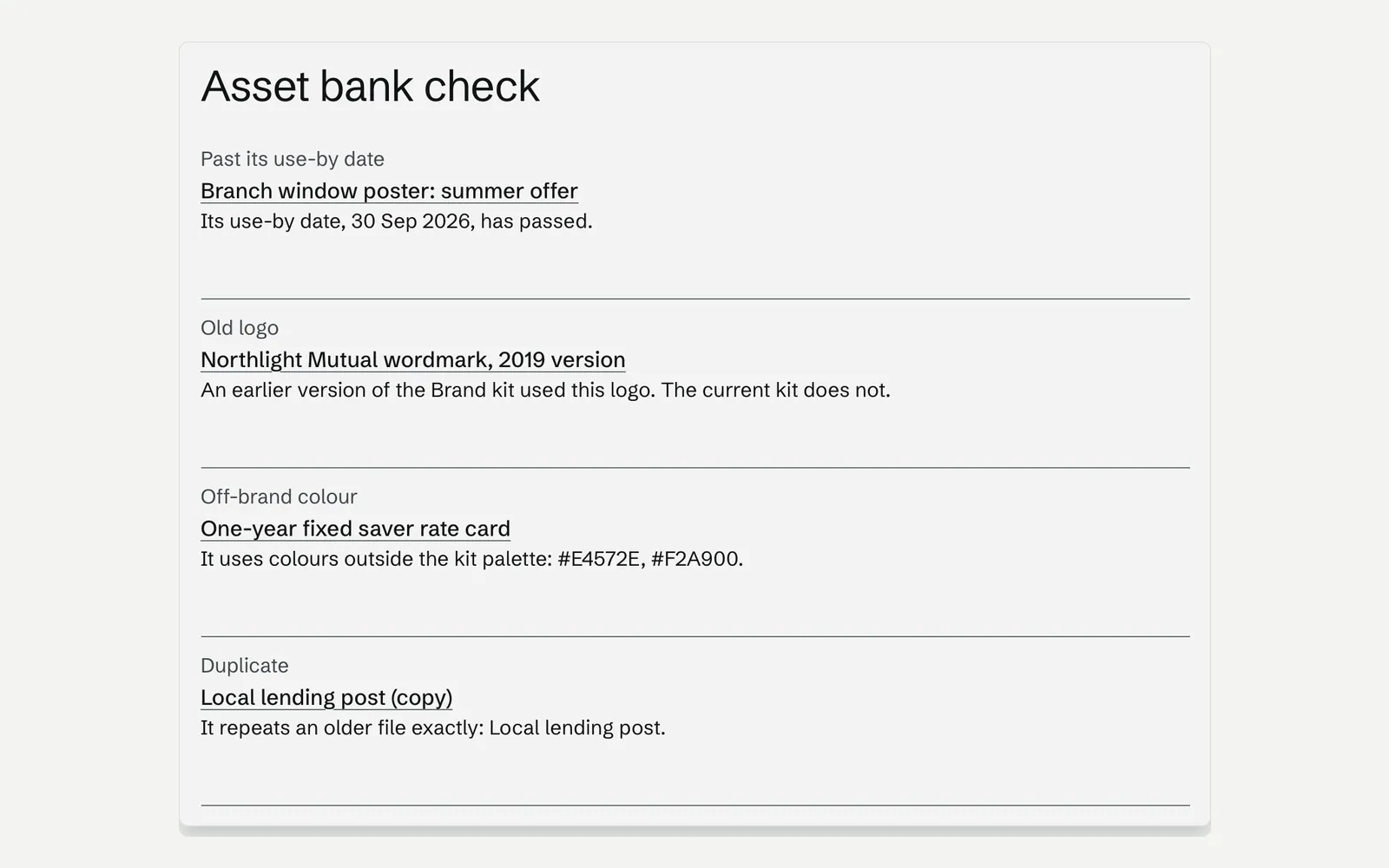
Asset bank check
Finds old logos, off-brand colours, duplicates and out-of-date files each week.
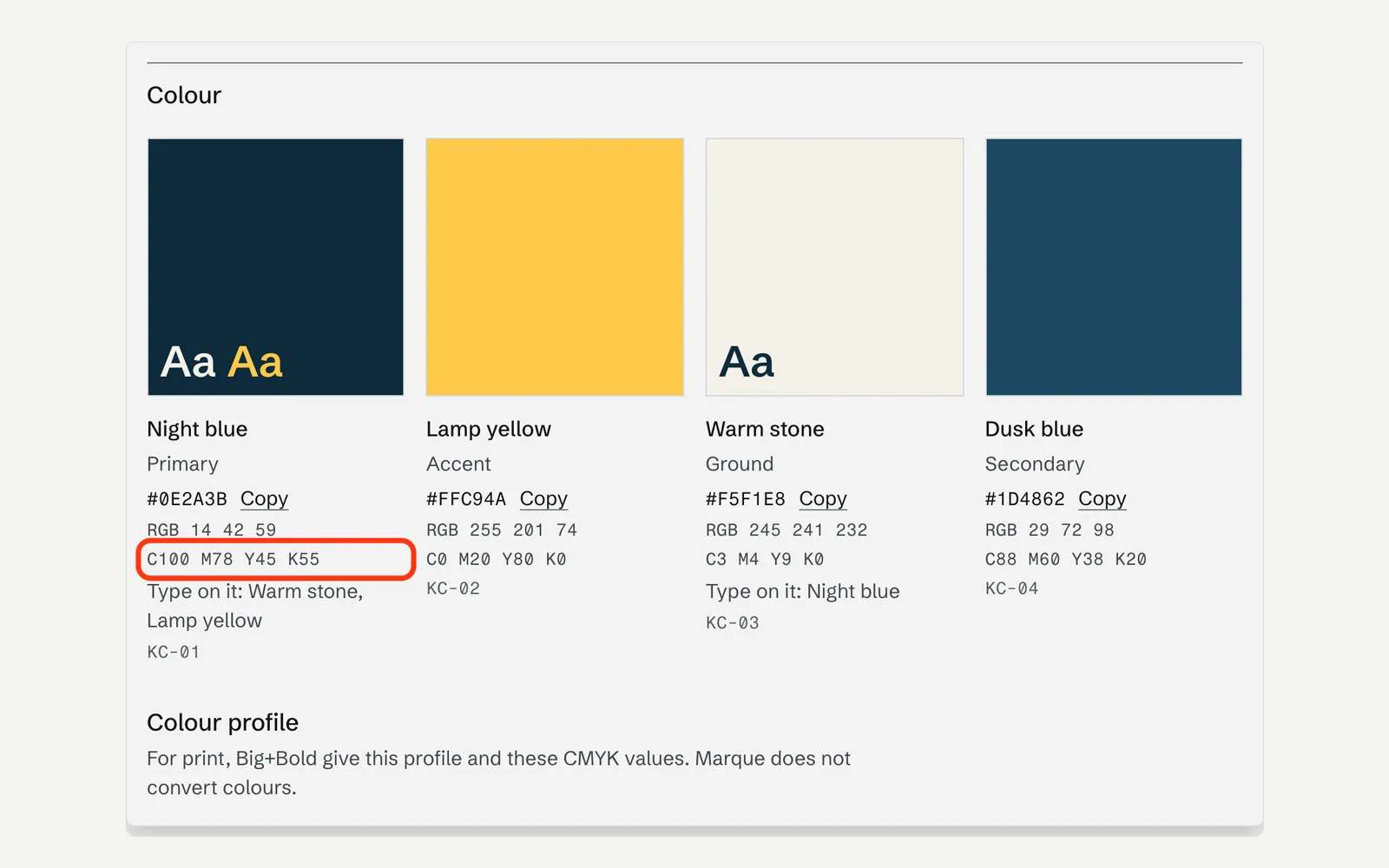
Brand kit extras
Adds CMYK colour values, a colour profile and sounds to your brand kit.
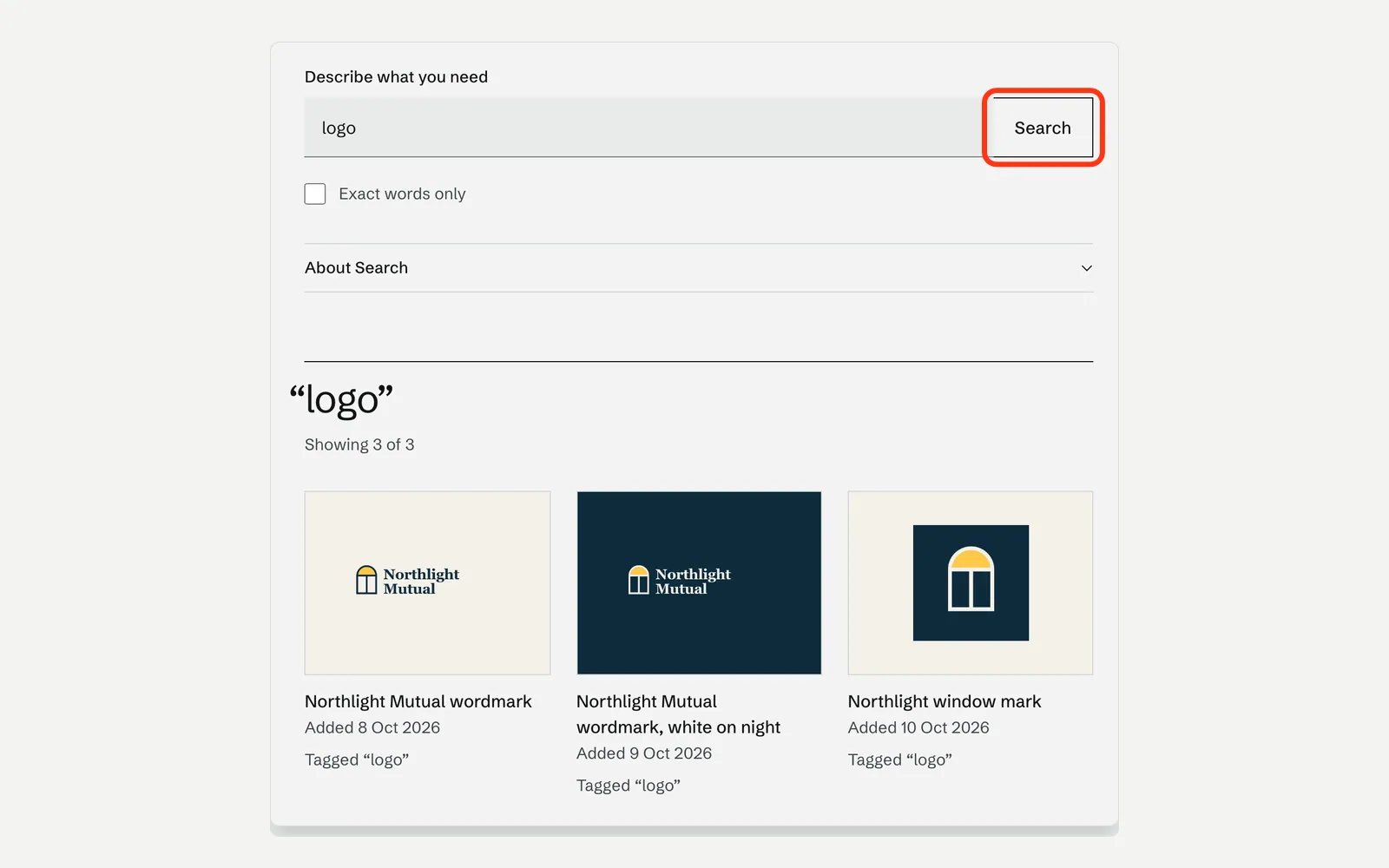
Search
Searches your brand and asset bank at once, by your words and by meaning.
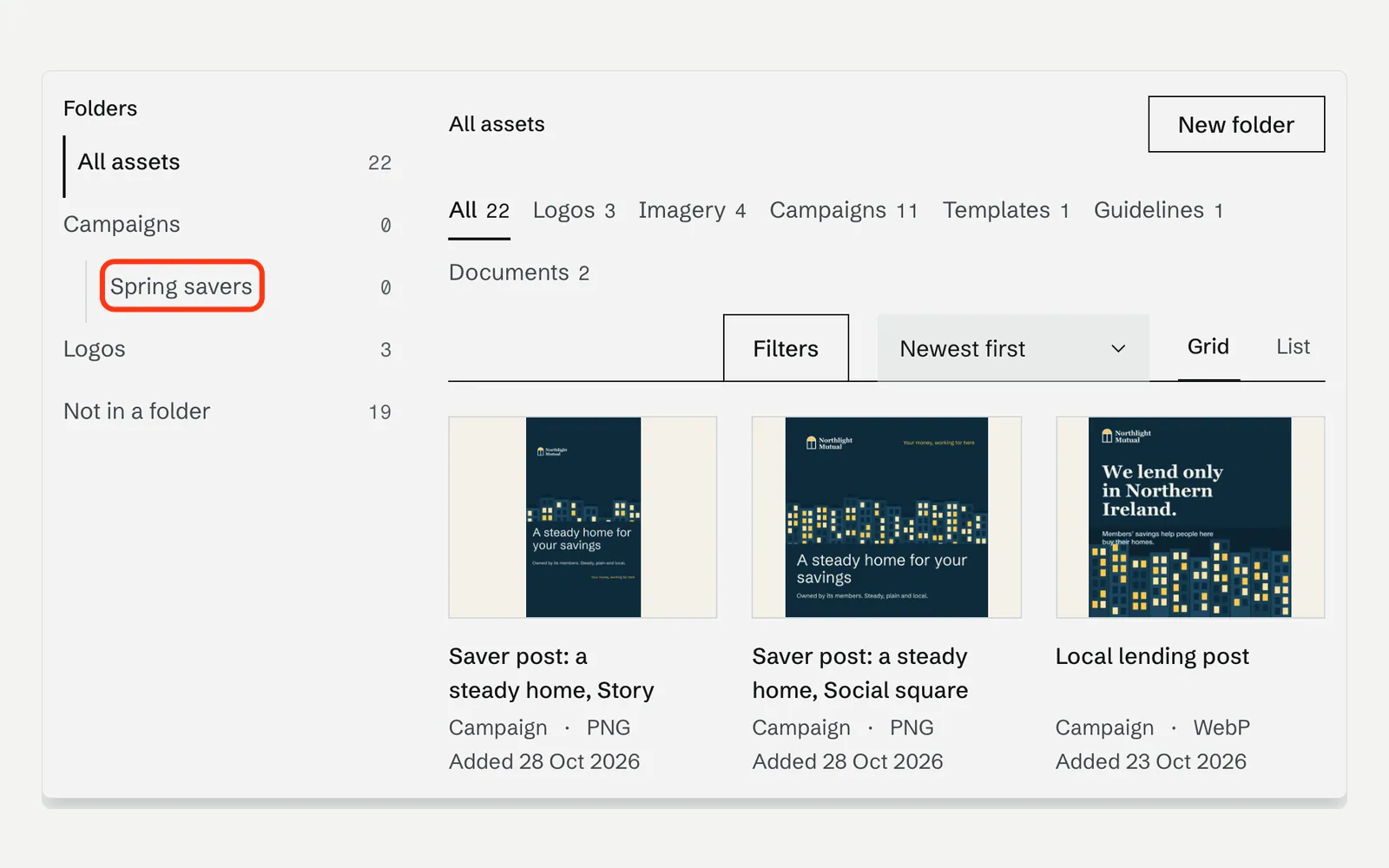
Folders in the asset bank
Puts files in folders that your admins make, rename and move.
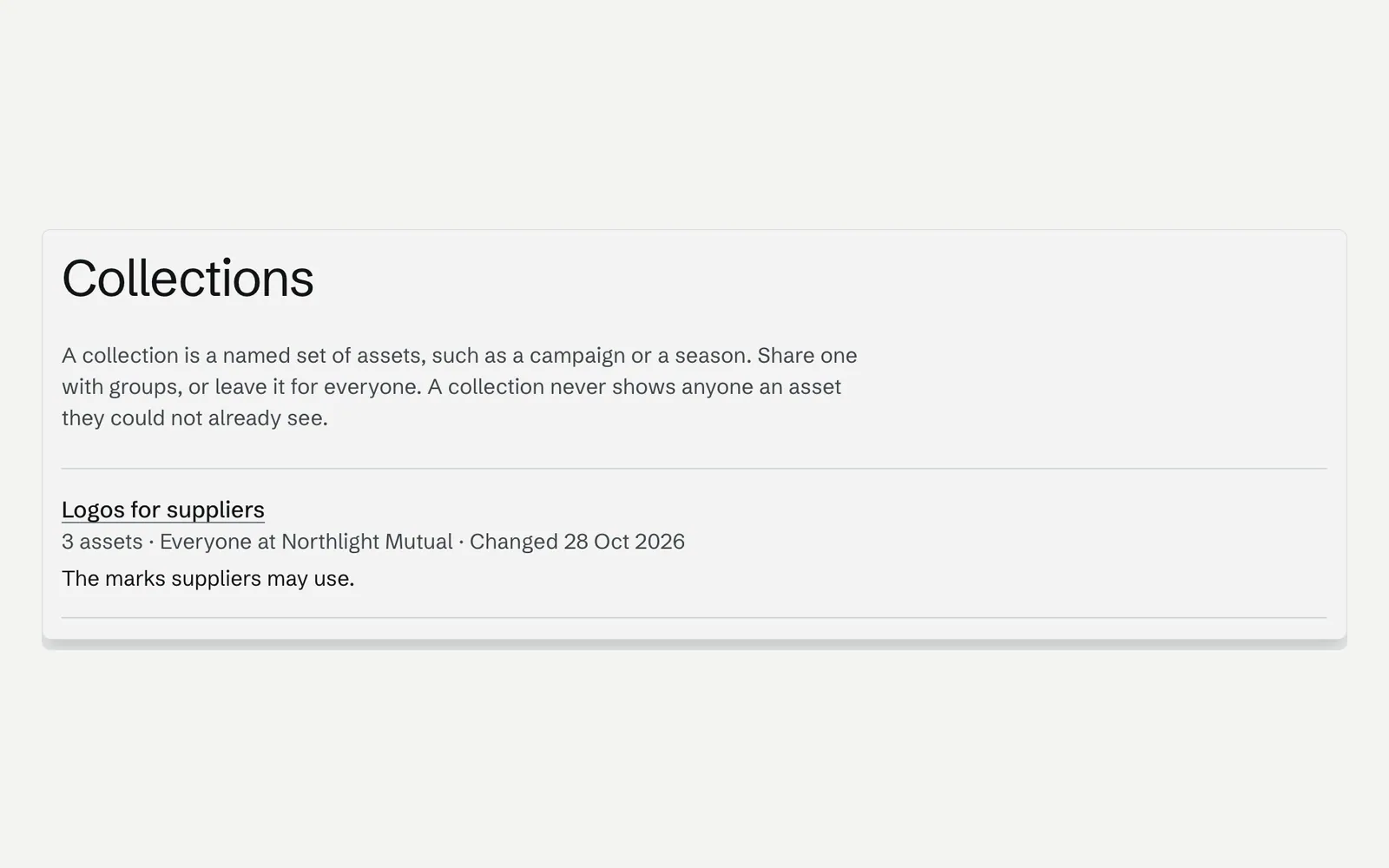
Collections and use-by dates
Groups files into collections and marks any past their use-by date.
Make simple brand pieces
Resizes, new versions and finished pieces, from your own templates.
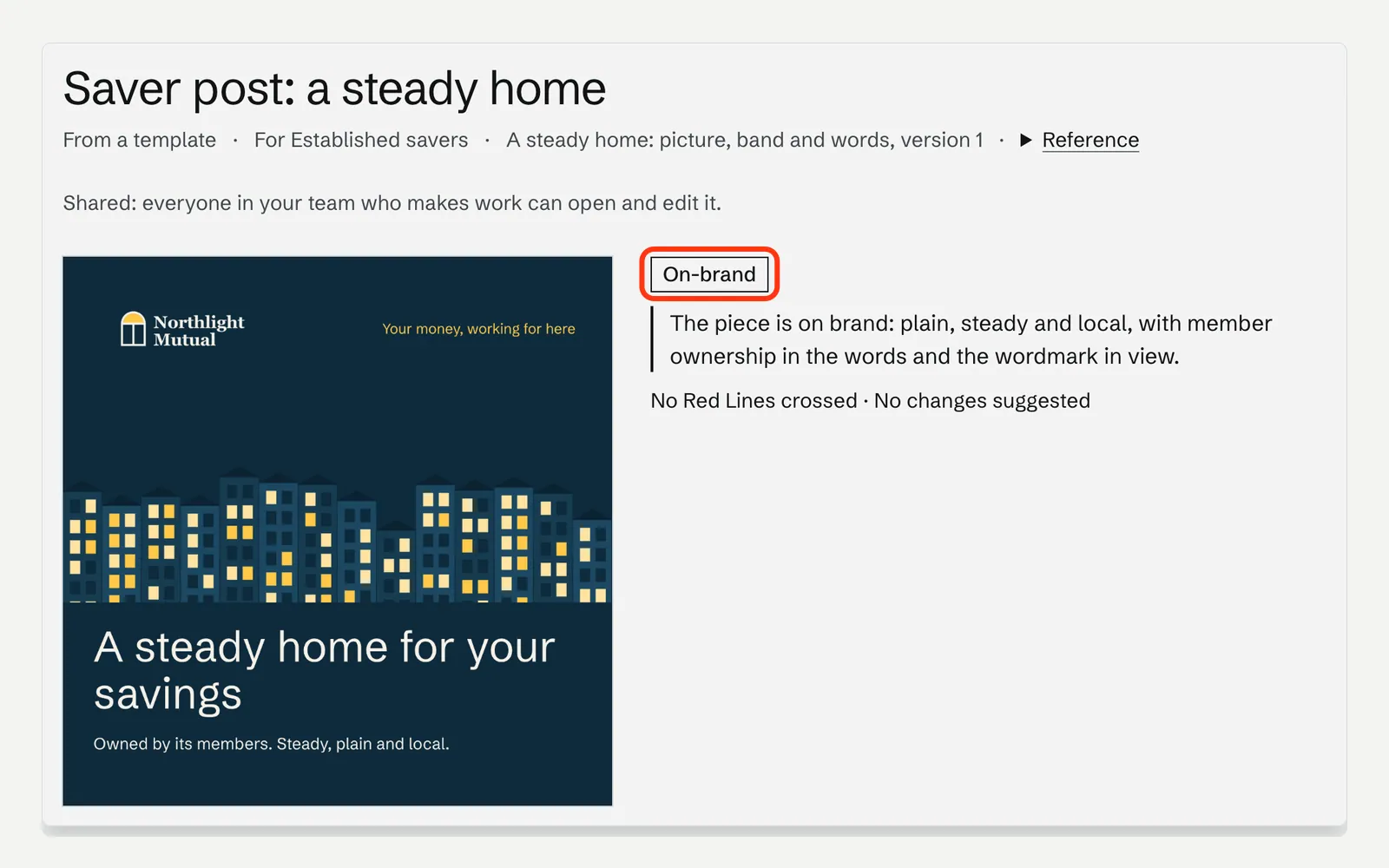
Simple brand jobs
Resizes approved work, makes new versions, and puts your words on a picture.
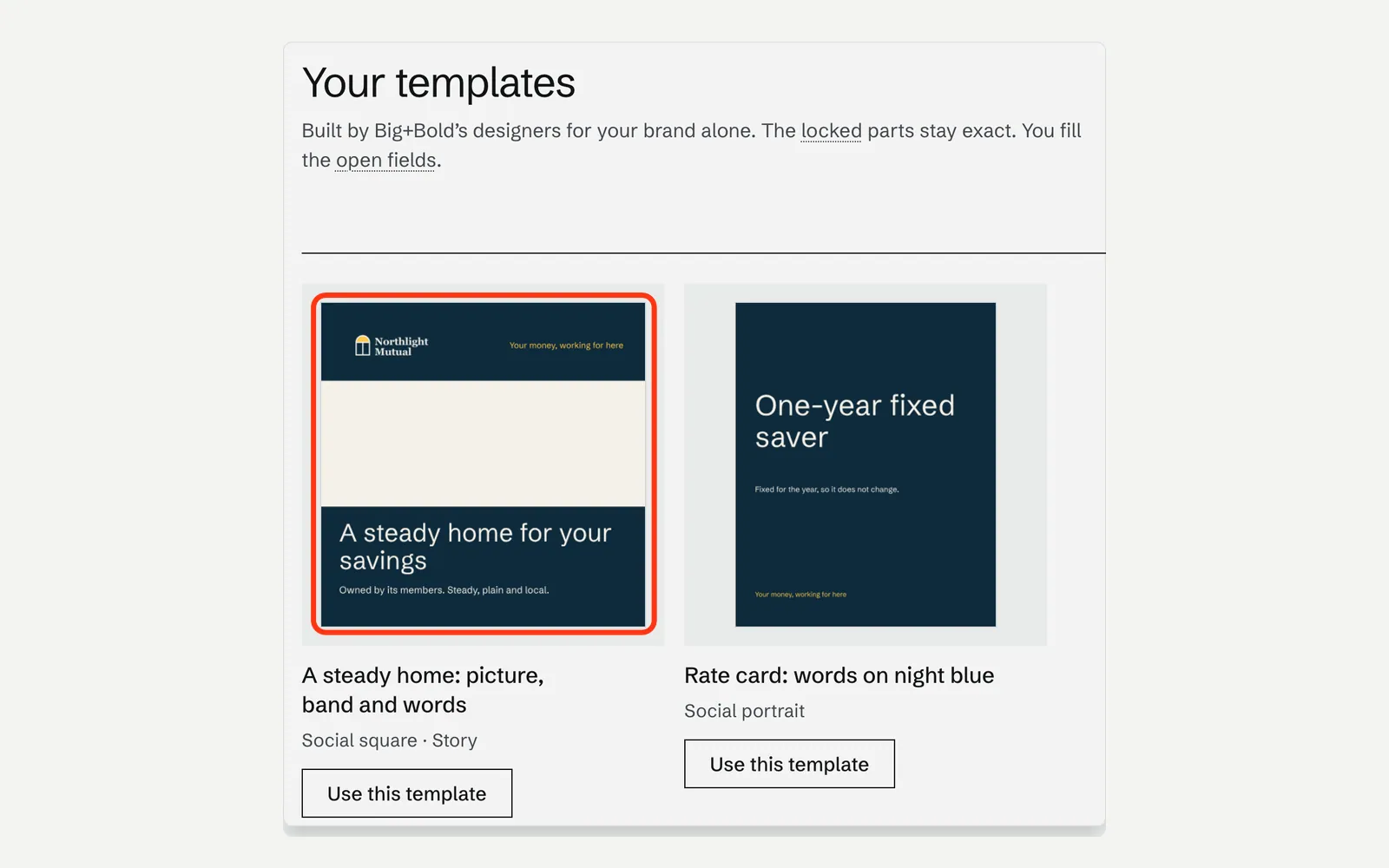
Your templates
Gives your team layouts Big+Bold designed for your brand. Only the open fields change.
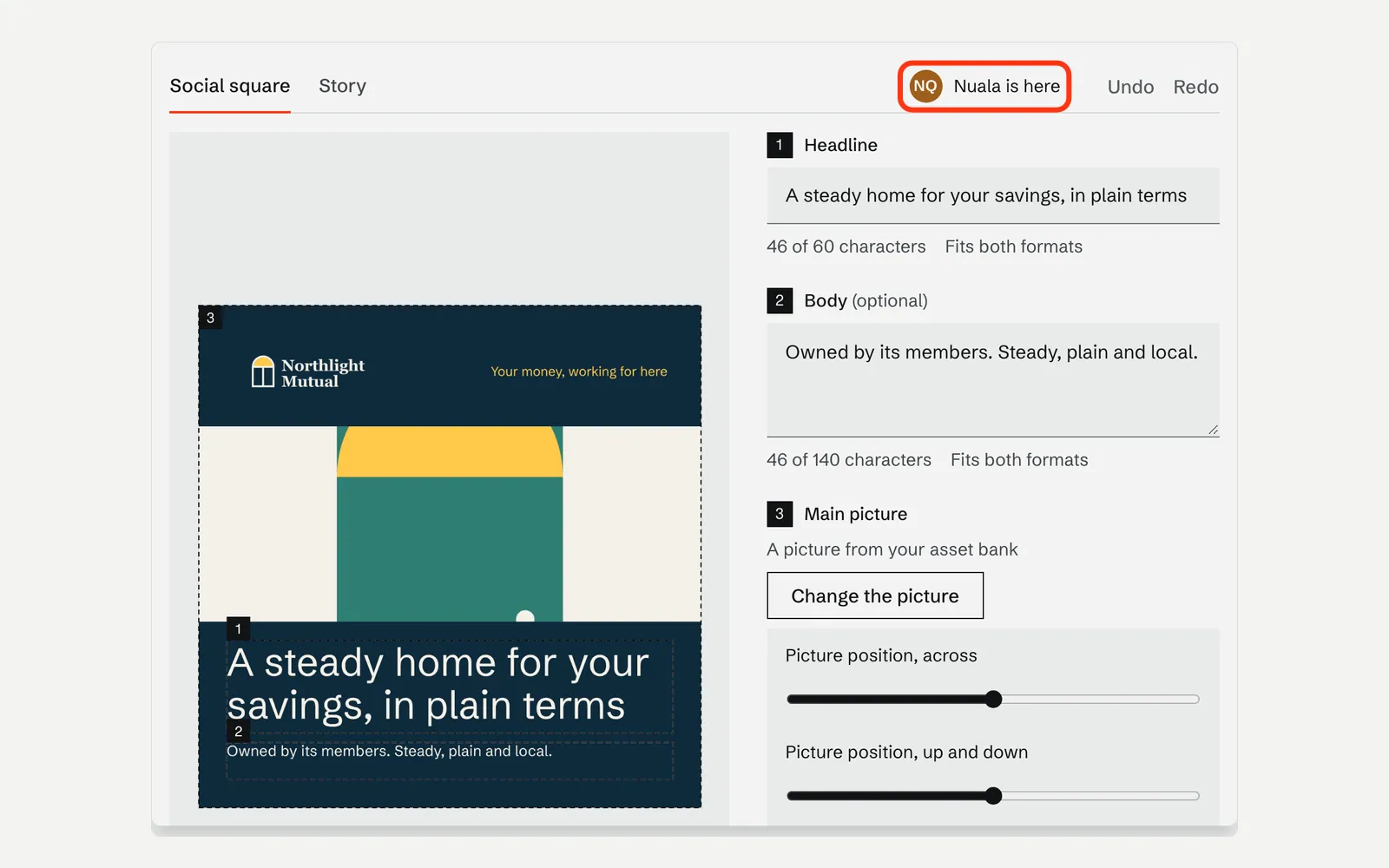
Editing together
Lets several people edit one design at once, seeing each change as it happens.
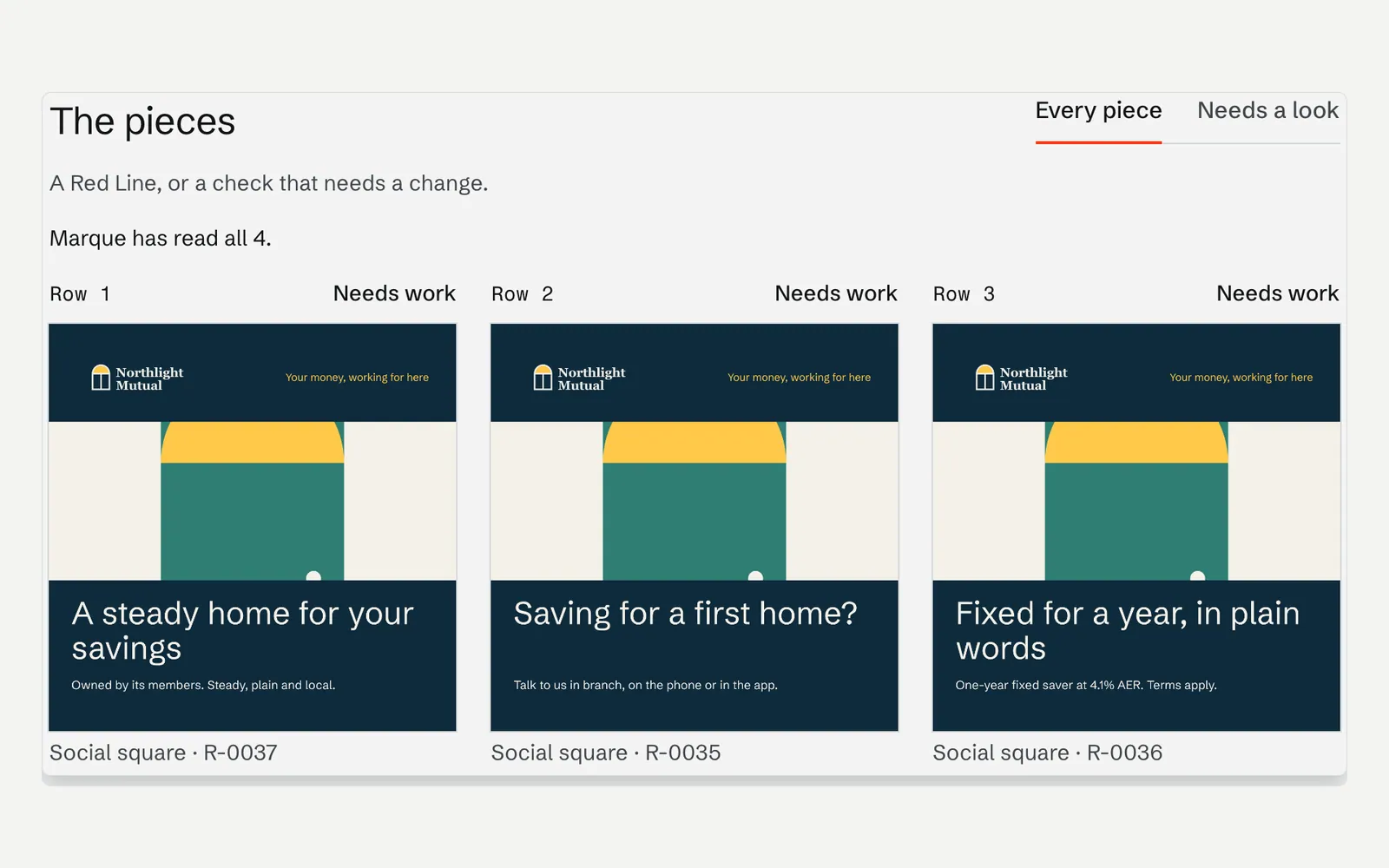
Smart fields and data merge
Fills in names and details, making one piece for each row of a sheet.
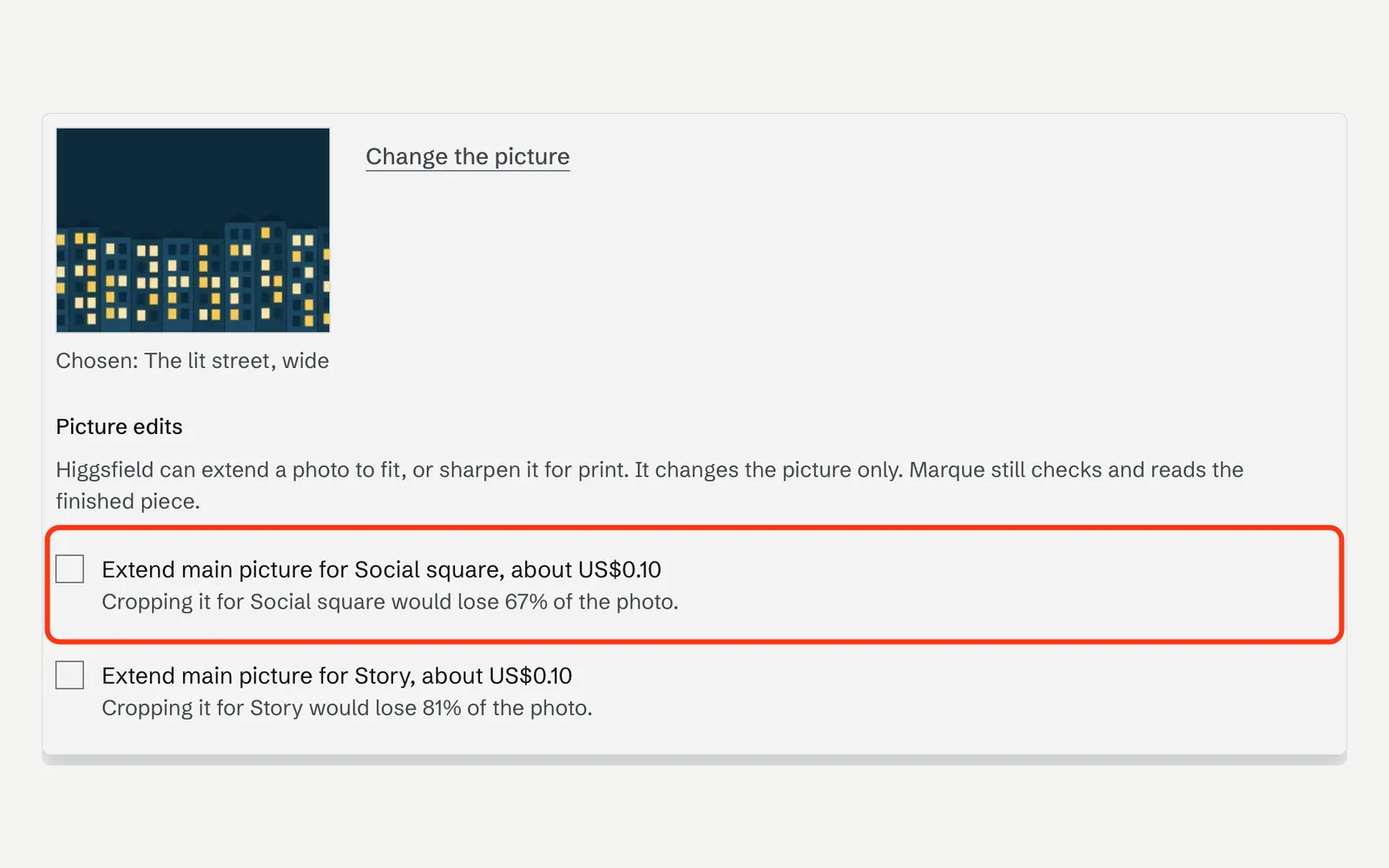
Picture edits
Extends a photo to a new shape or enlarges it for print.
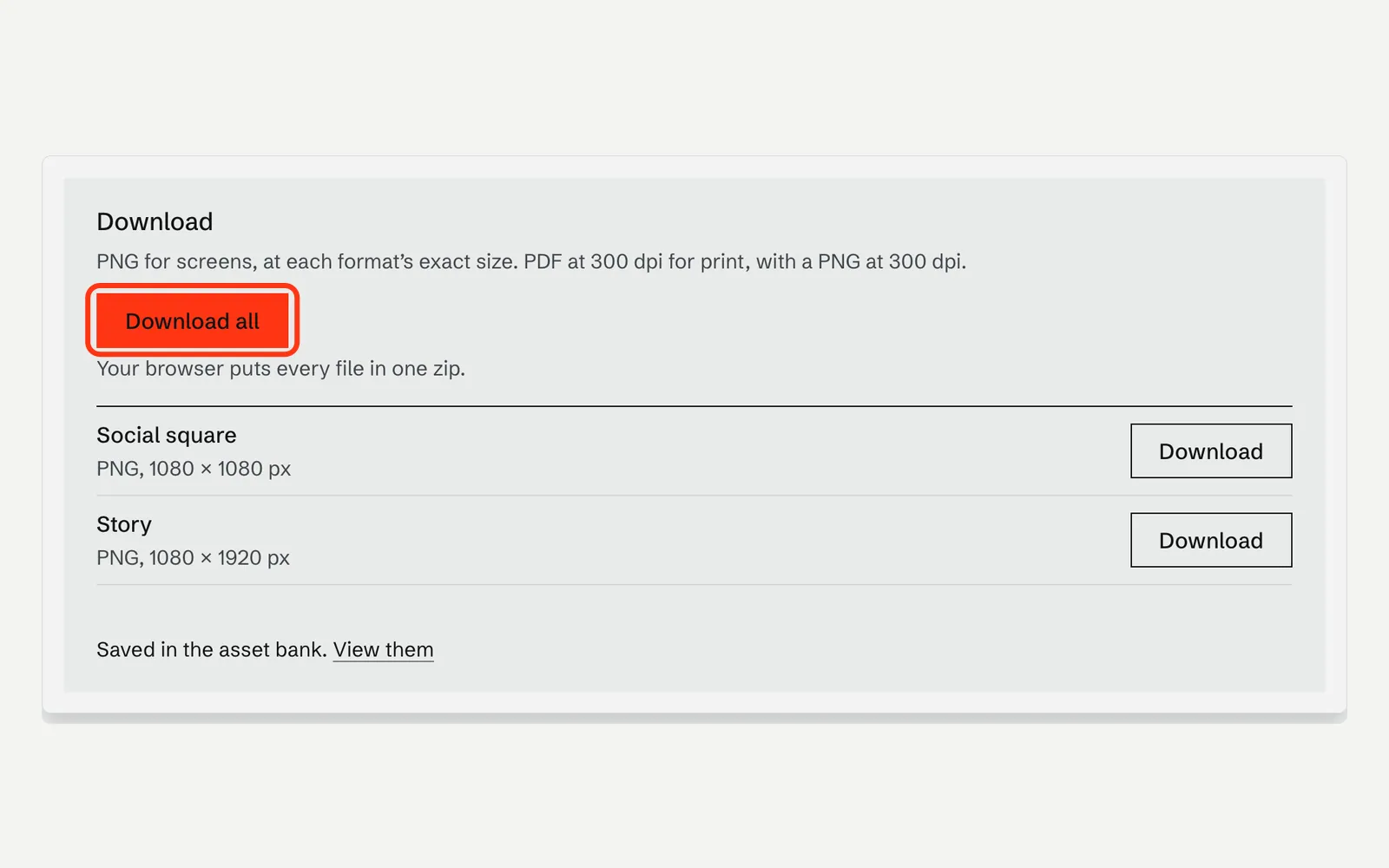
PDF and PNG
Downloads print-ready PDFs and PNGs at each format’s exact size.
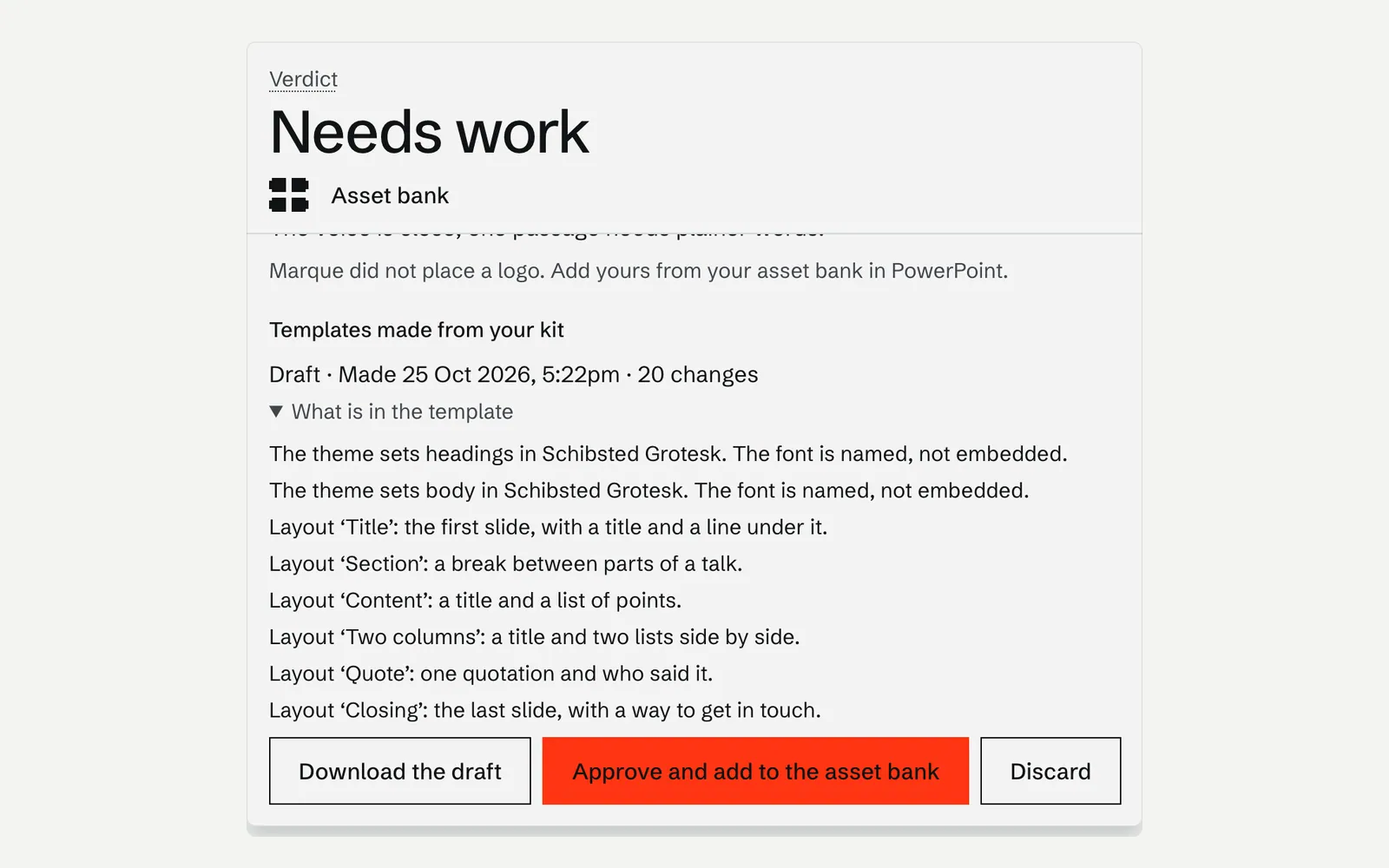
Template from your kit
Builds a PowerPoint template from your brand kit, ready to fill in.
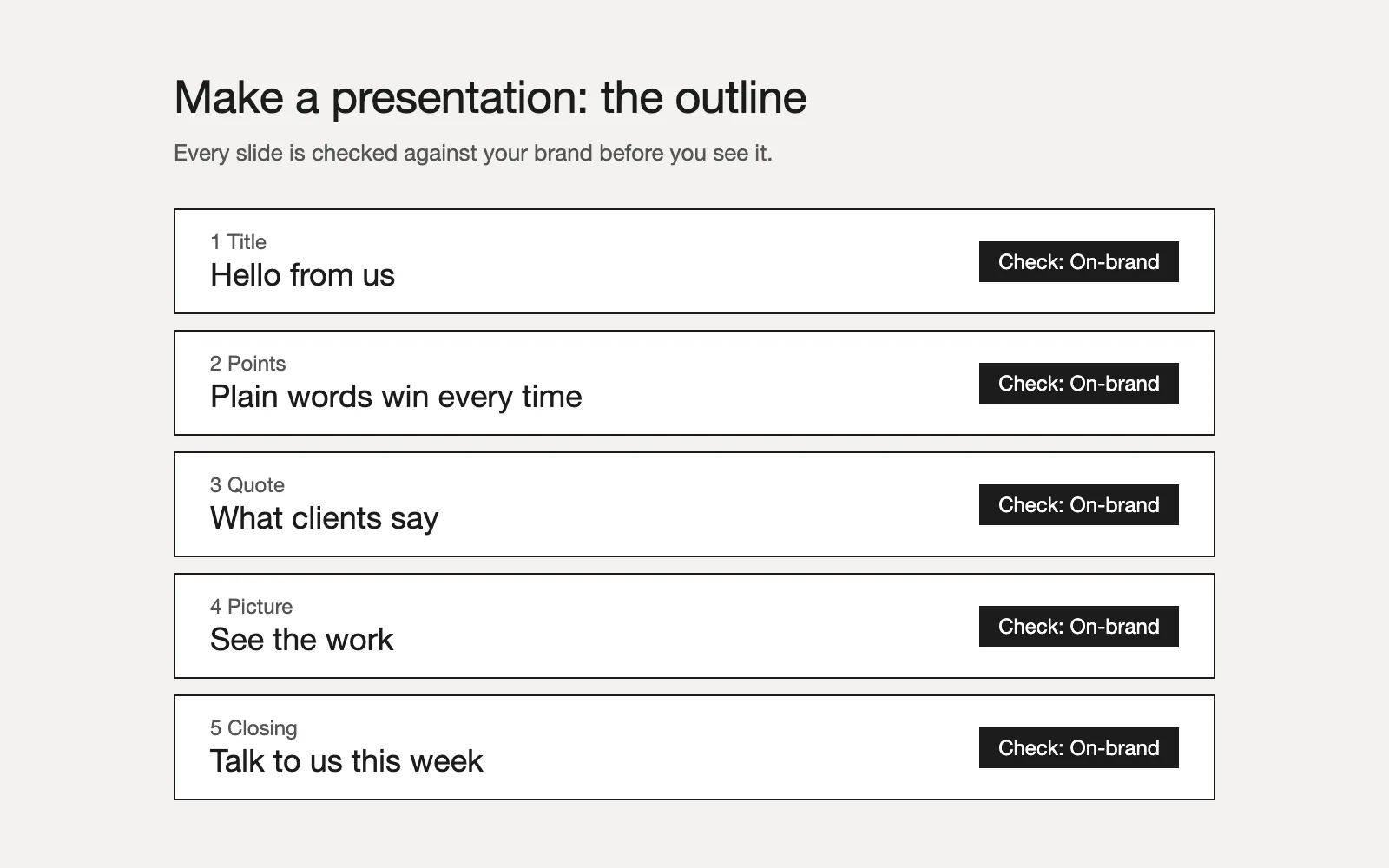
Make a presentation
Drafts a slide outline in your voice, reads every slide, then builds the deck.
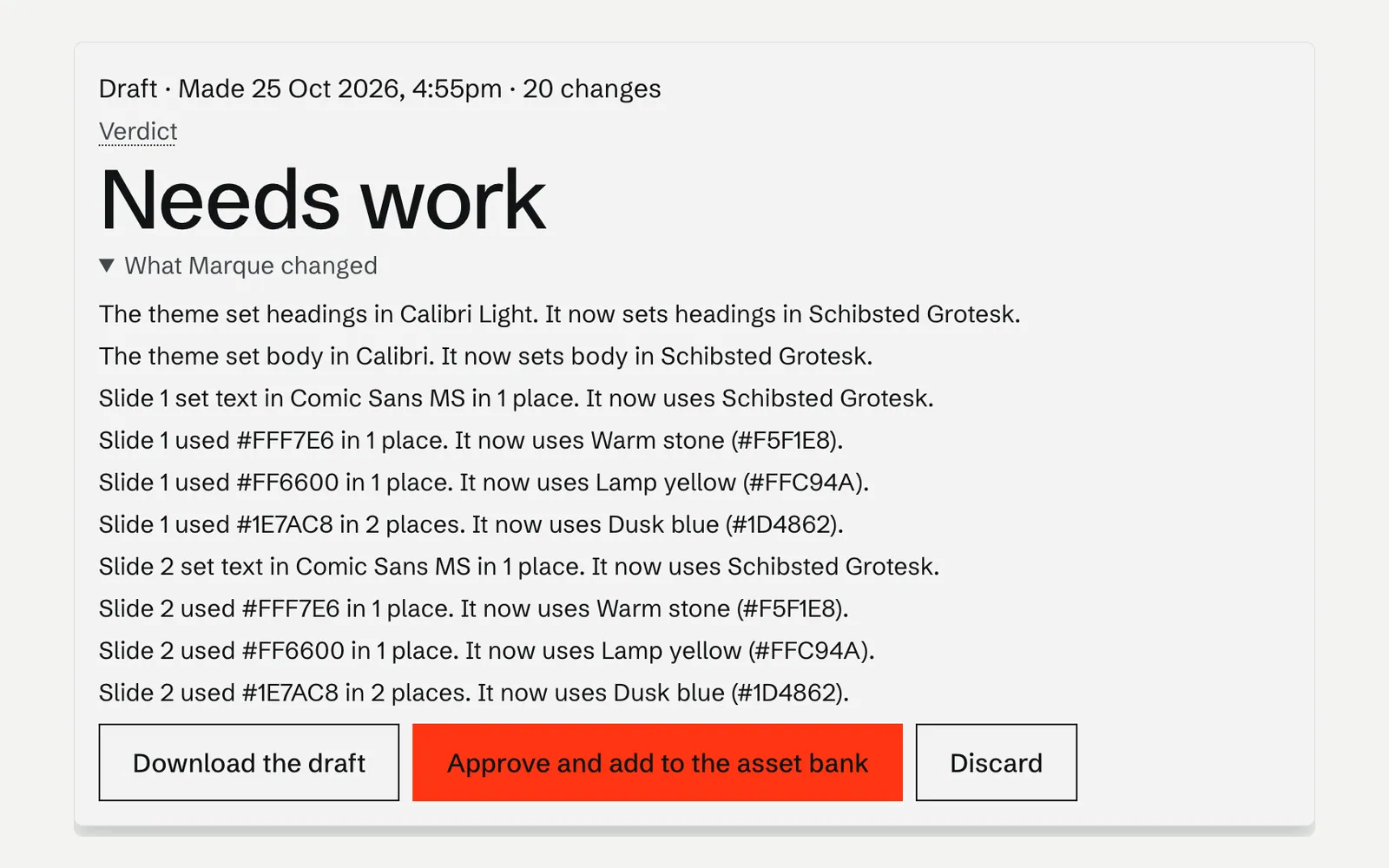
Tidy a template
Brings an old template into line with your brand, listing every change.
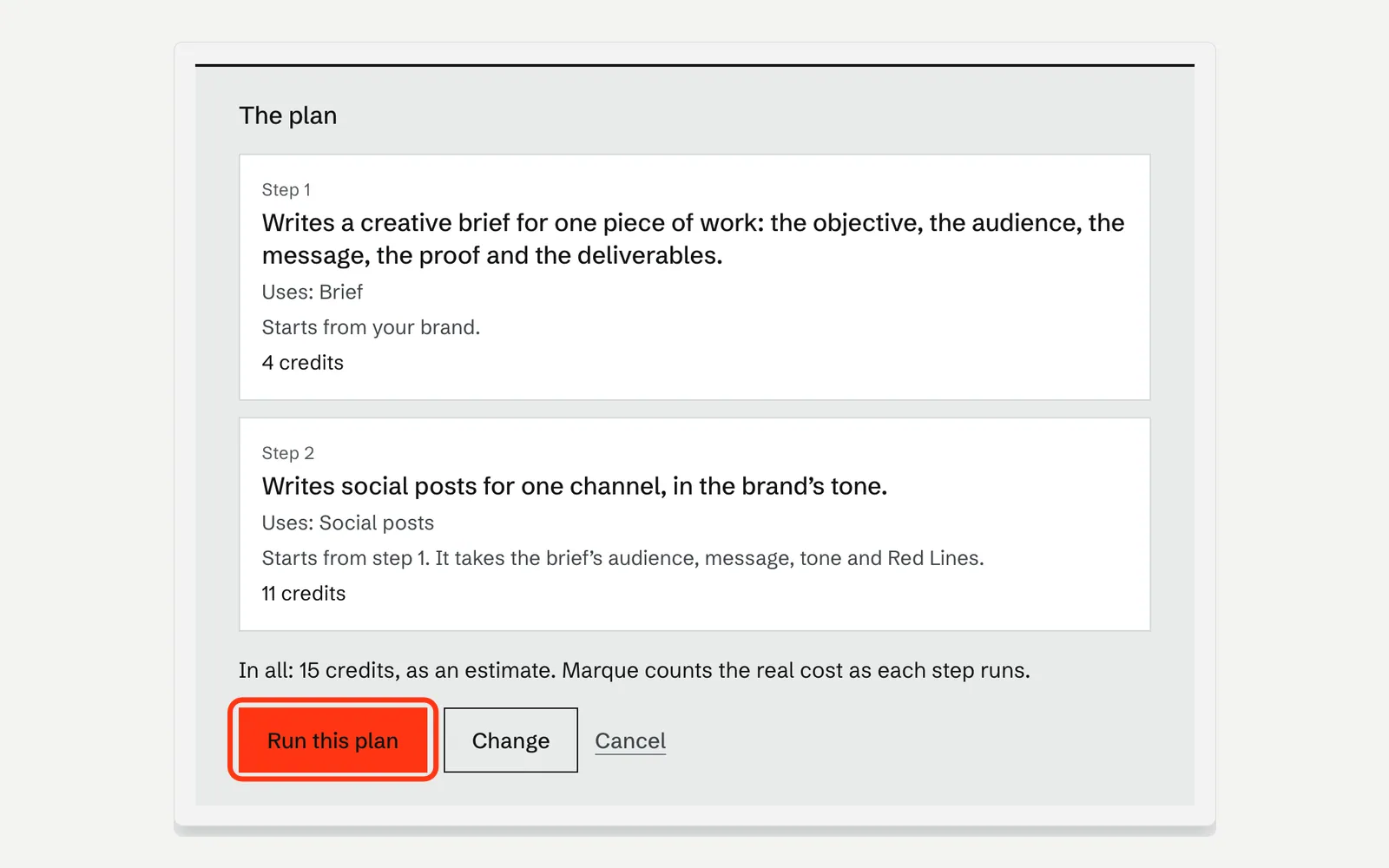
Do it for me
Turns one sentence into a step-by-step plan, and runs nothing until you say go.
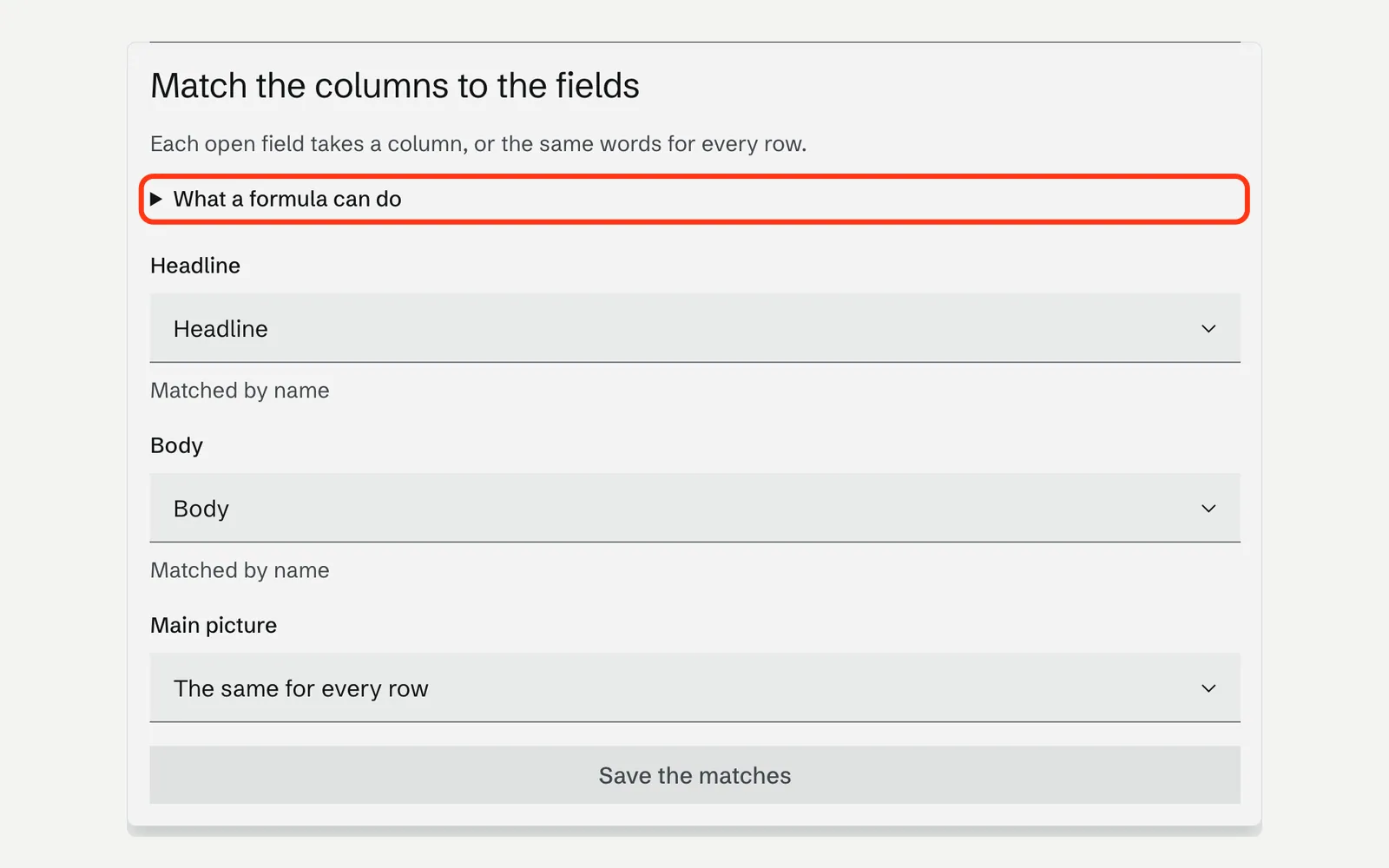
Formulas in merge fields
Fills a merge field by formula: arithmetic, pounds, percentages, dates or joined text.
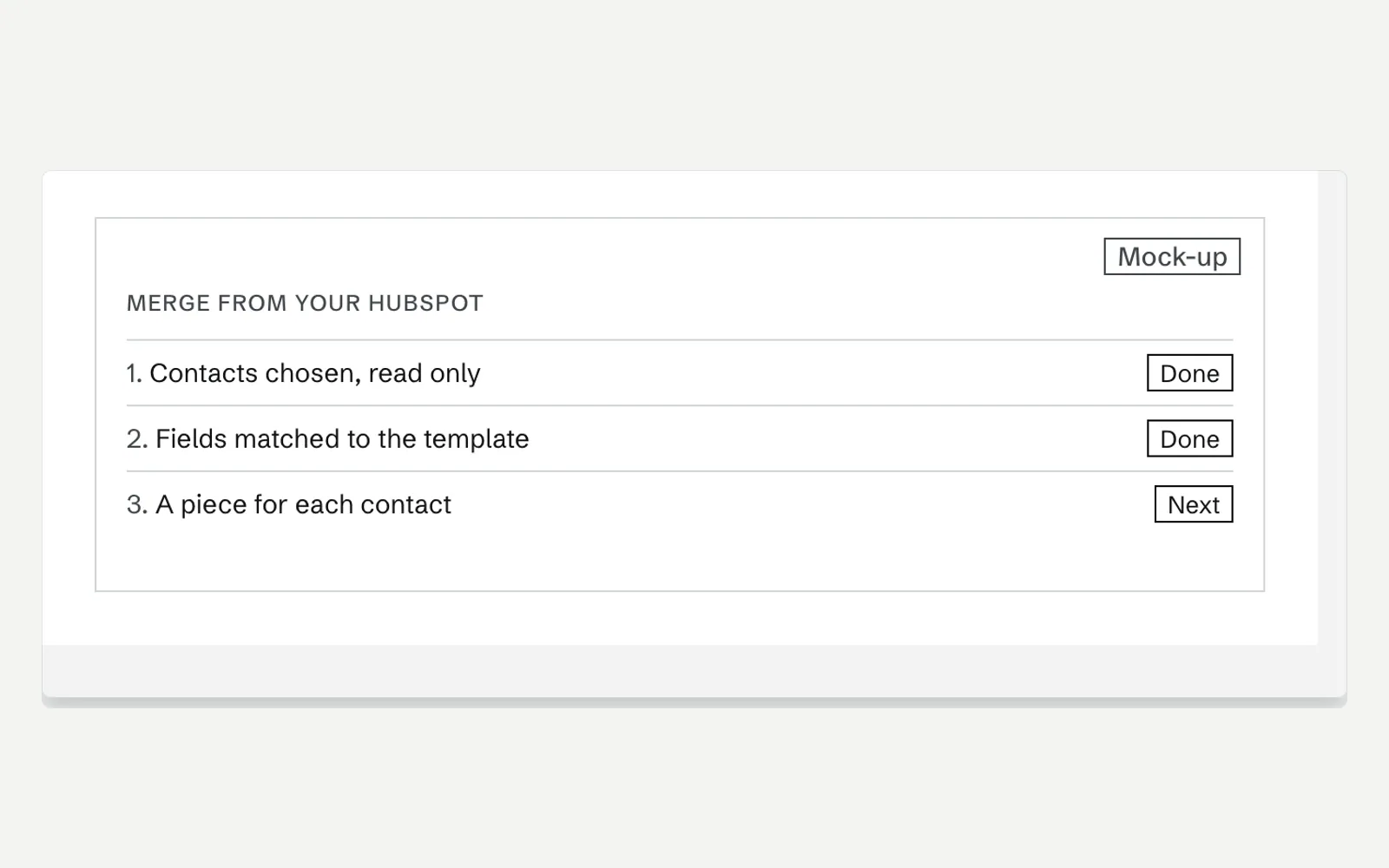
Merge from HubSpot
Reads the rows for a data merge from your own HubSpot contacts or companies.
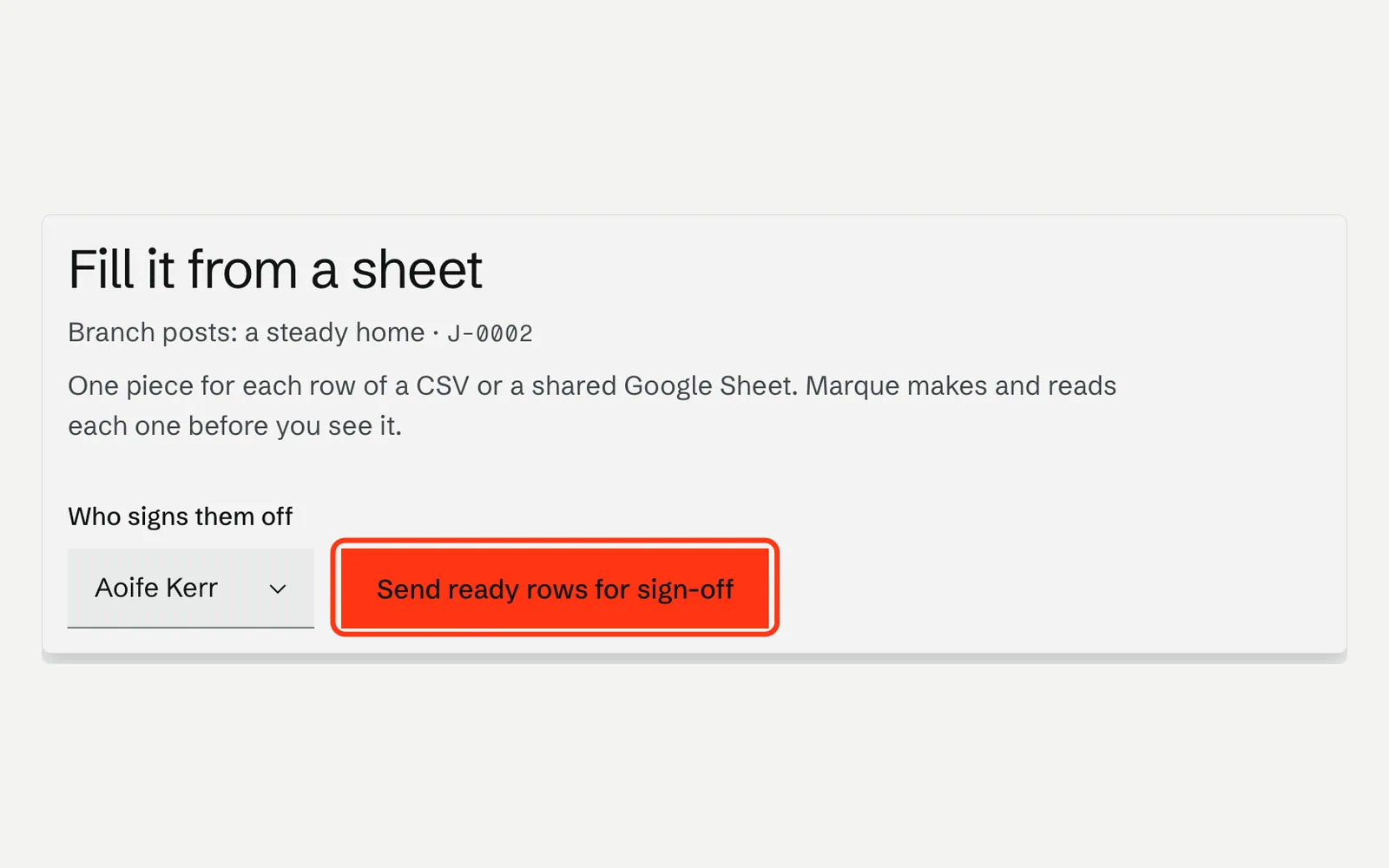
Merged pieces to sign-off
Sends each ready row of a data merge to sign-off as its own piece.
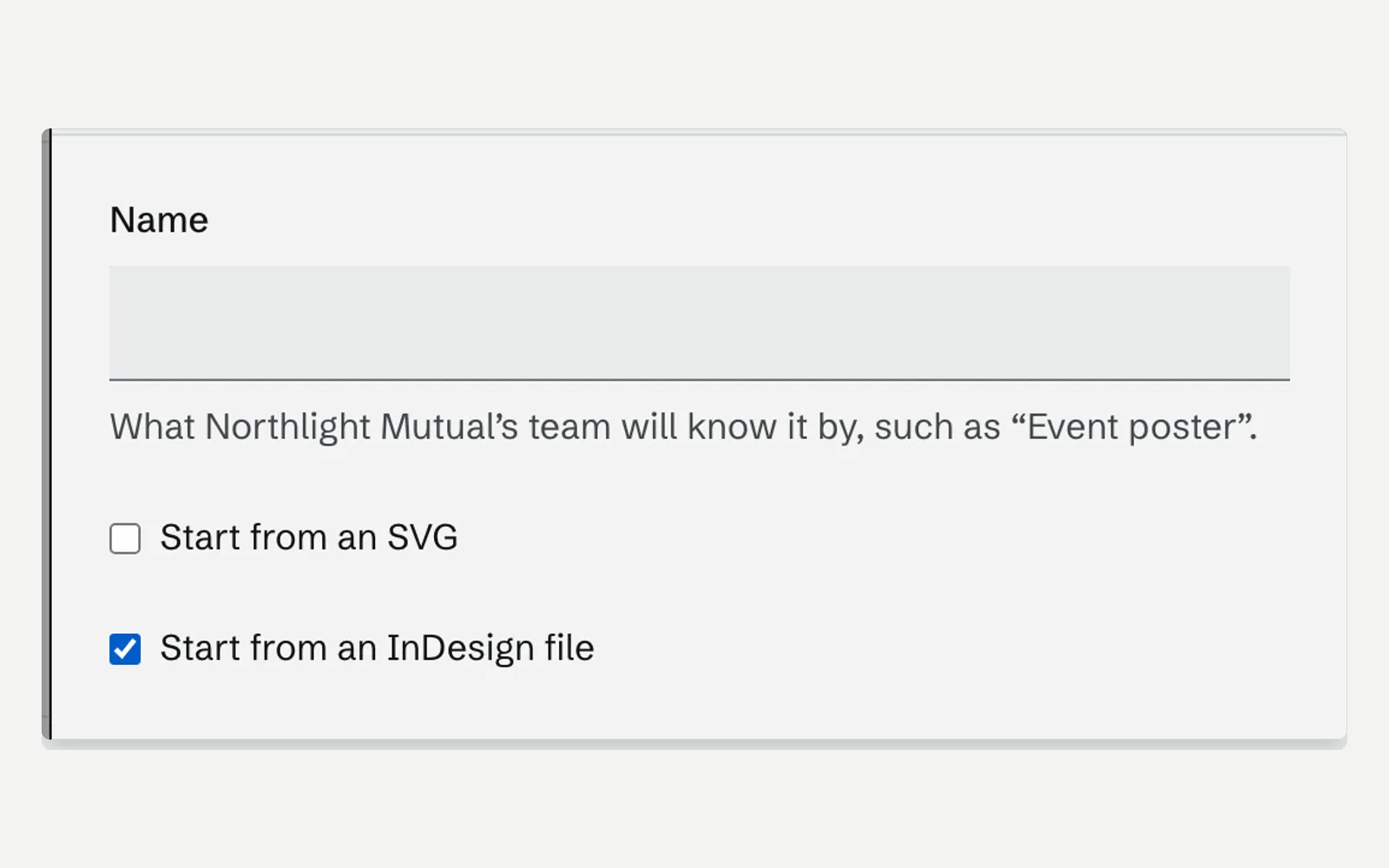
InDesign templates
Big+Bold’s designers turn your InDesign pages into templates, with a report on each.
Plan your content
Plans that start from your brand strategy, and the briefs they open.
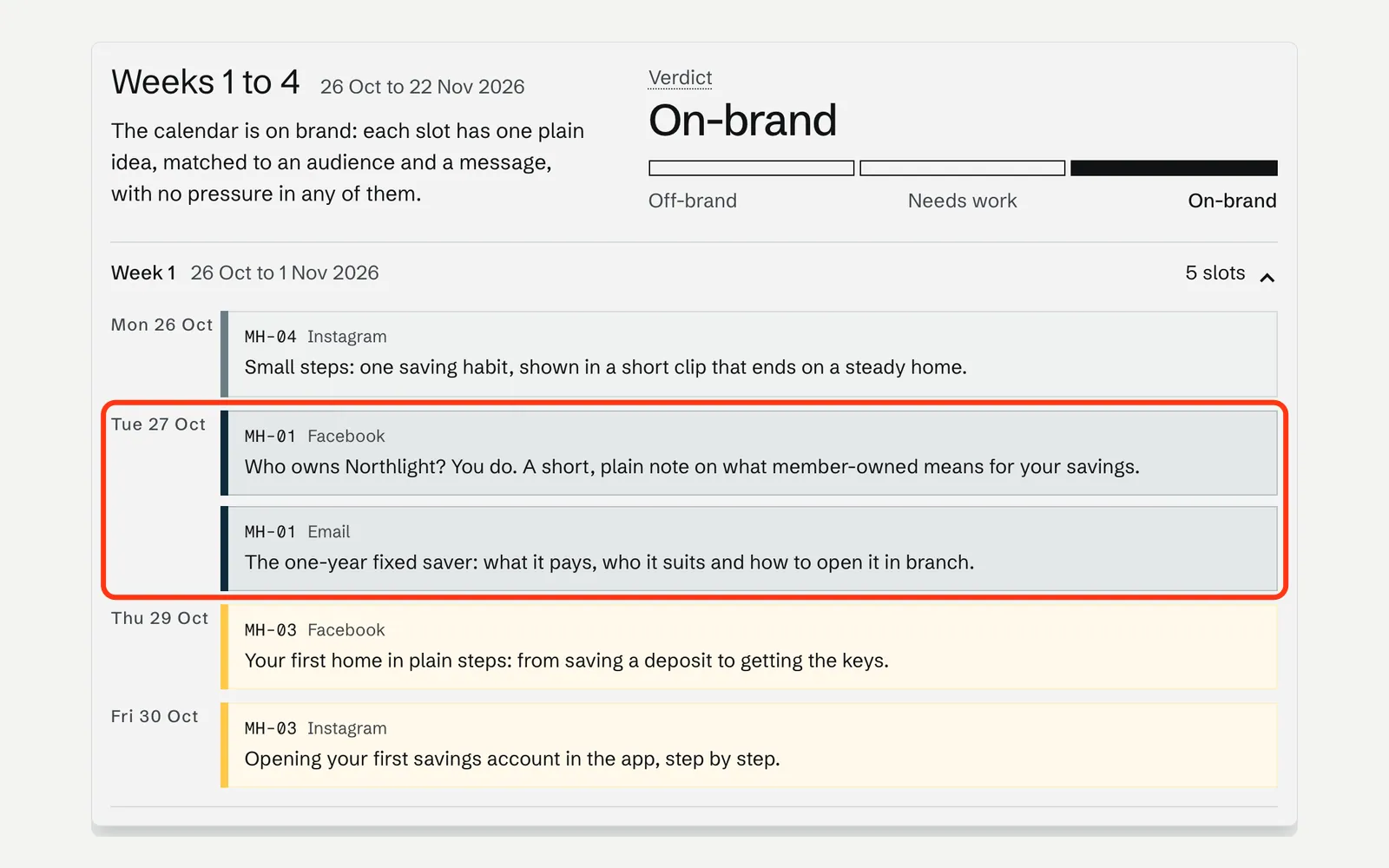
Content plans
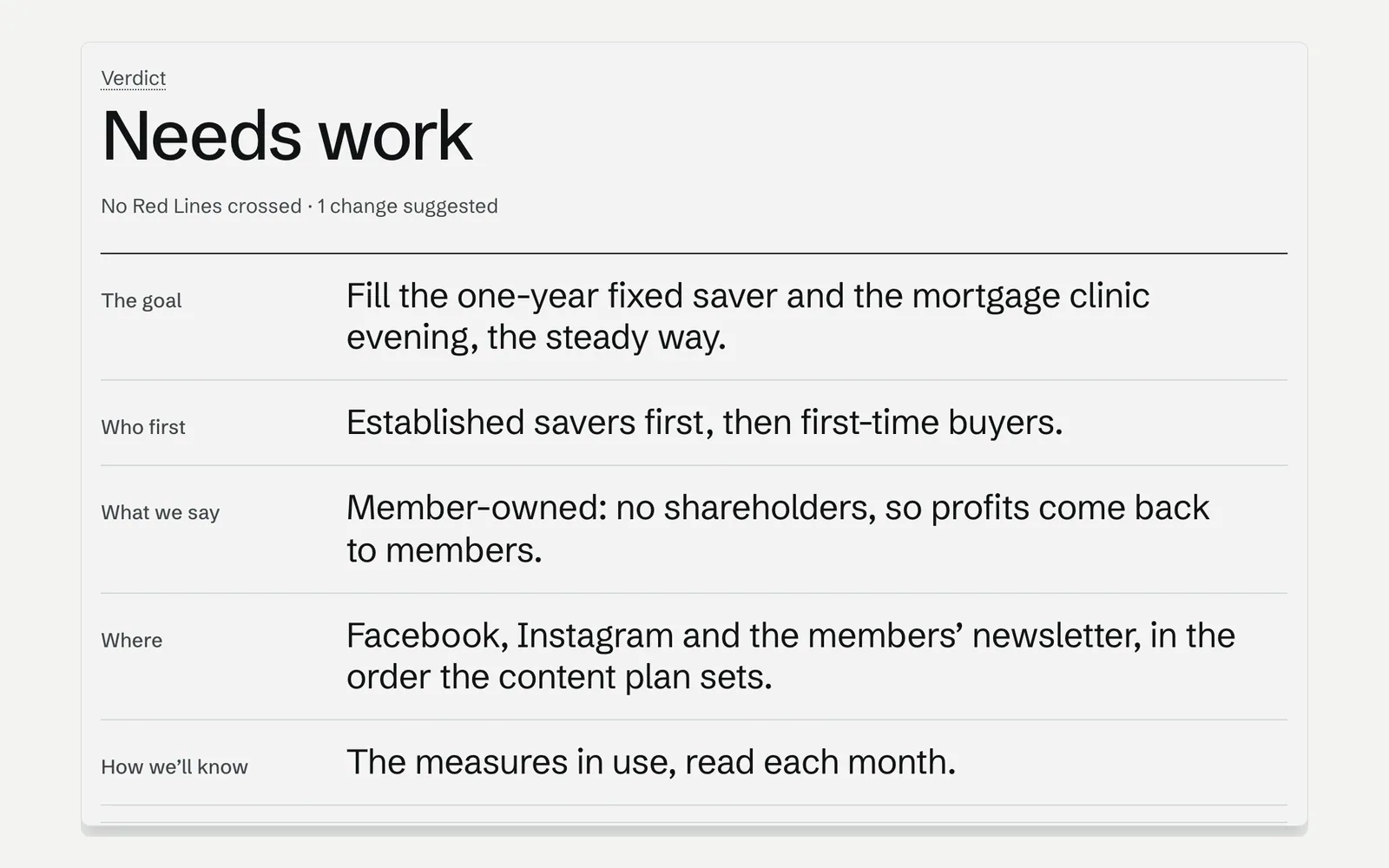
Plans which message reaches which audience, where and when. Each slot opens a brief.
Marketing plans
Brings goals, audiences, messages and channels into one plan, written with Big+Bold’s strategists.
Briefs
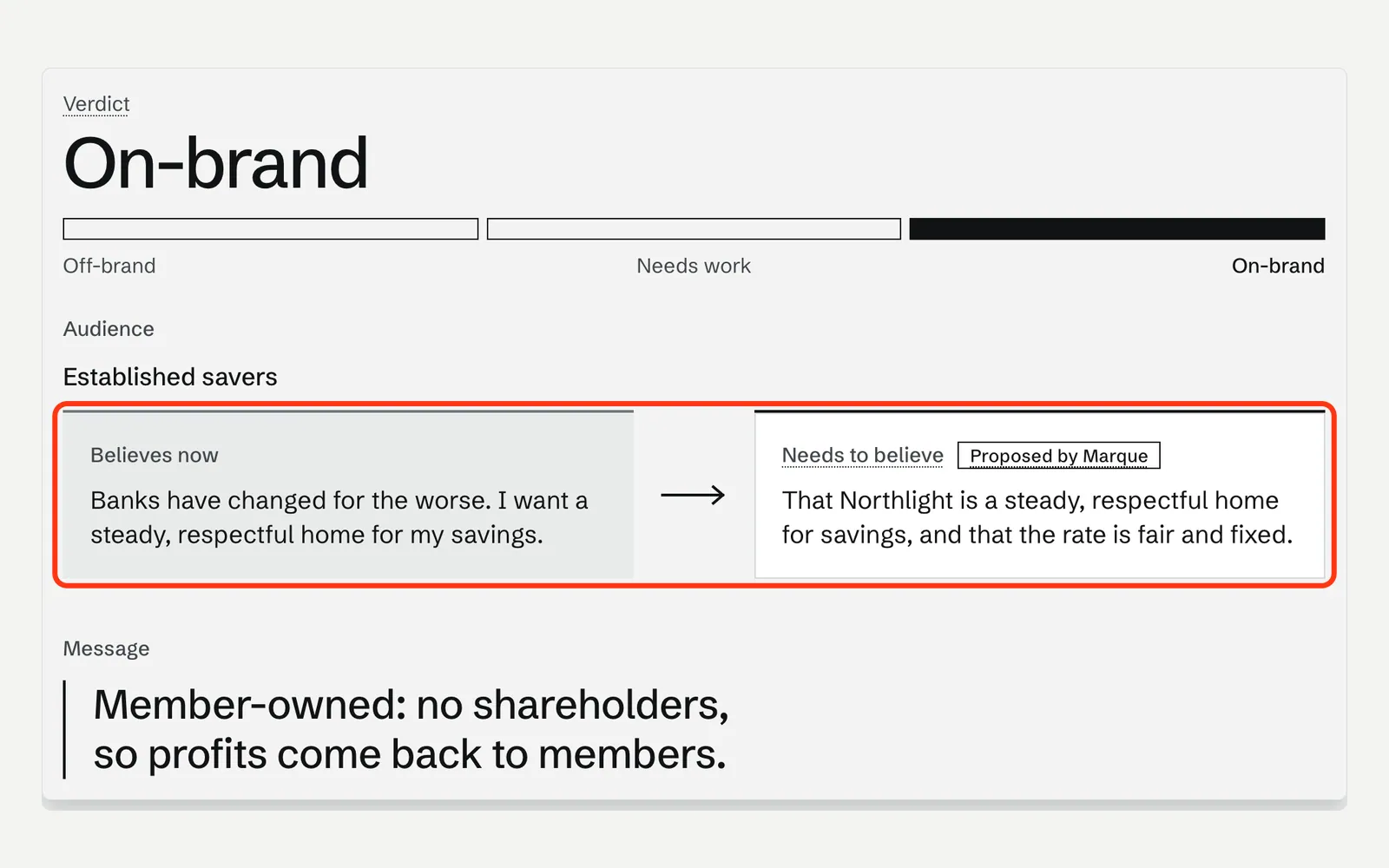
Writes the brief from your brand: audience, message, rules and formats.
Audience versions
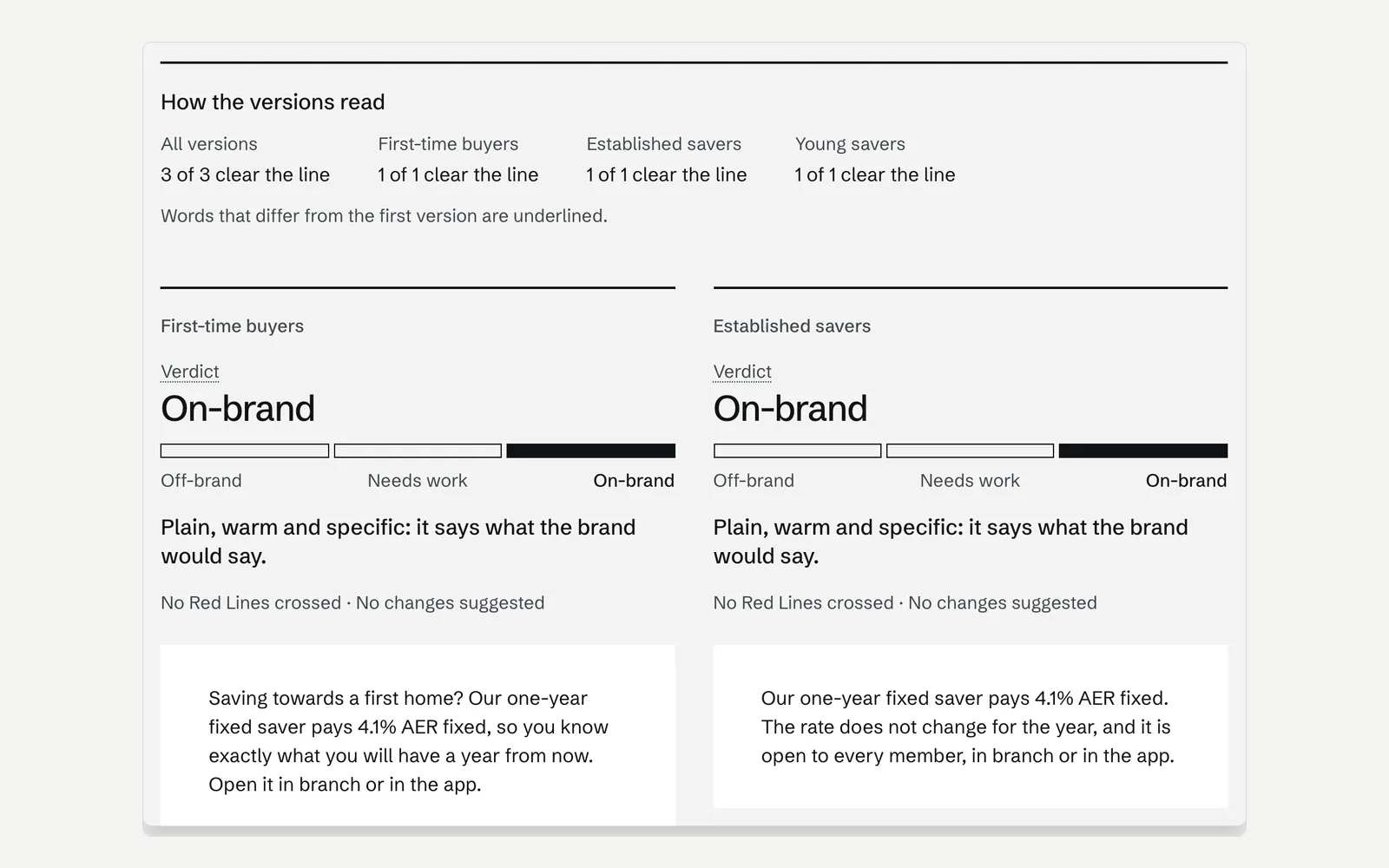
Rewrites one message for each audience and checks each against its own.
Audience data
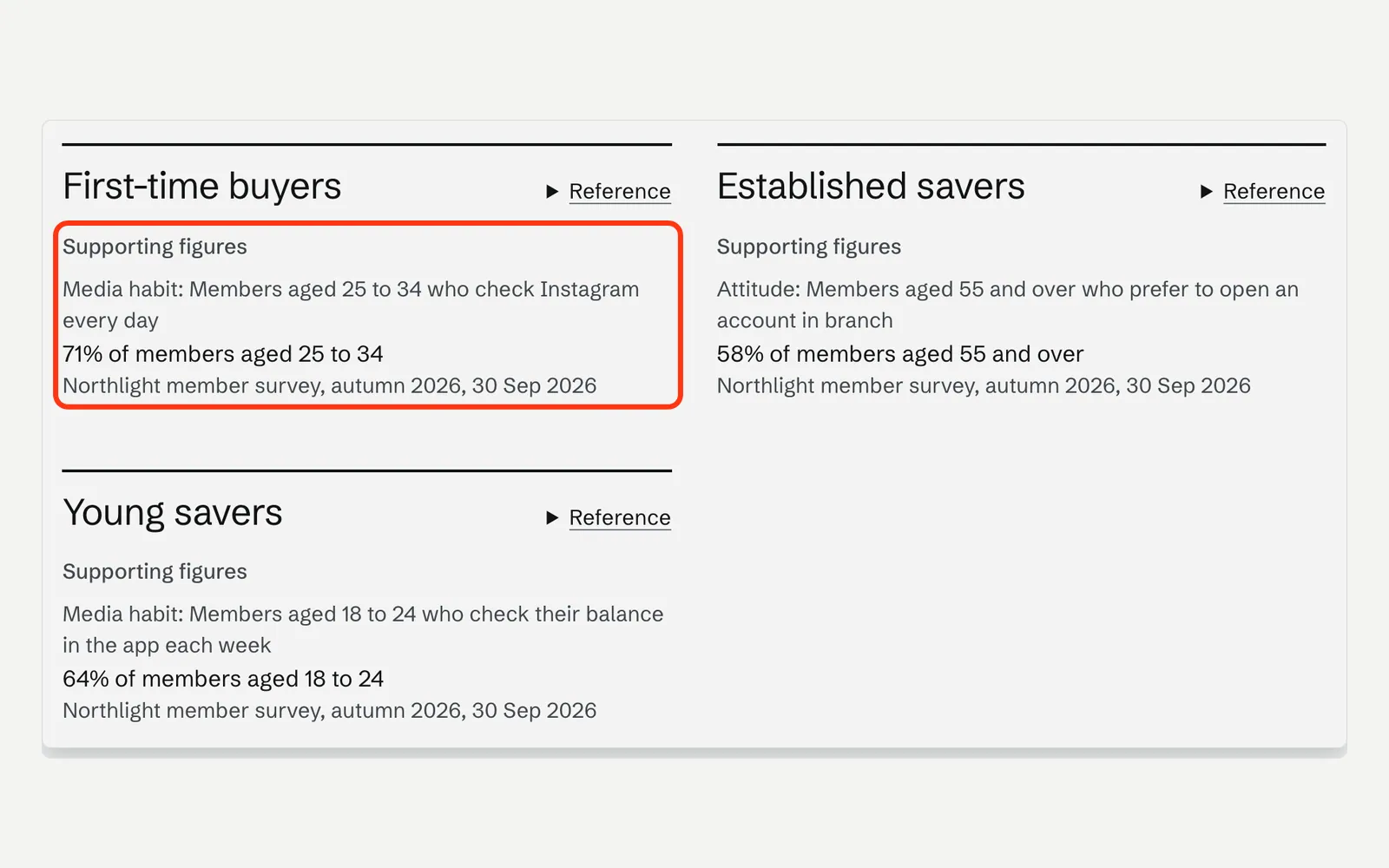
Adds sourced figures to each audience, some found in official sources and checked.
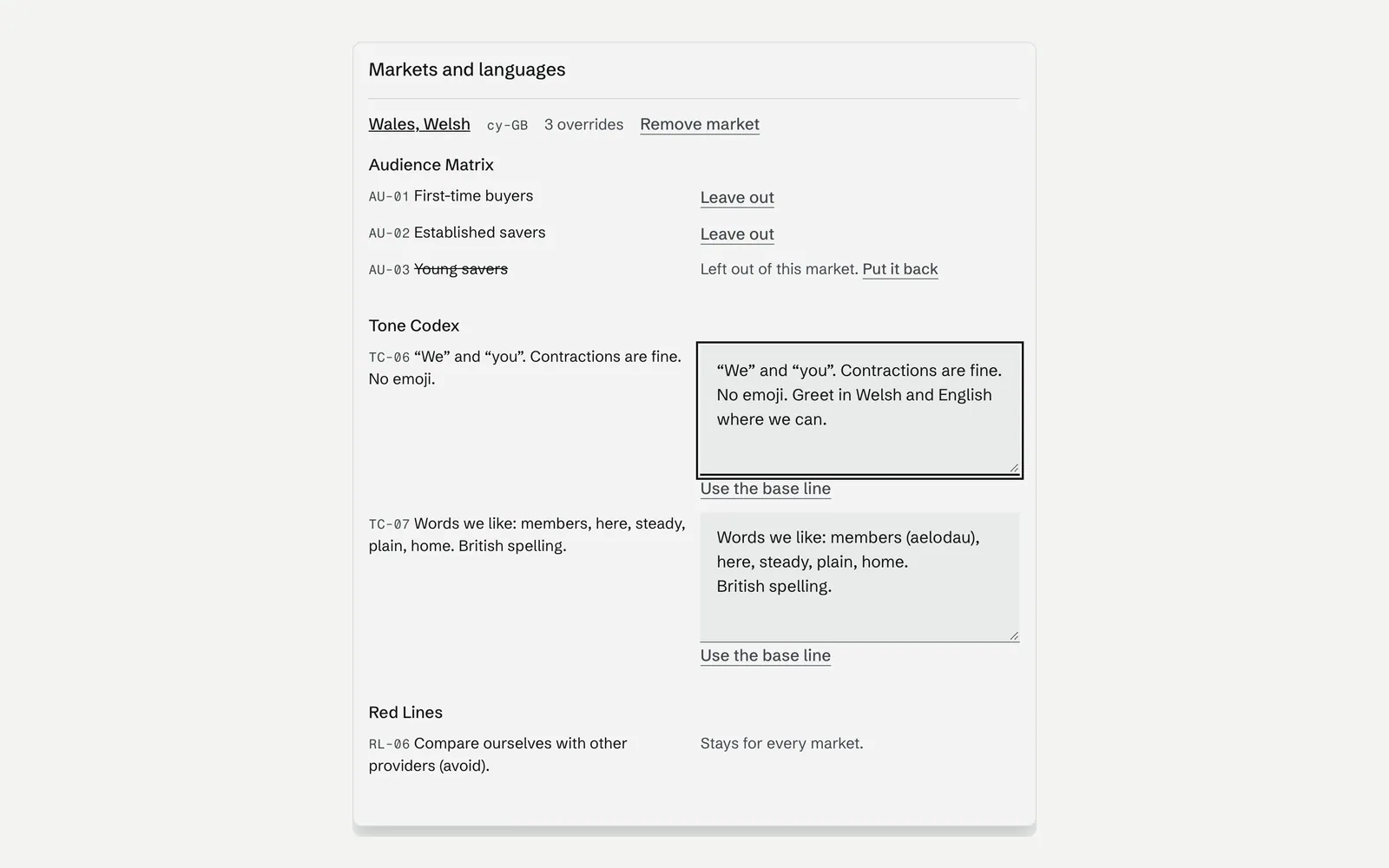
Markets
Adapts your Intelligence Architecture to each market and language.
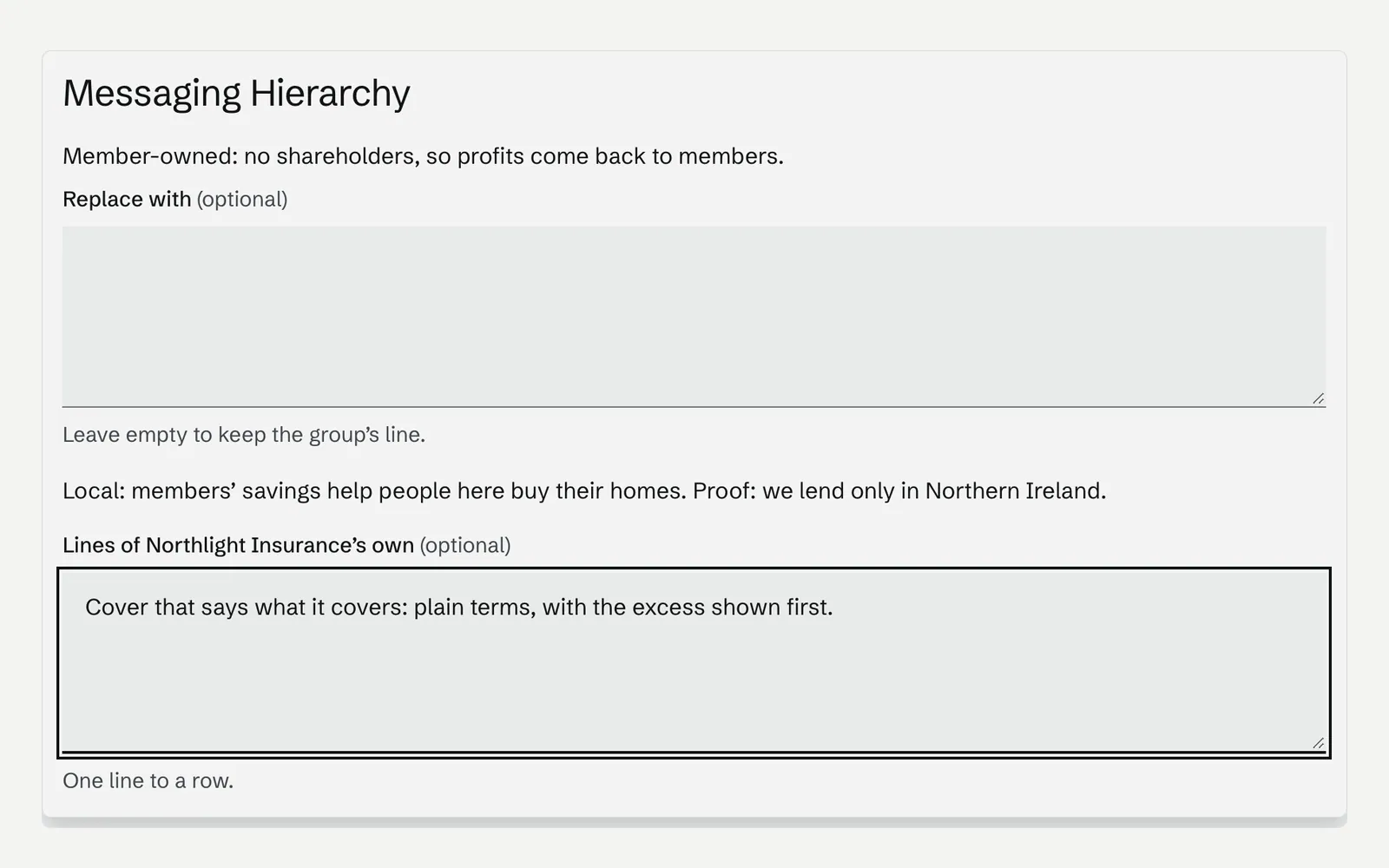
Sub-brands
Lets a group brand and its sub-brands share rules, each adding its own.
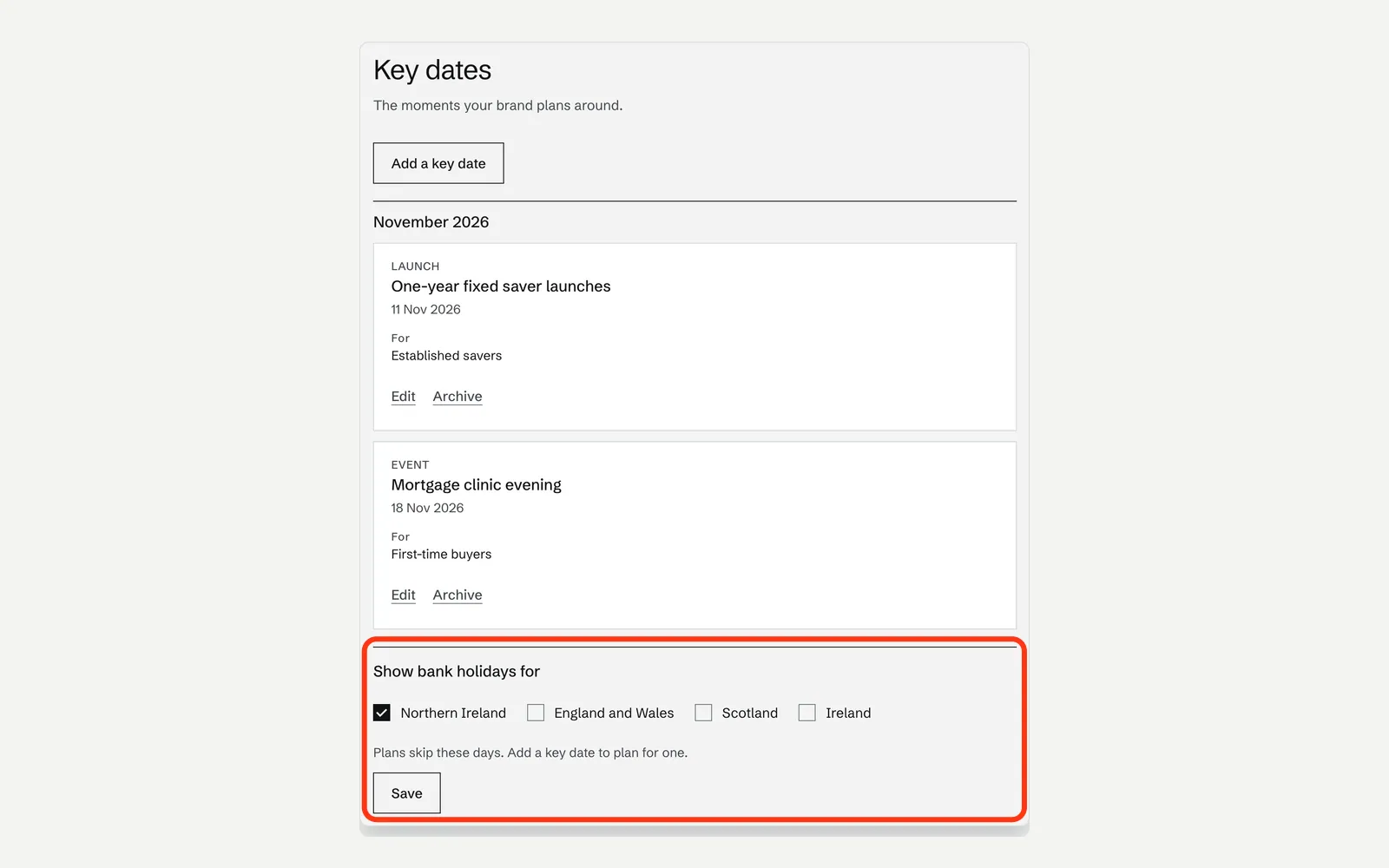
Channels and key dates
Suggests channels and UK and Irish bank holidays, so plans start from your calendar.
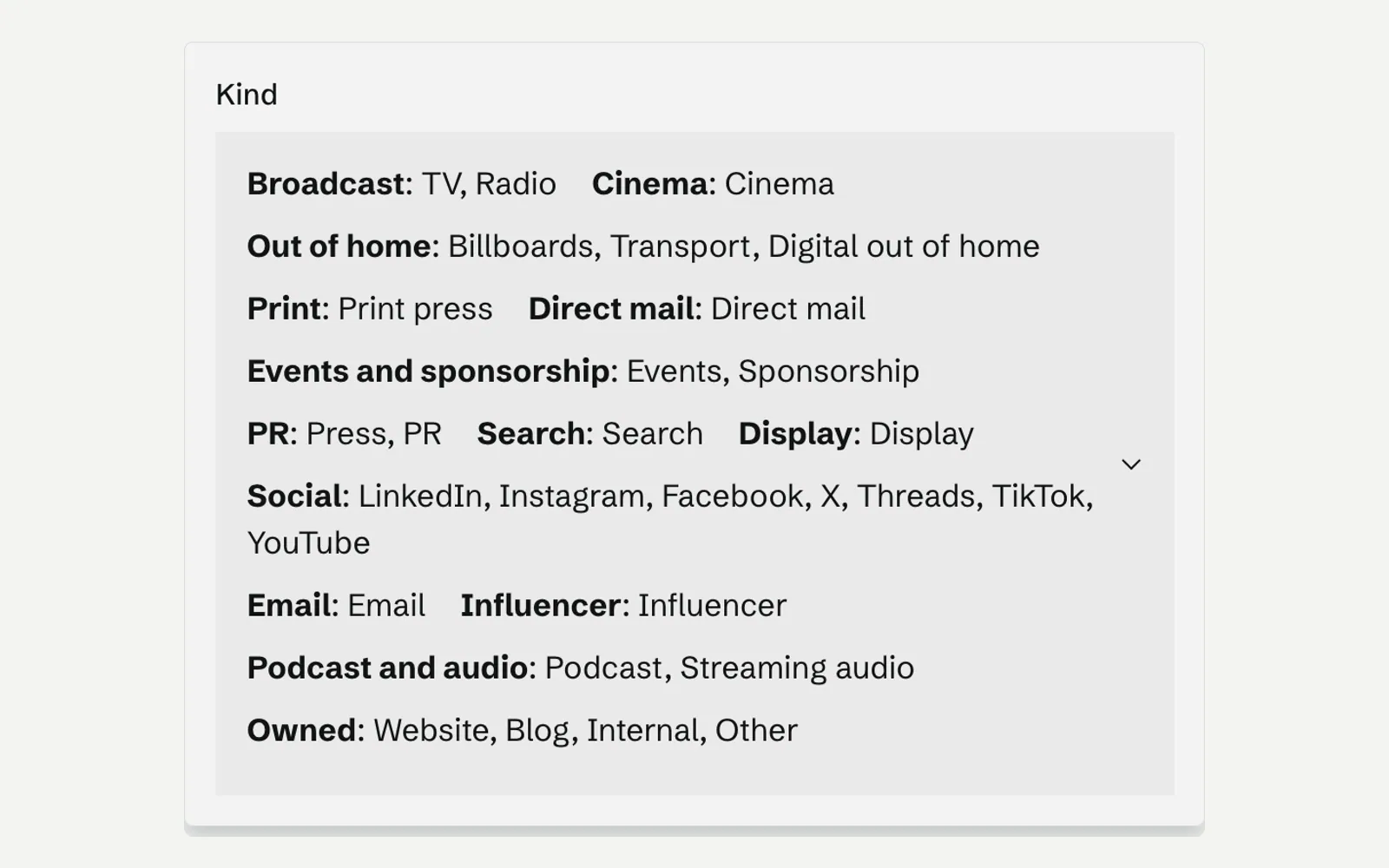
Every media channel
Adds TV, radio, out of home, print, search and more to your plans.
Write in your voice
Posts and longer copy, each checked against your brand.
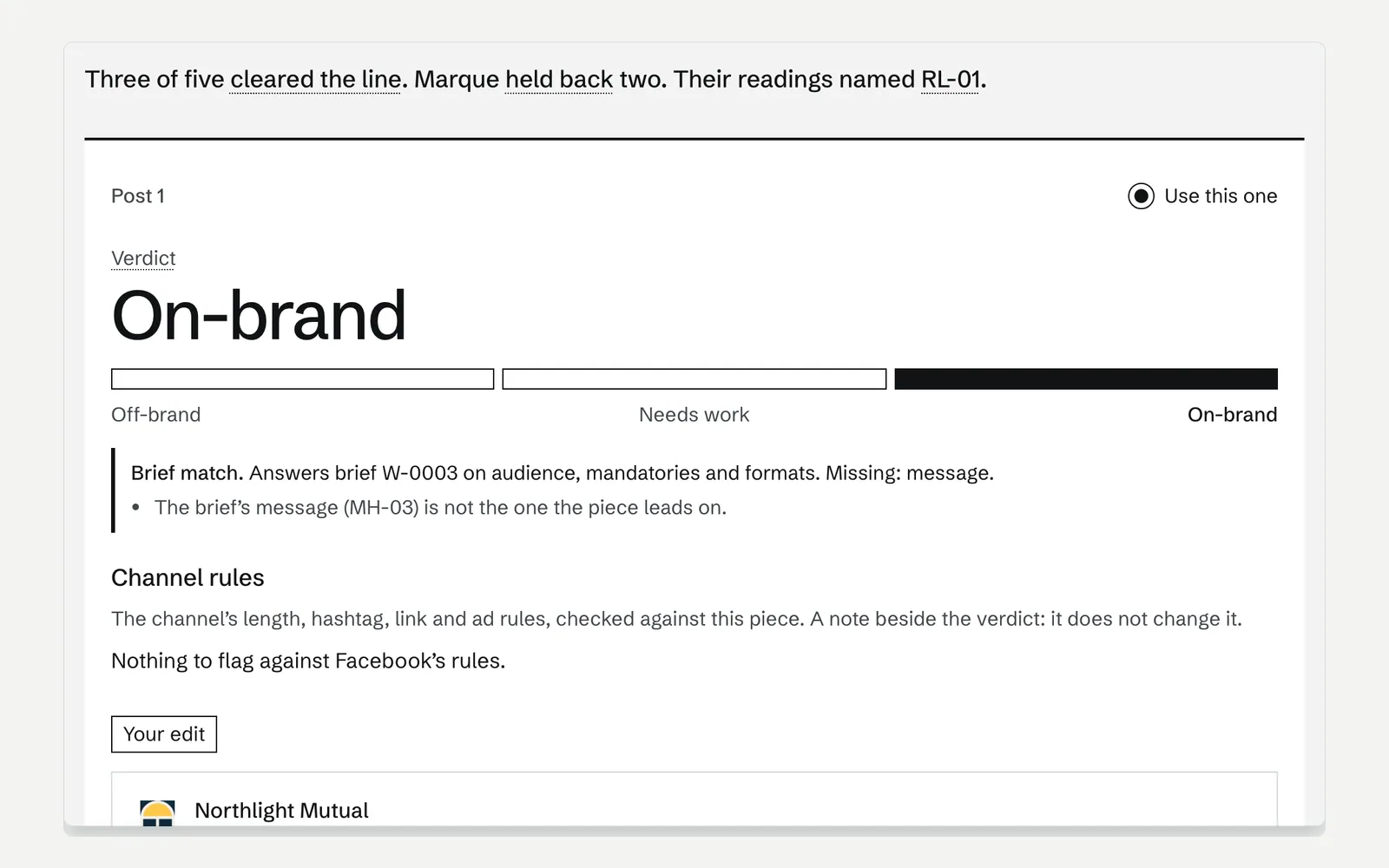
Social posts
Writes drafts for each channel and UK audience. You see only those that pass.
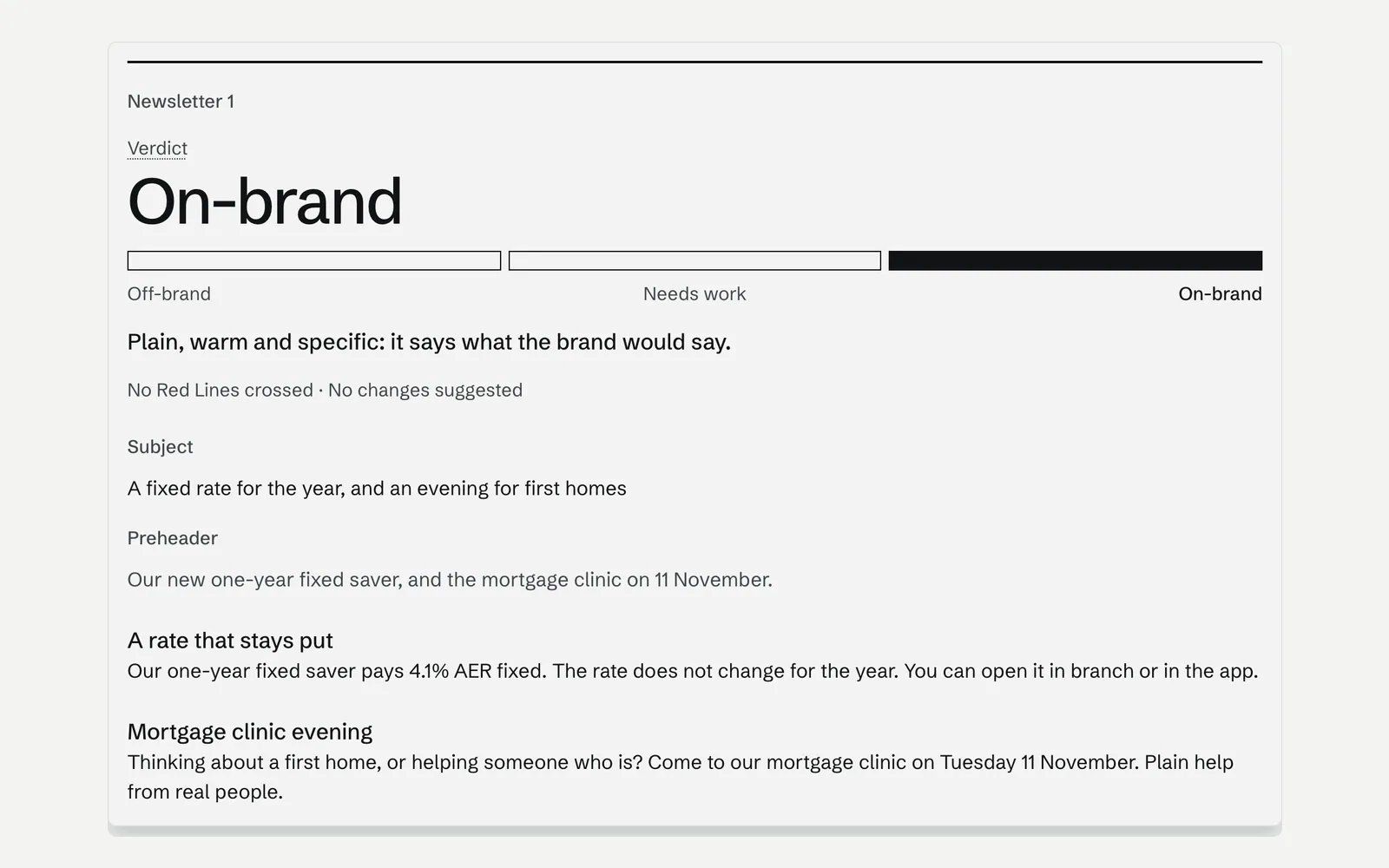
Long copy
Writes newsletters, web copy, press releases and articles, three versions each.
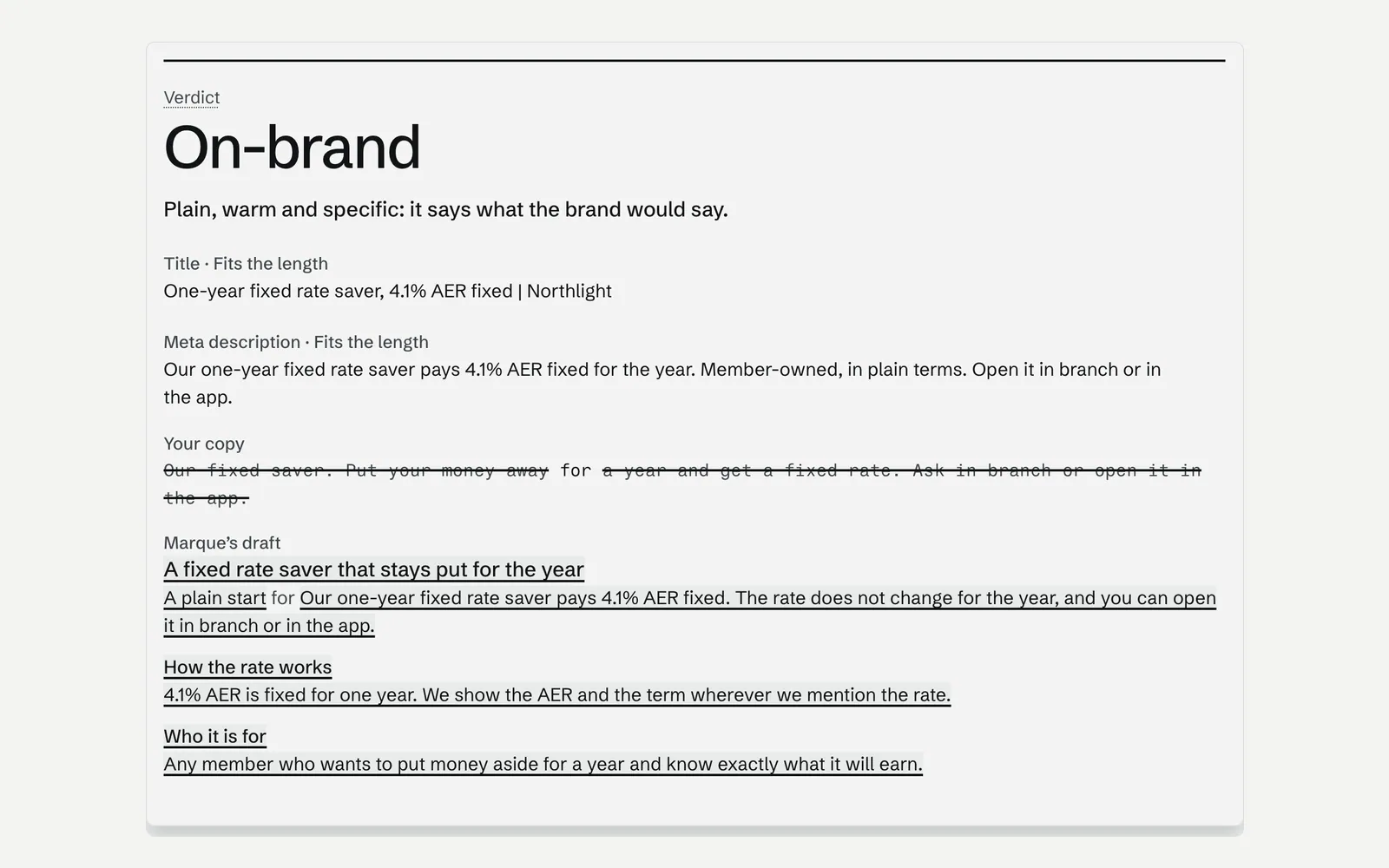
SEO and meta writing
Writes page titles, descriptions and copy for search, shown beside the old.
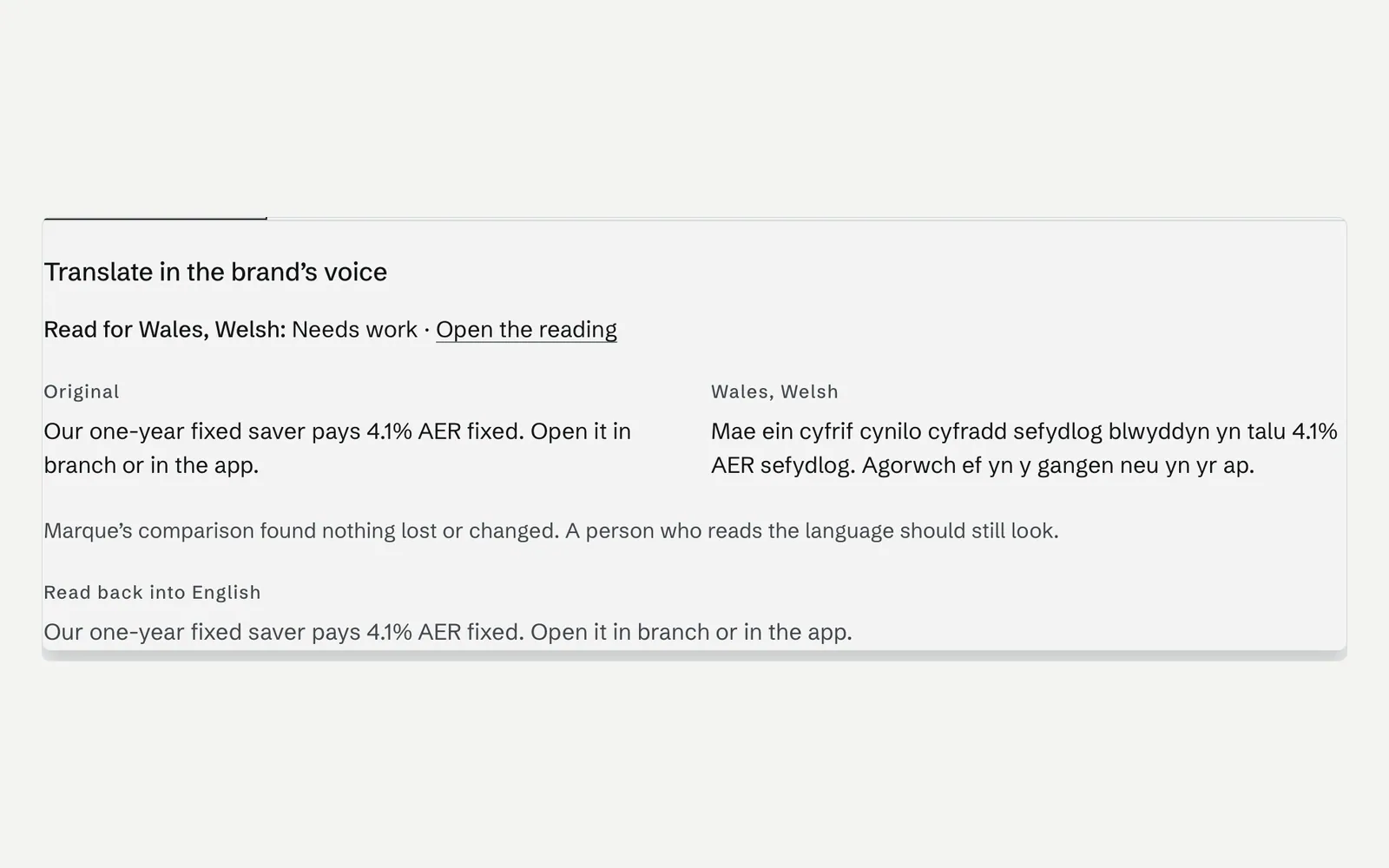
Translation
Translates into a market language, then checks it. Waits on counsel.
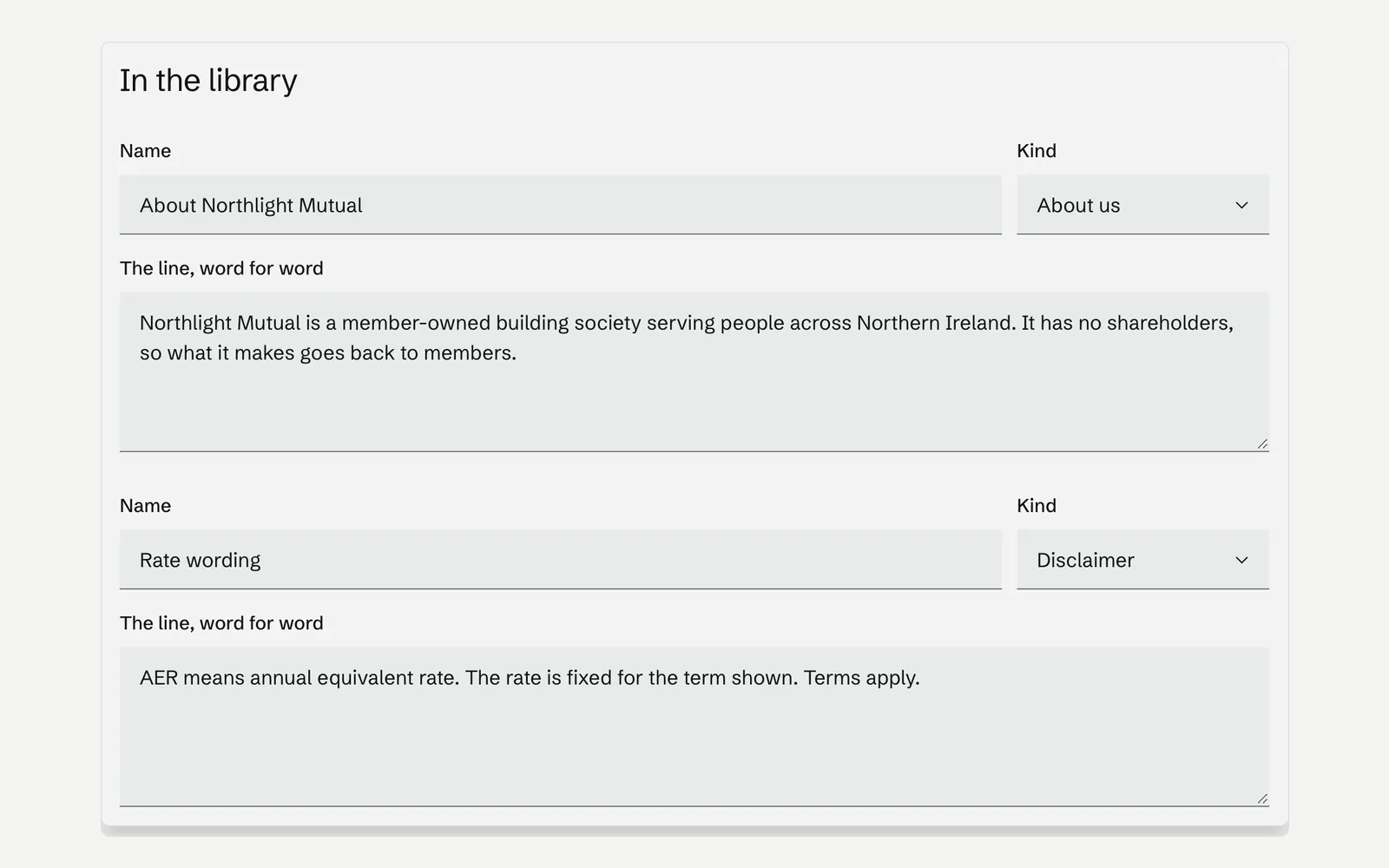
Approved lines
Keeps boilerplate, disclaimers and legal lines in one library, word for word.
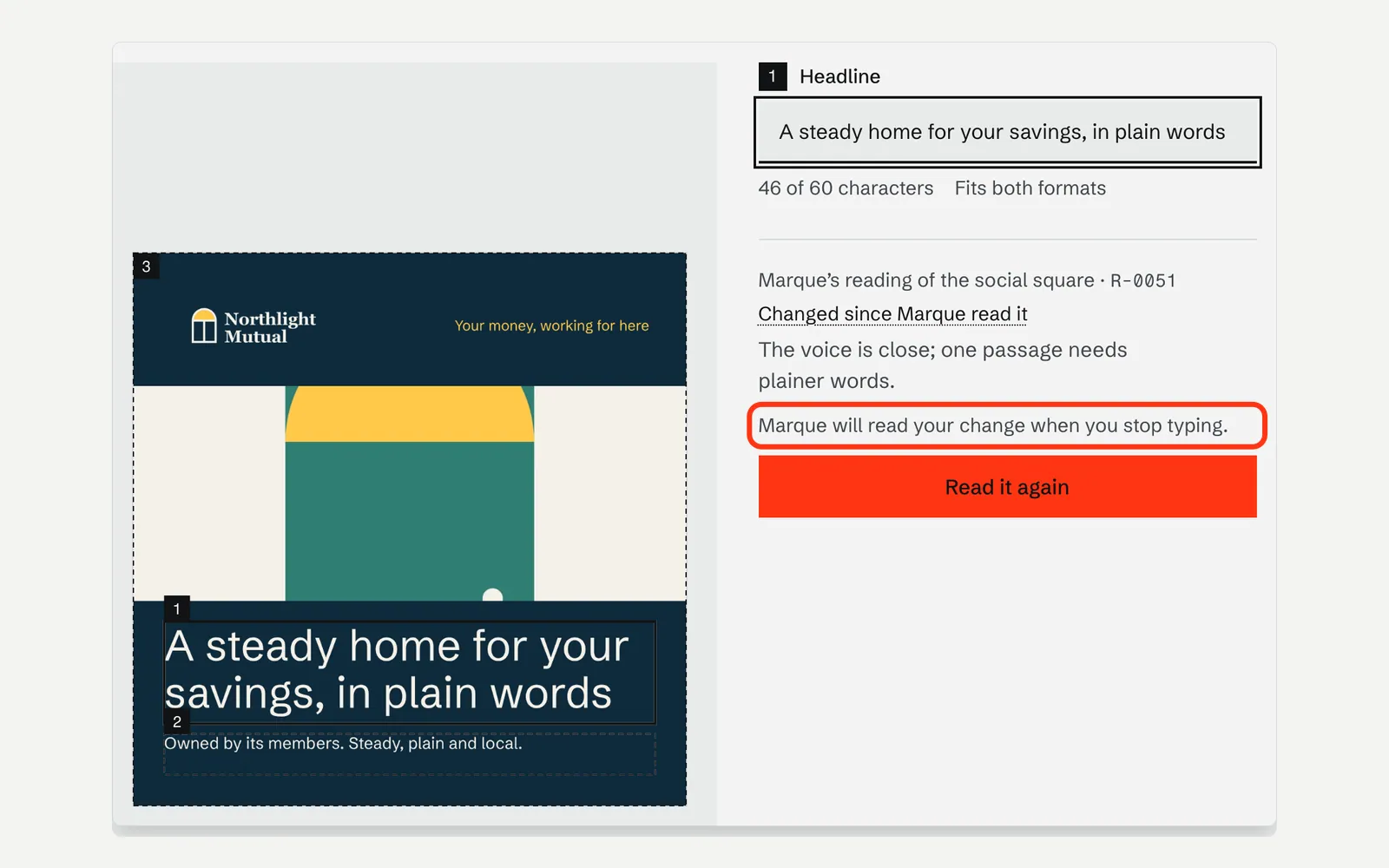
Check as you edit
Checks again each time you pause while editing, so notes stay current.
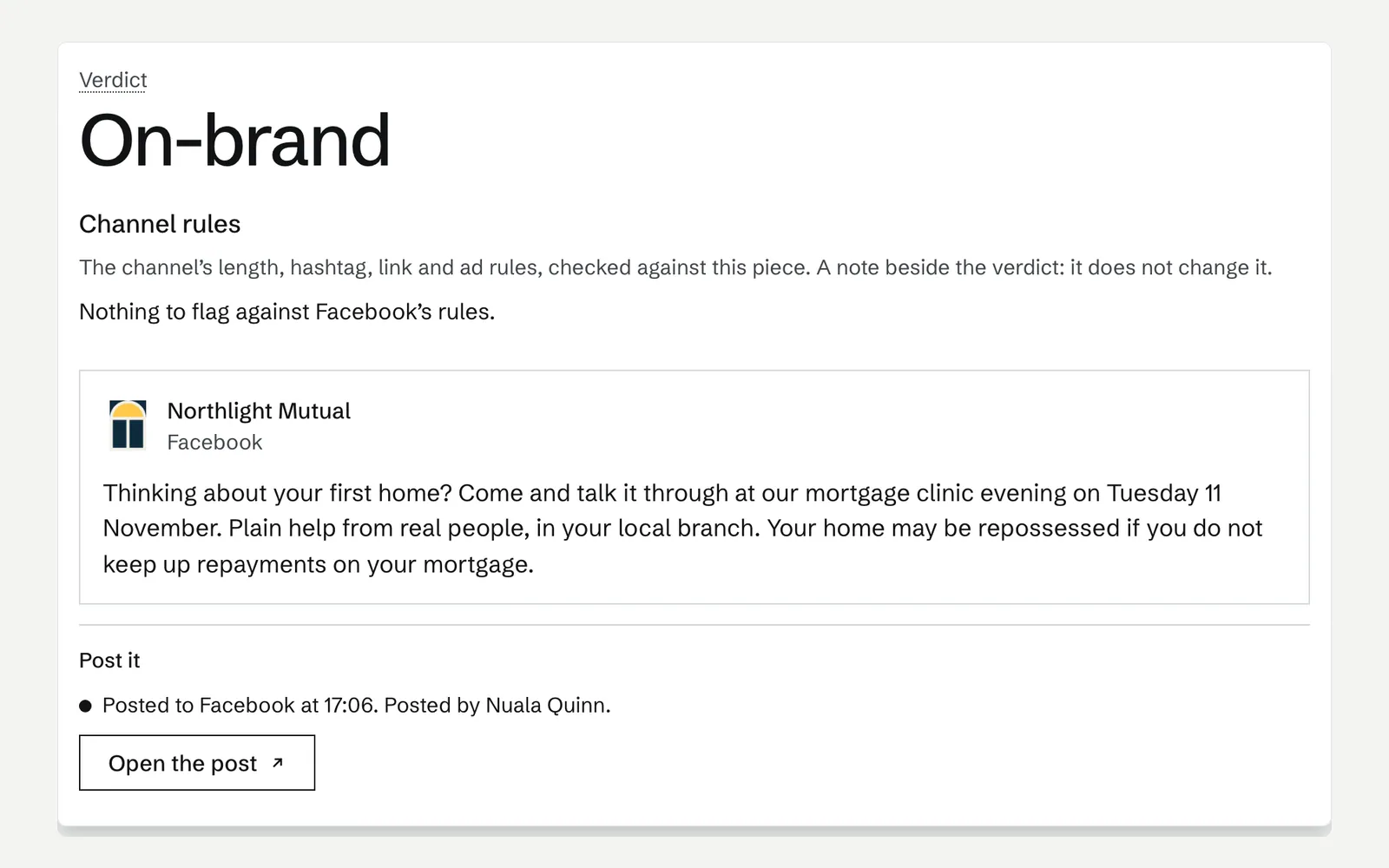
Posting to your accounts
Posts to your brand’s own pages. Posts go out only after Sign-off.
Sign off and keep a record
A named person approves each piece. Marque keeps the notes with it.
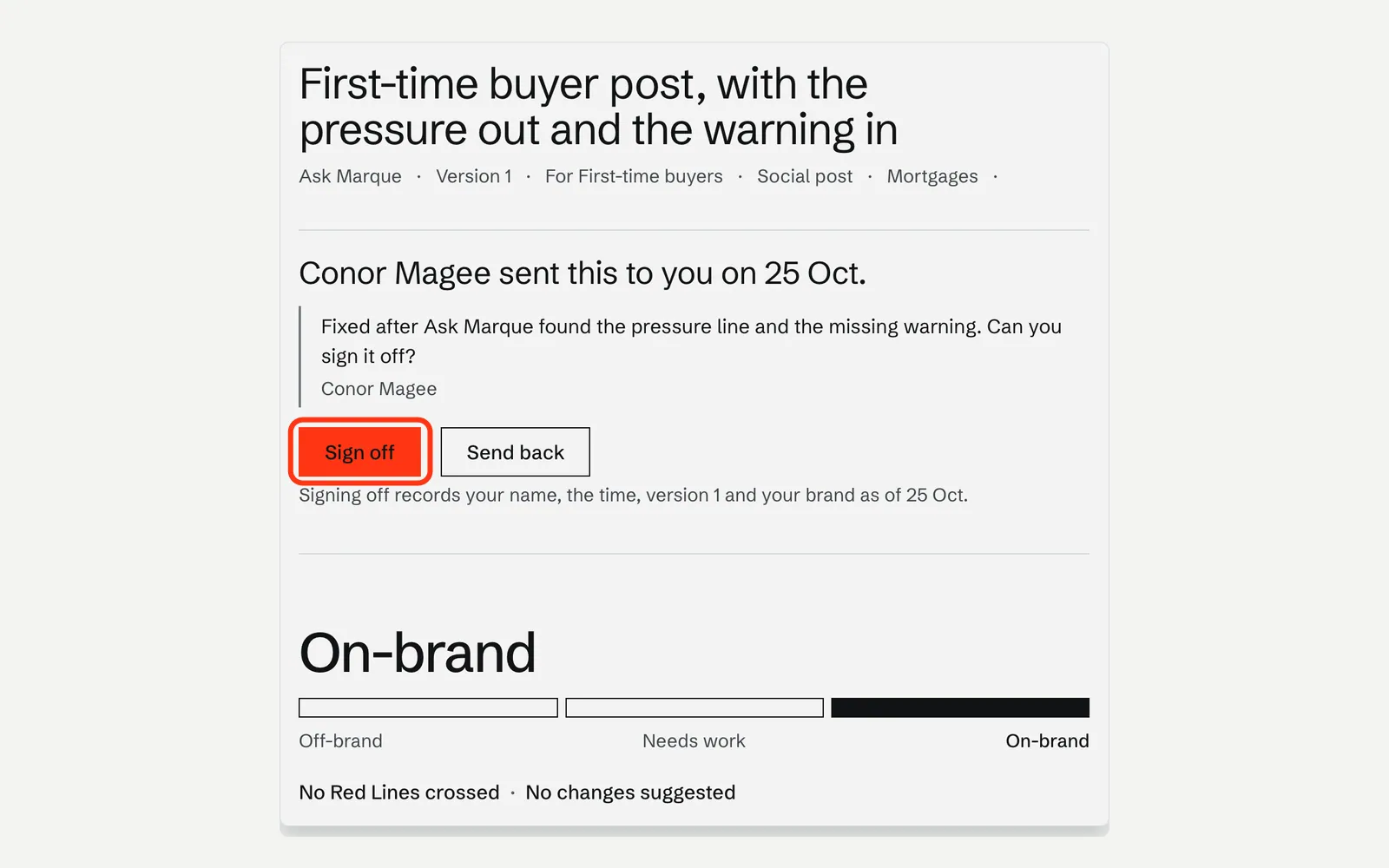
Sign-off
Sends each piece to a named approver with Marque’s notes. A person decides.
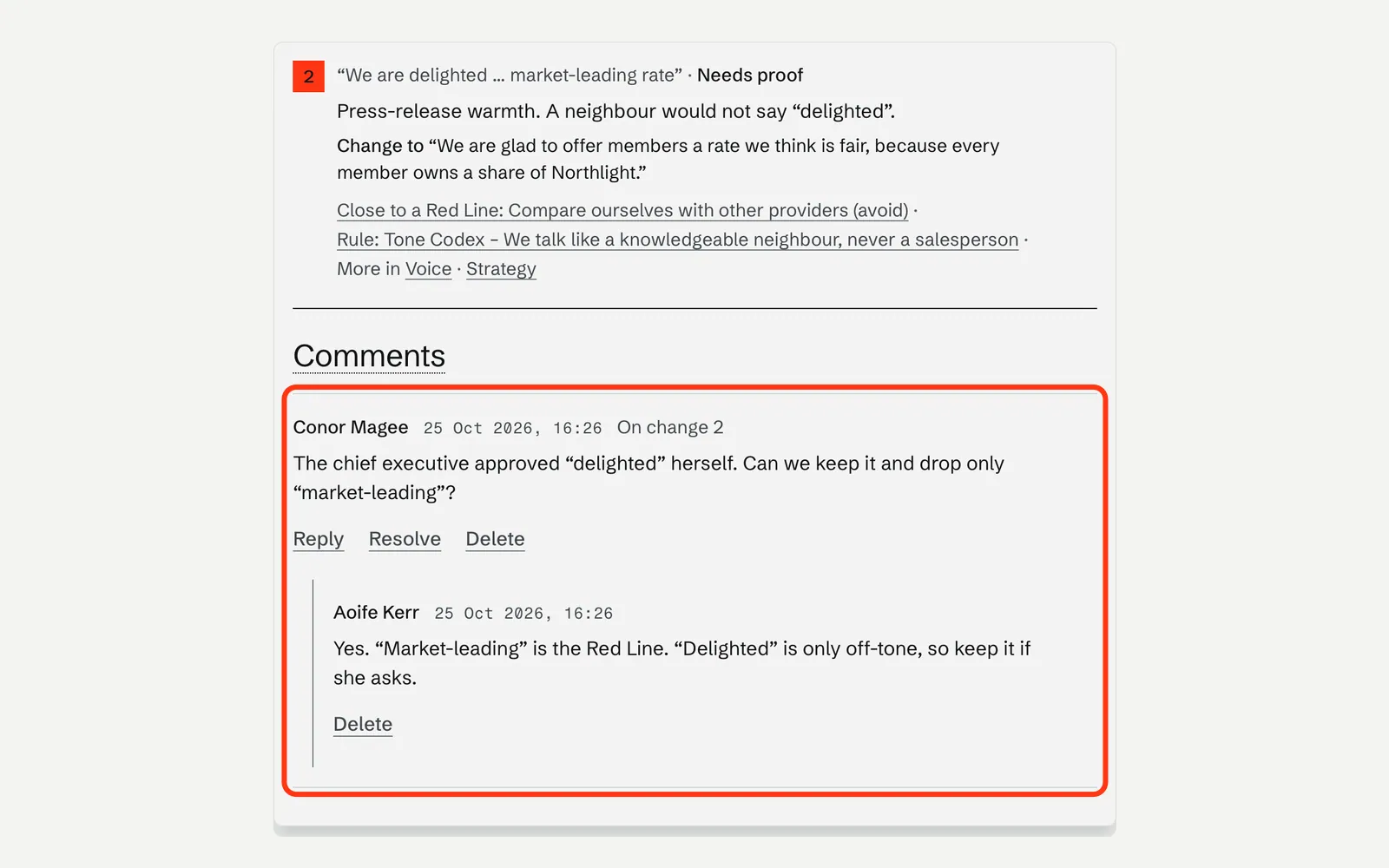
Comments
Discuss a piece or one of Marque’s notes in a thread beside it.
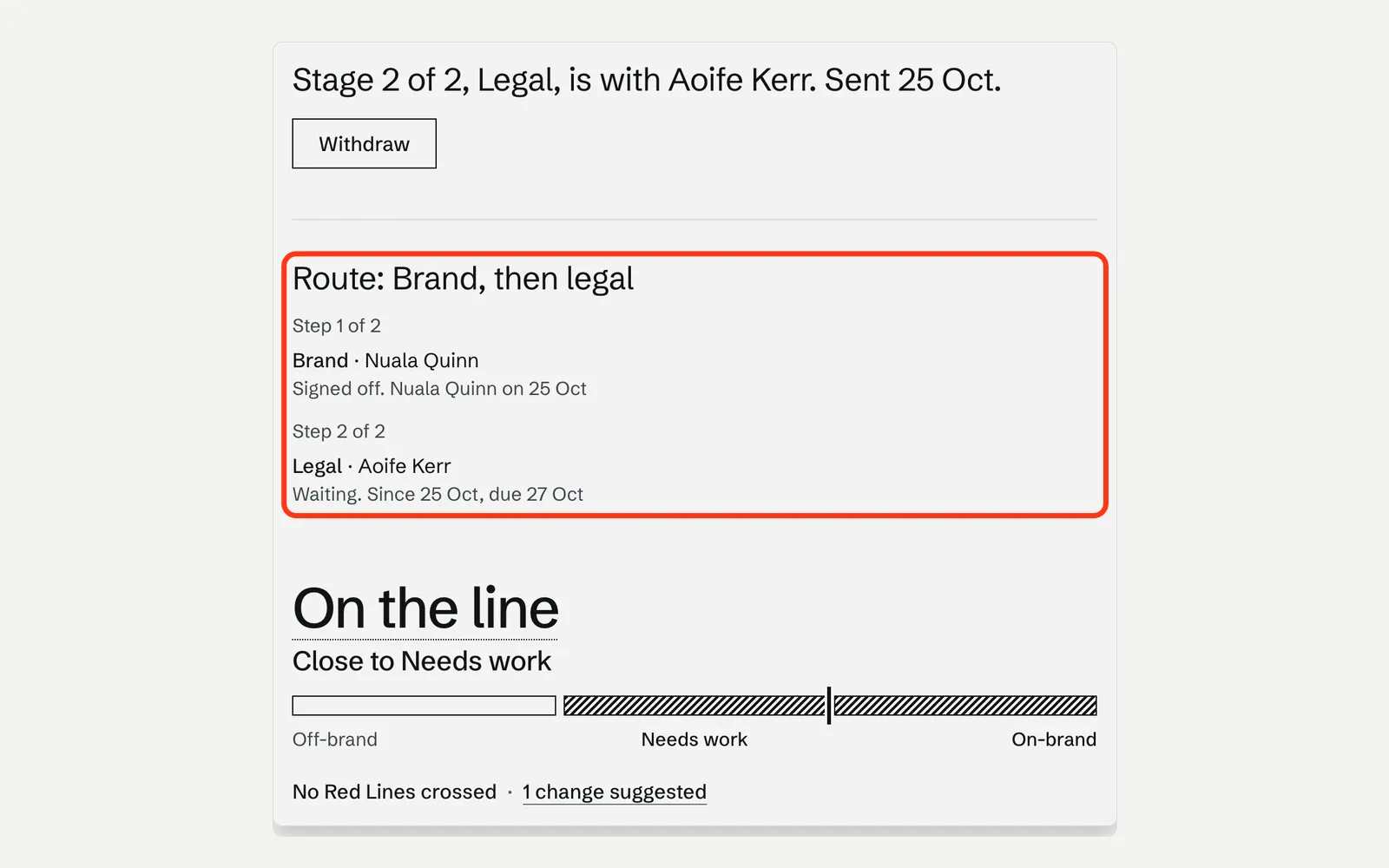
Sign-off routes
Sets your own stages, such as brand, then legal, then director, with stand-ins.
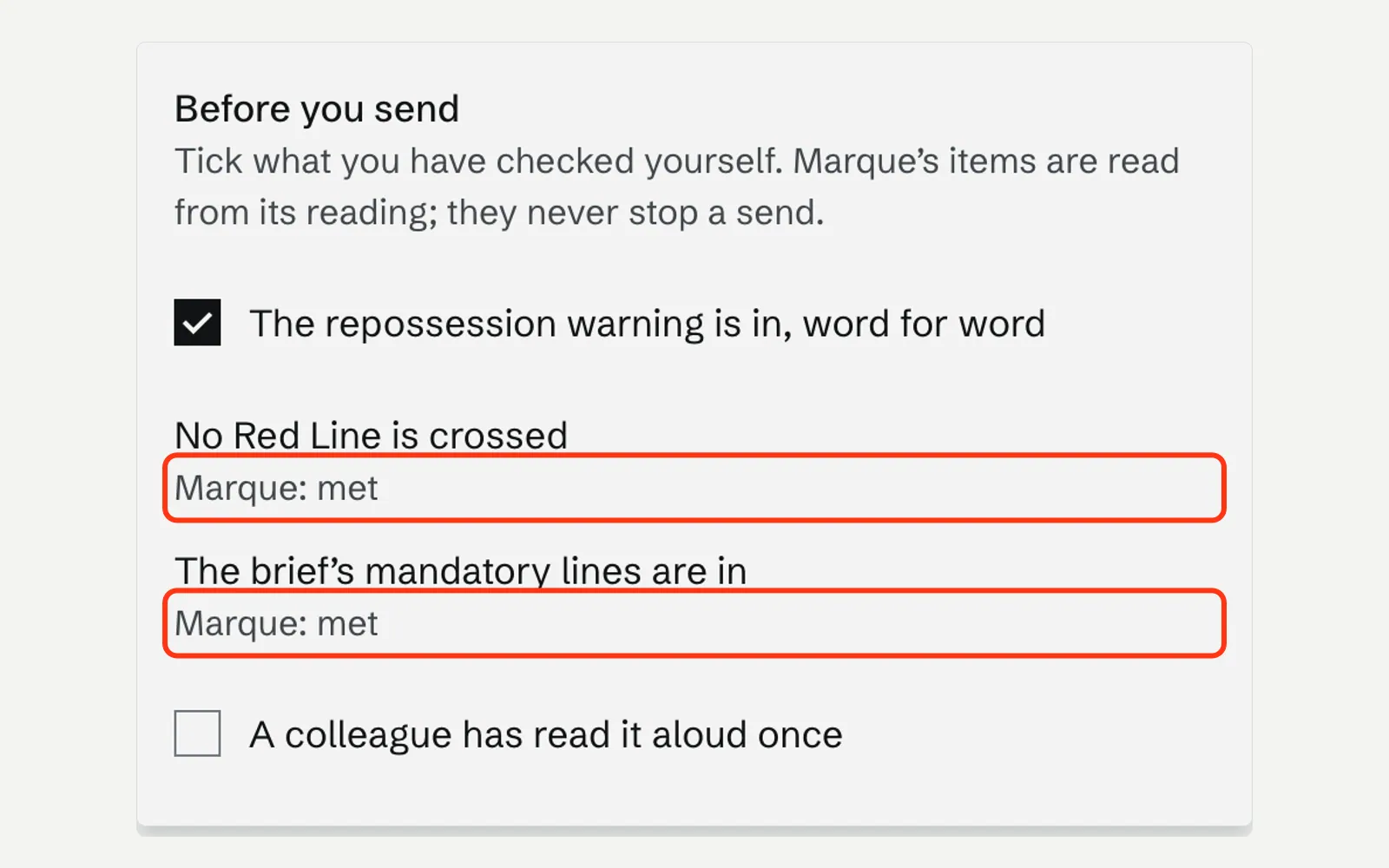
Send checklist
Adds a checklist for each kind of piece, ticked by Marque and by people.
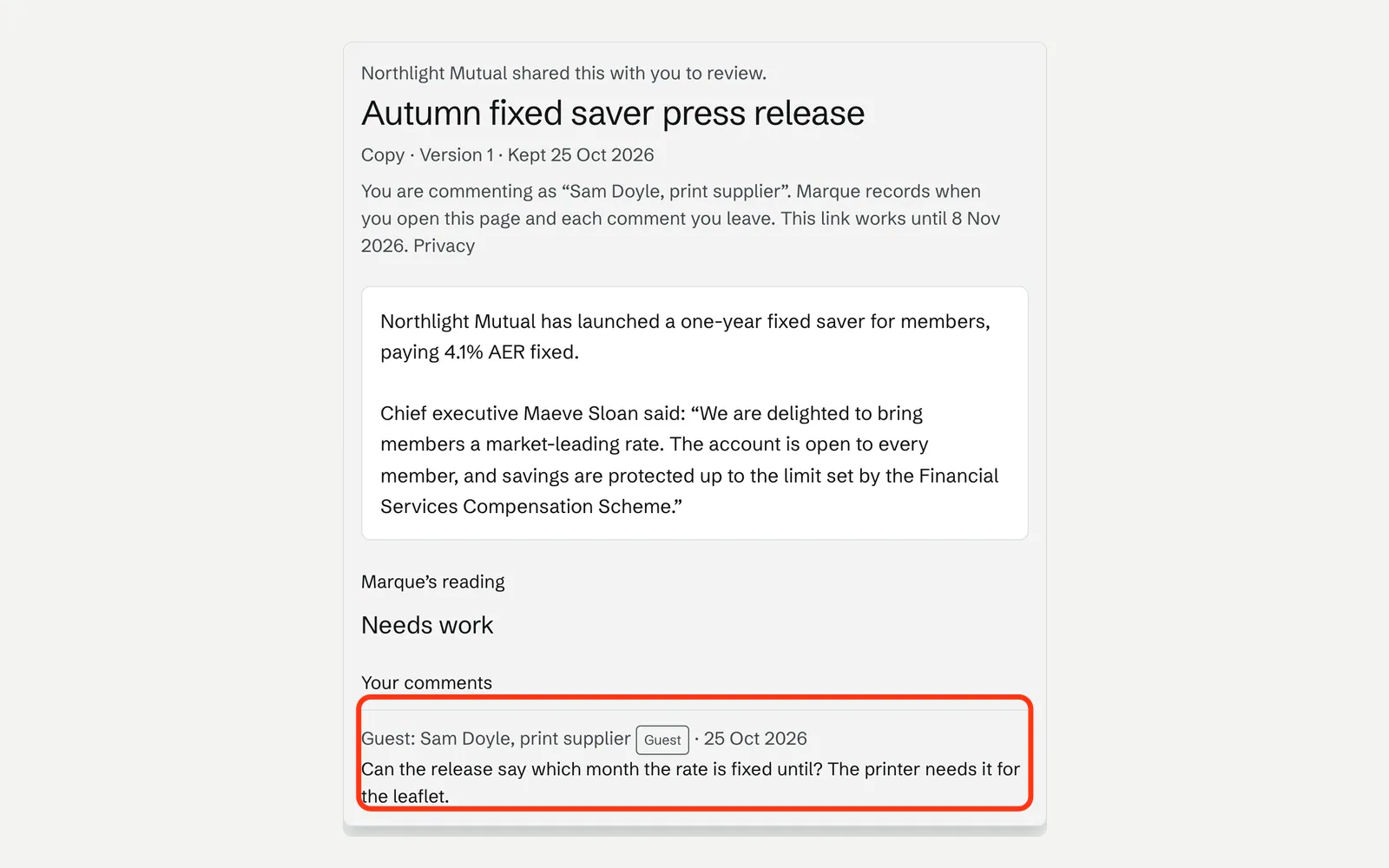
Guest reviewers
Lets an outside reviewer see one version through a link that expires.
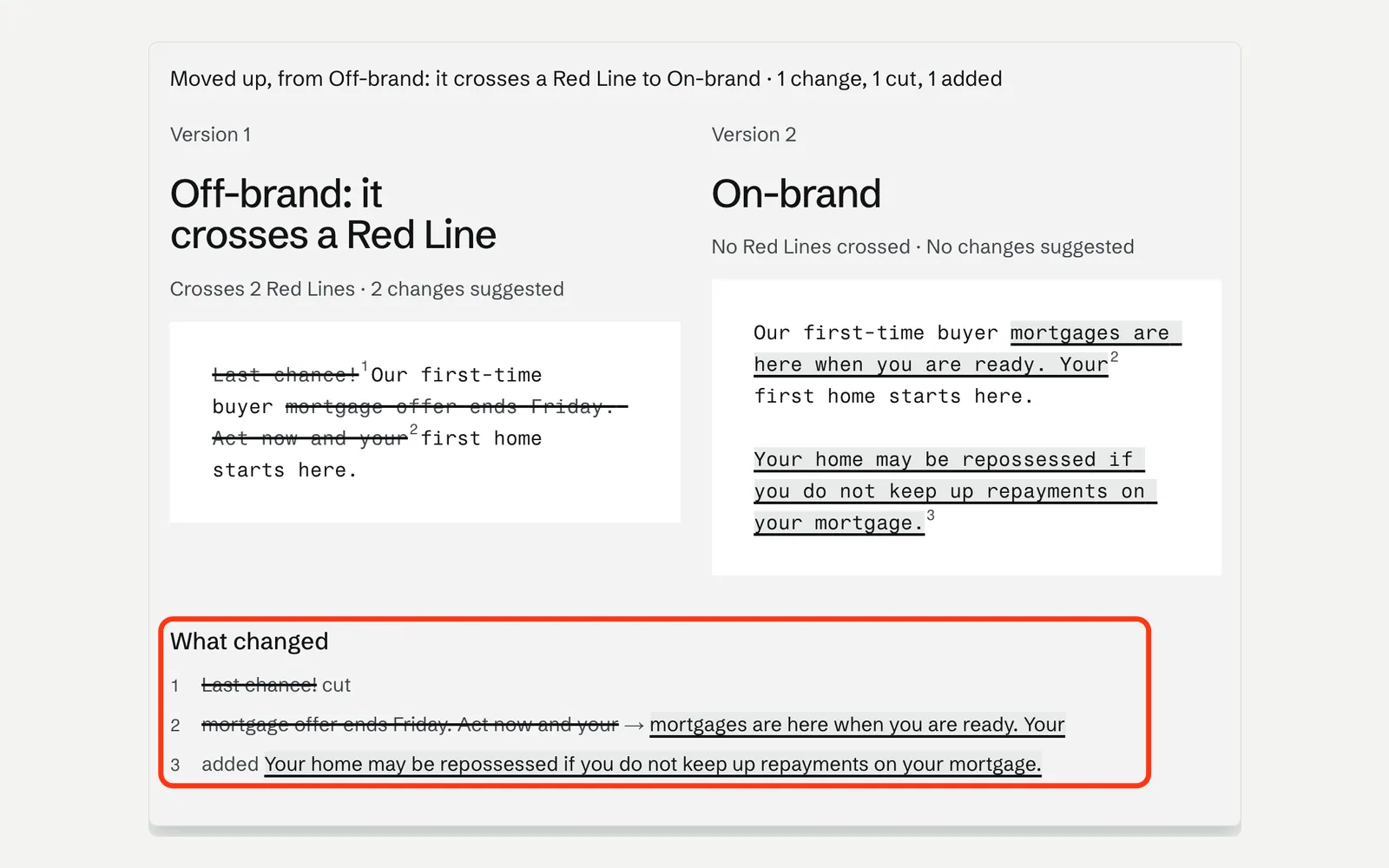
Compare versions
Puts any two versions side by side with the changed words marked.
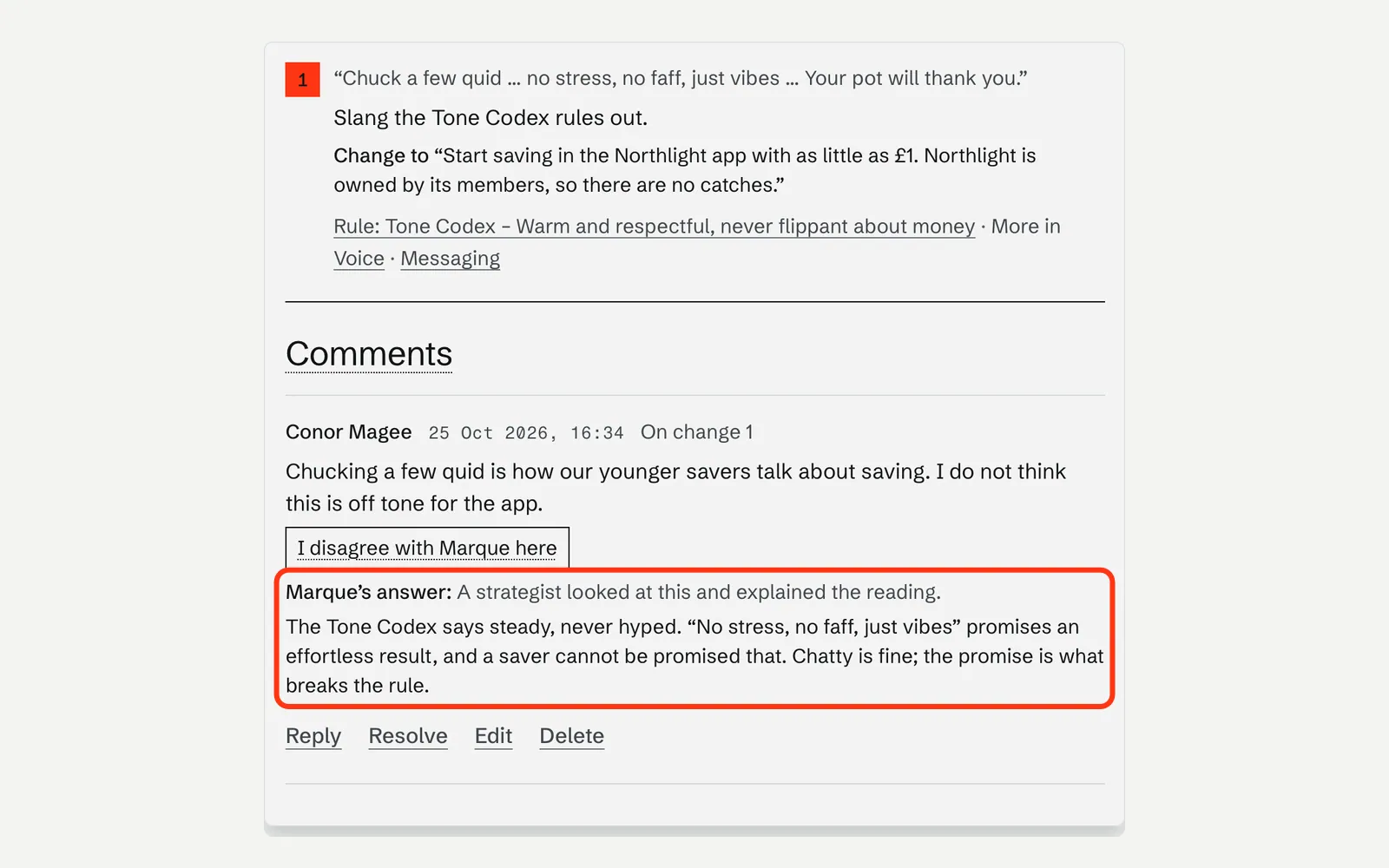
Disagreements
Lets you challenge a check. Big+Bold explains it or sharpens your criteria.
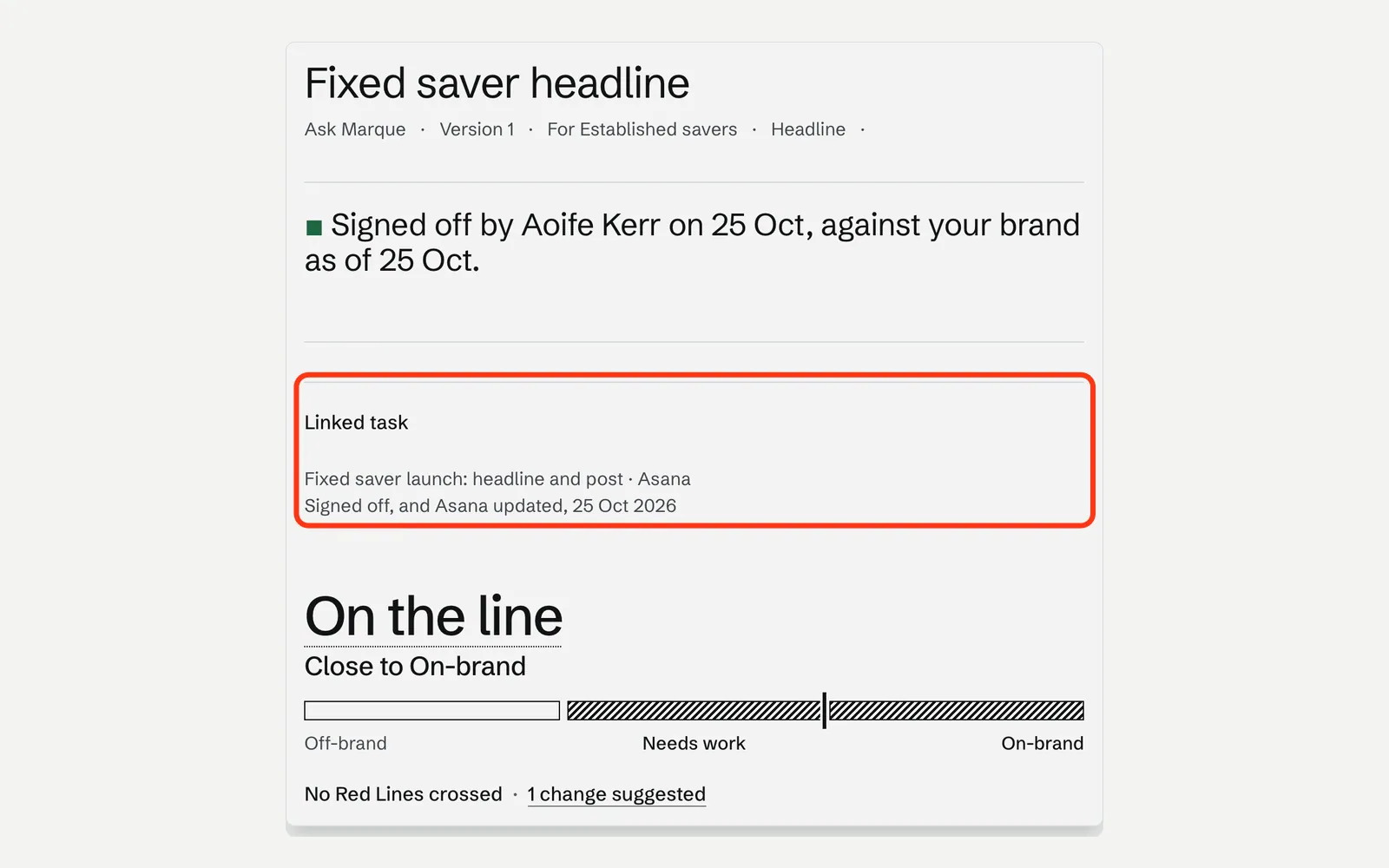
Project tools
Updates the matching task in your project tool when work is signed off.
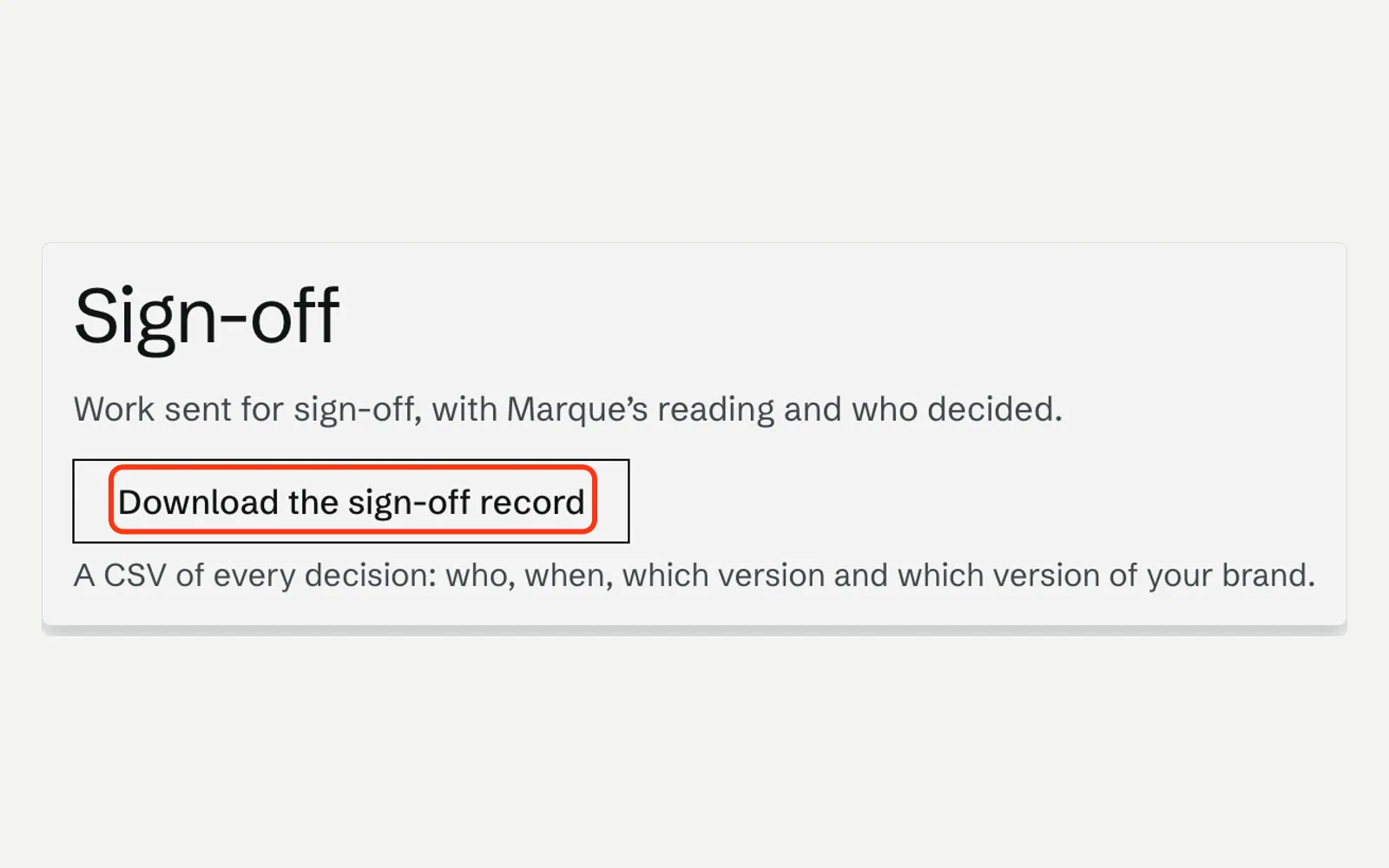
Sign-off record
Keeps who sent and who decided each piece, when, and on which version.
Get your ads ready to run
Watch competitors, cut ad files and send paused drafts to your own ad accounts.
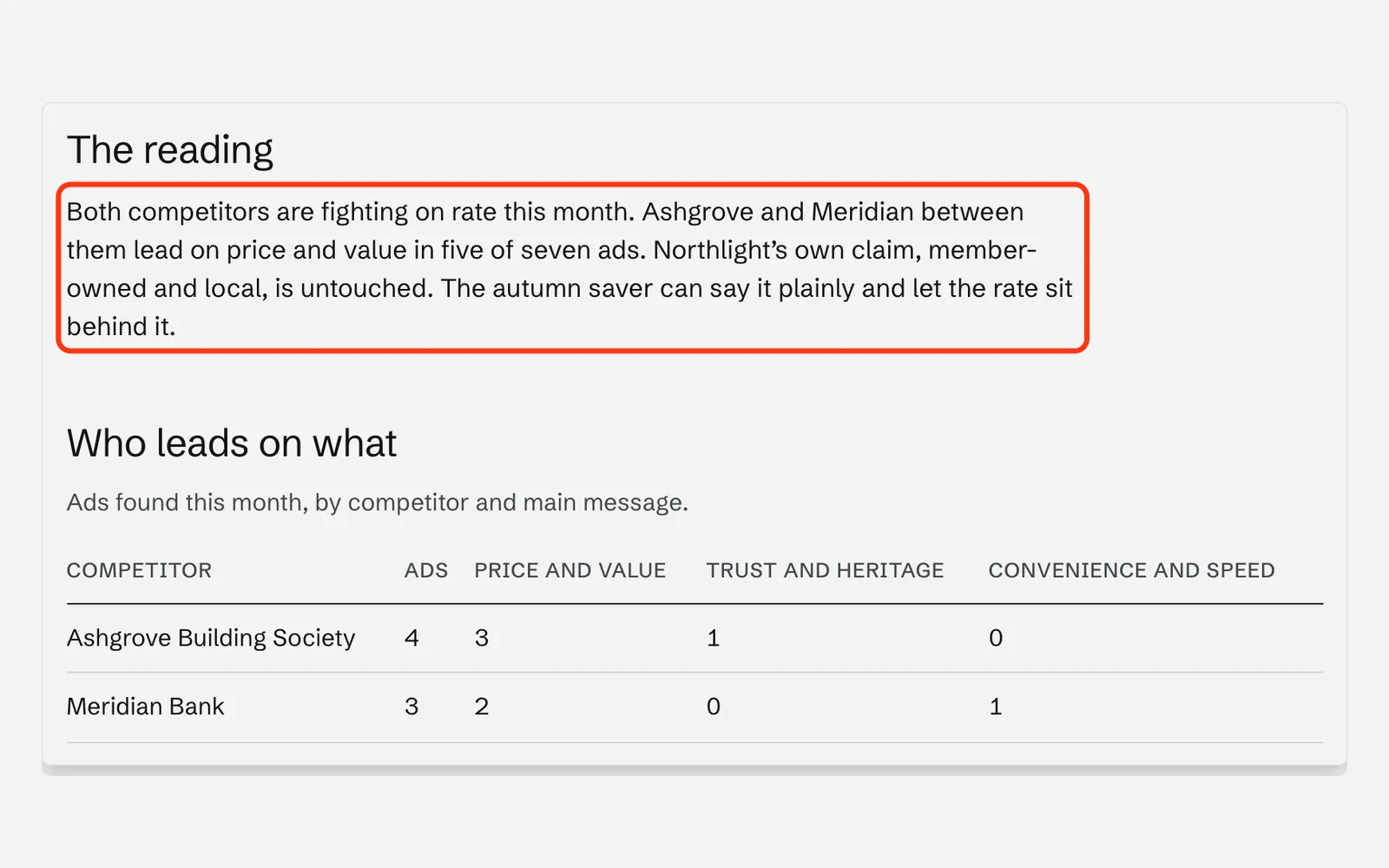
Competitor ad watch
Reviews competitors’ public ads each month and points to the gaps they leave.
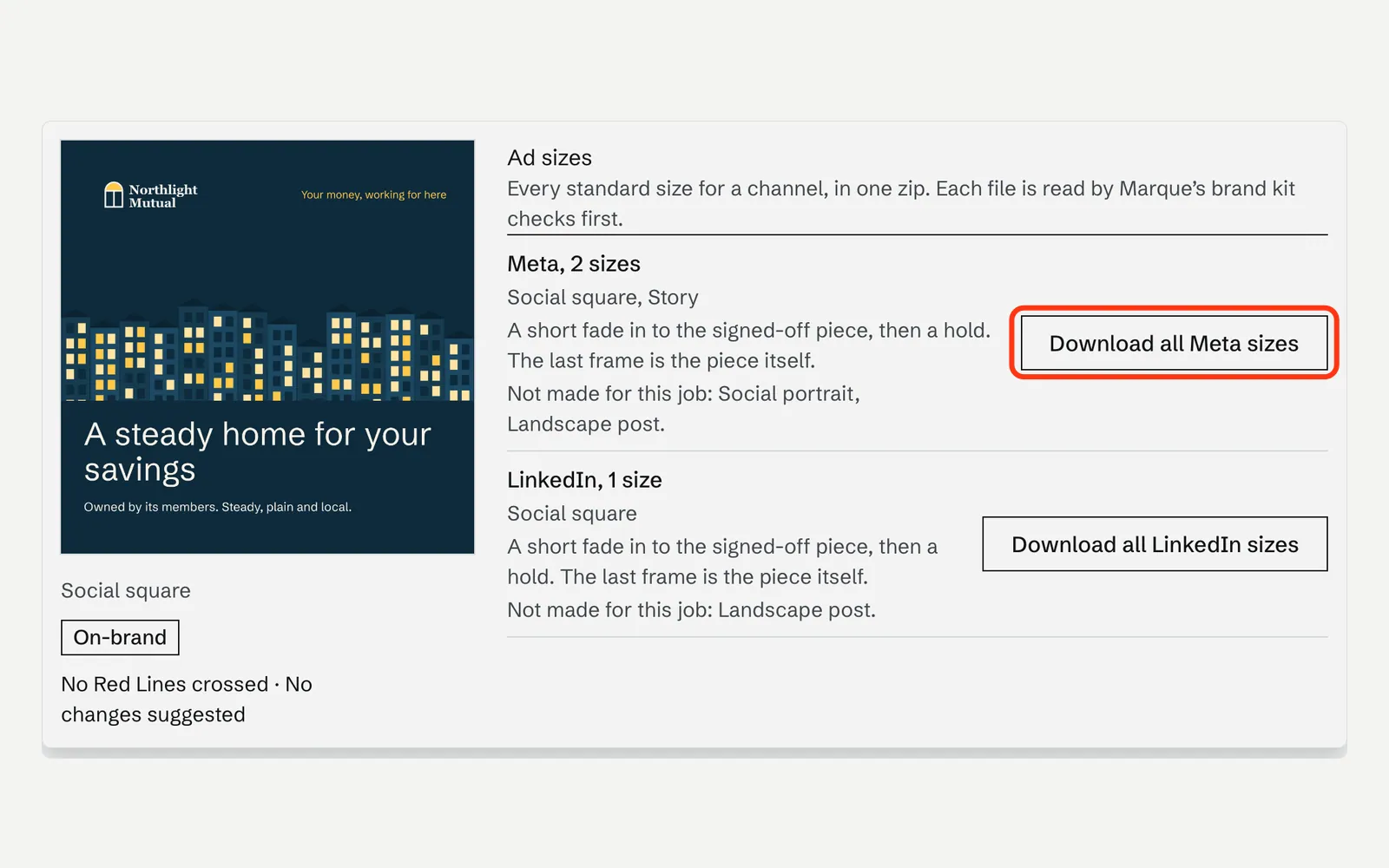
Ad-ready exports
Cuts signed-off work to the size of each ad format.
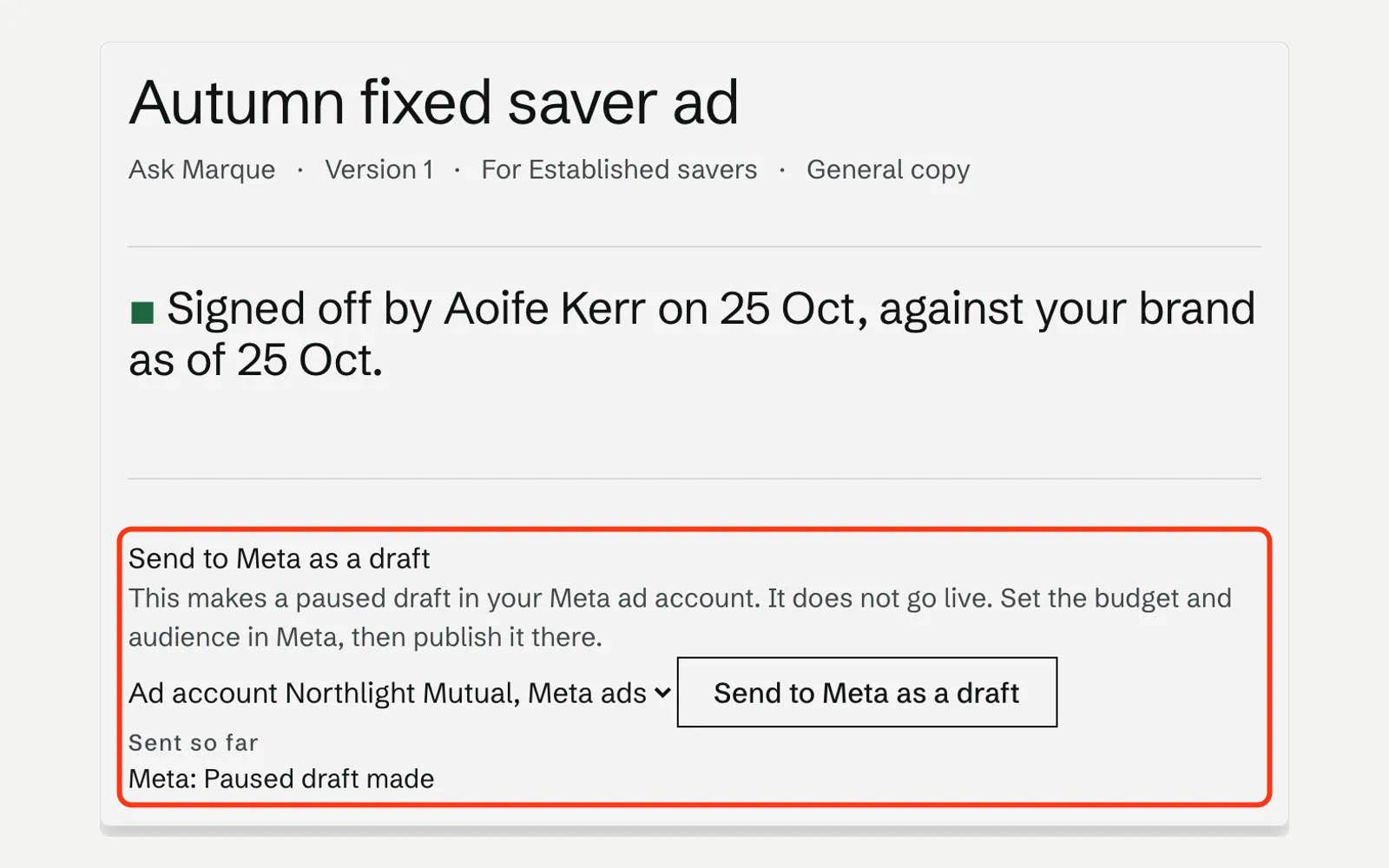
Launch ads from Marque
Sends a signed-off ad to your own ad account as a paused draft.
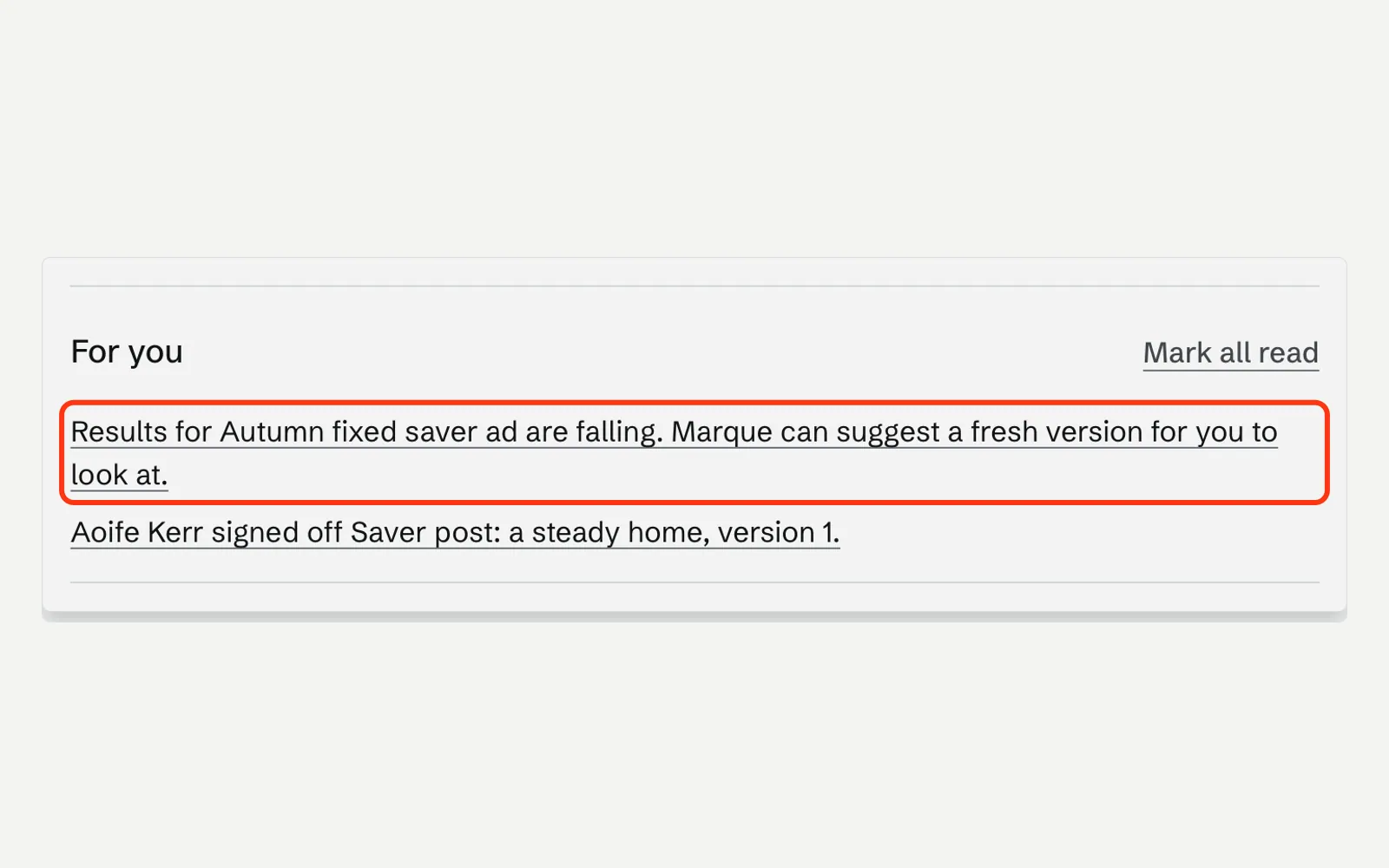
Tired-ad alerts
Tells you when an ad’s results are falling, and offers a fresh version.
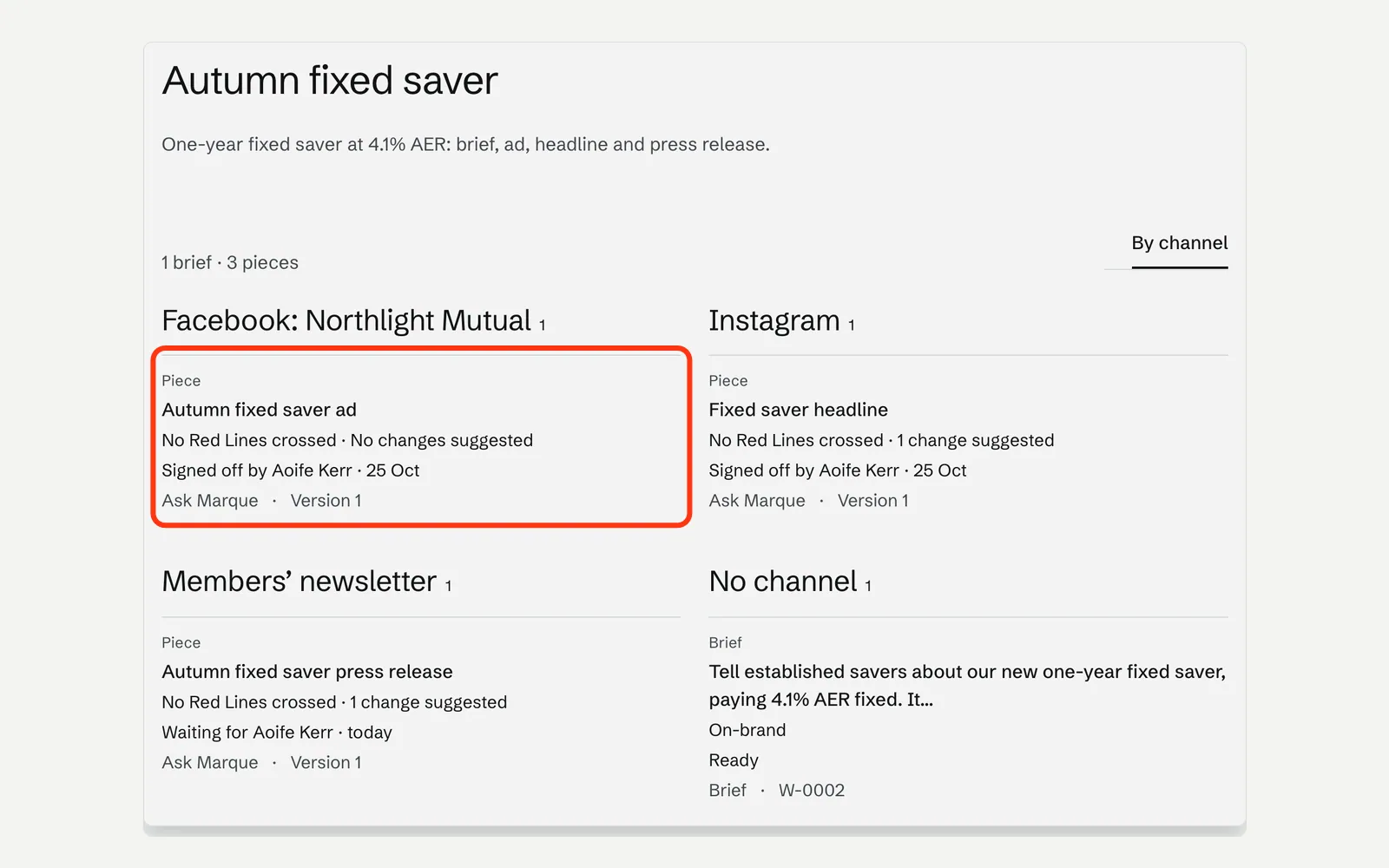
Campaign board
Gathers a campaign’s briefs, pieces and plans on one board.
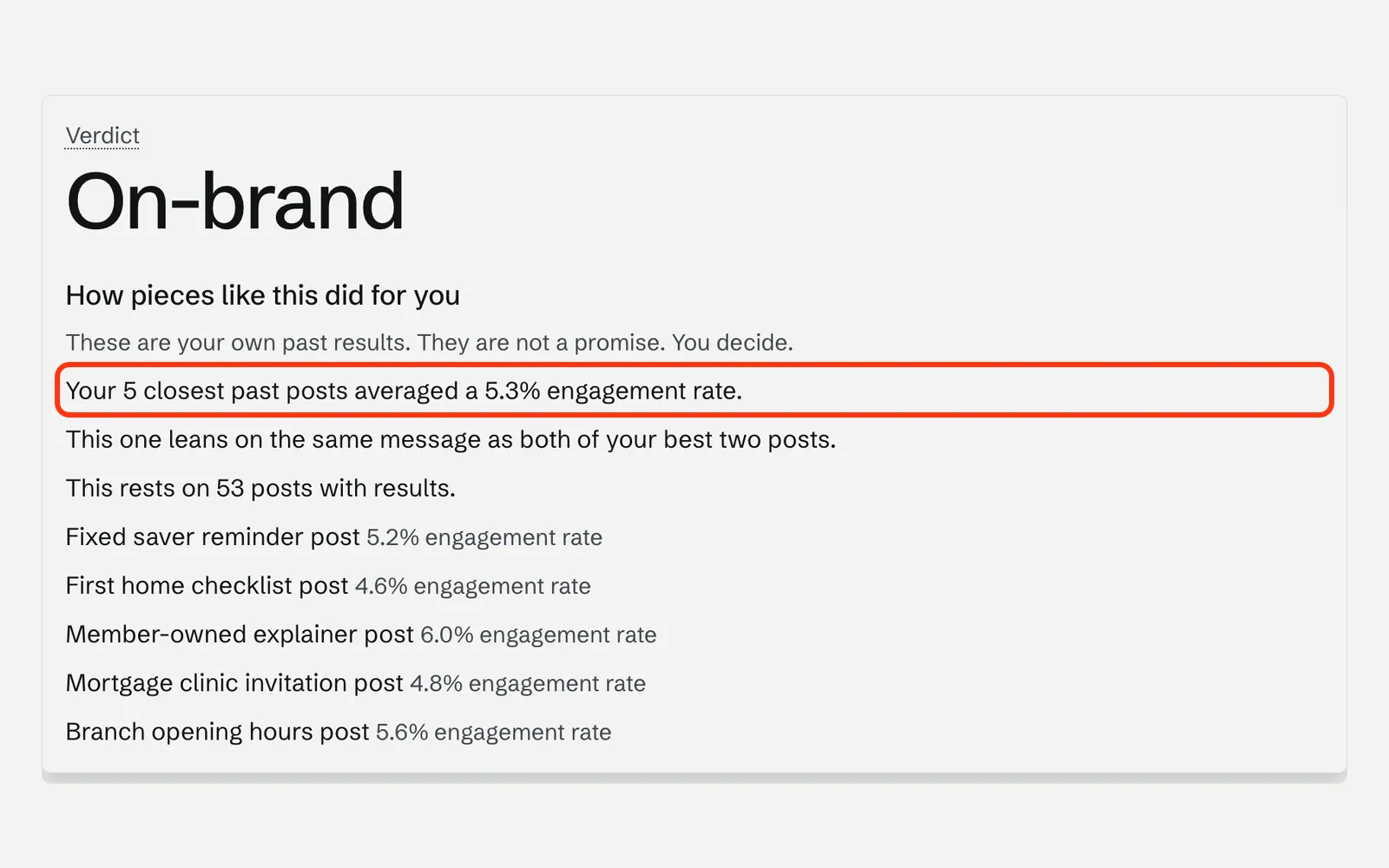
How pieces like this did
Shows your closest past pieces and their results beside a new check.
See what is working
What your work achieved, what it saved you, and how Marque has read it.
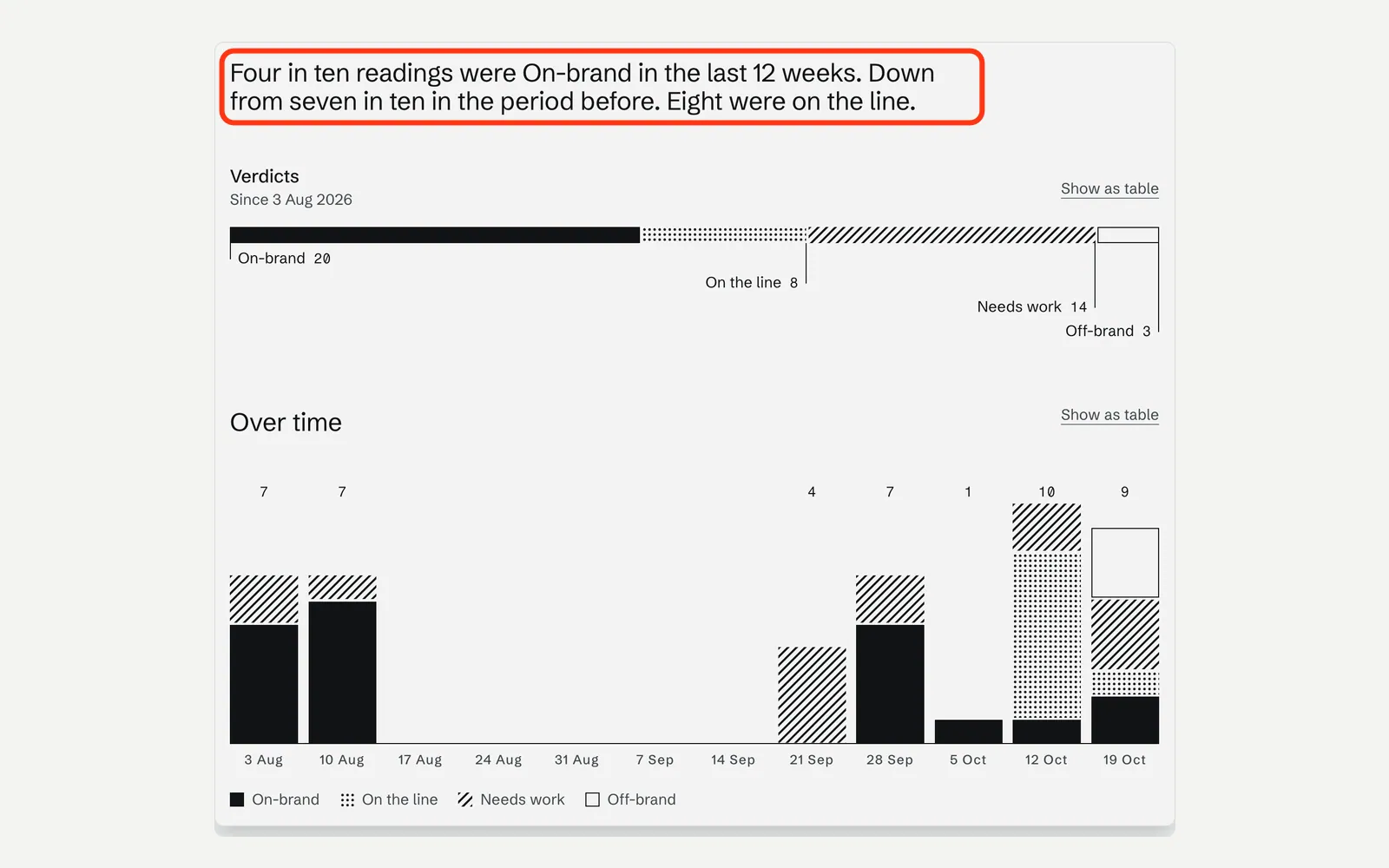
Consistency reports
Shows how on-brand your work is over time, by team, channel and agency.
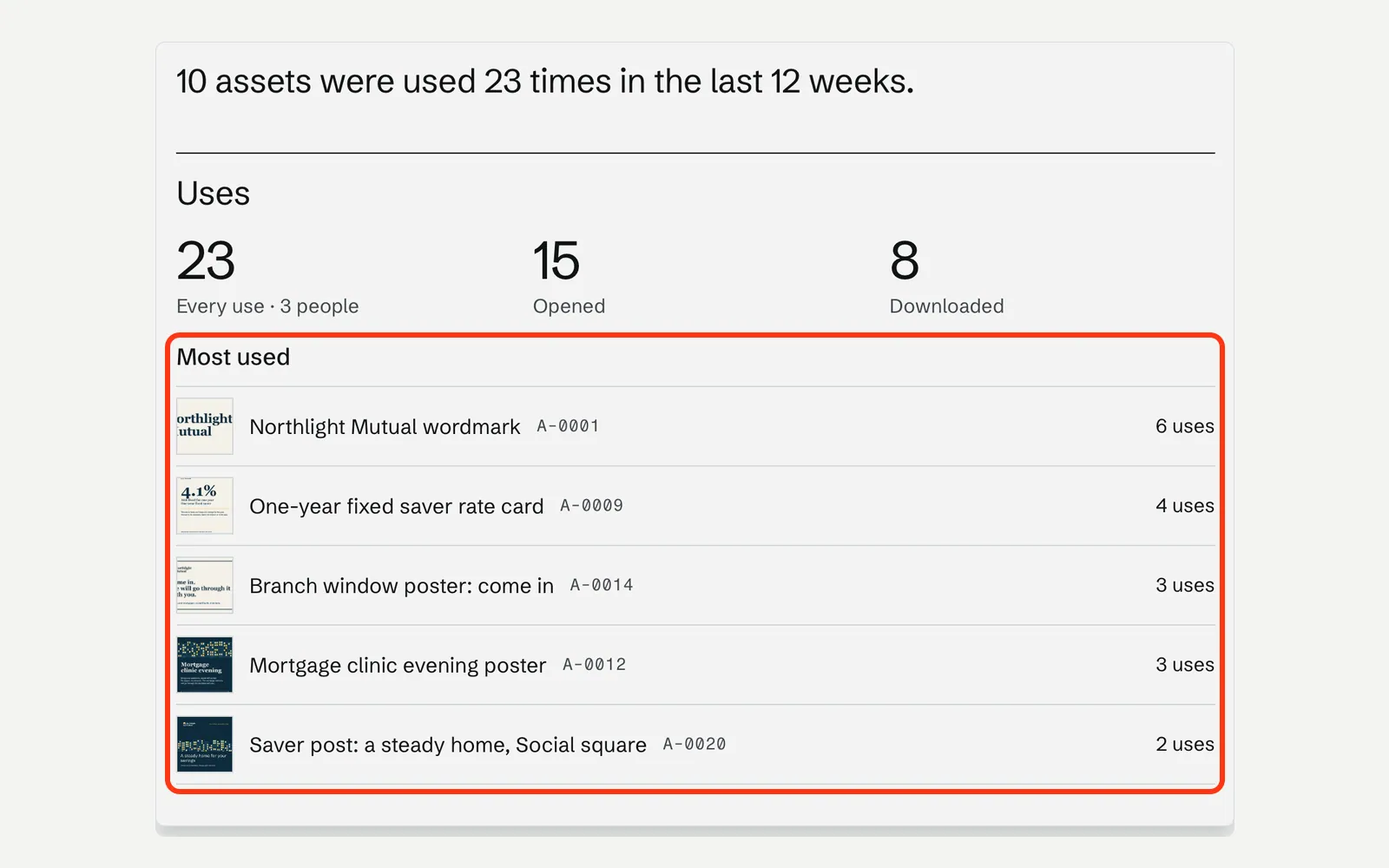
Usage
Shows which templates and files your teams use, and what waits for sign-off.
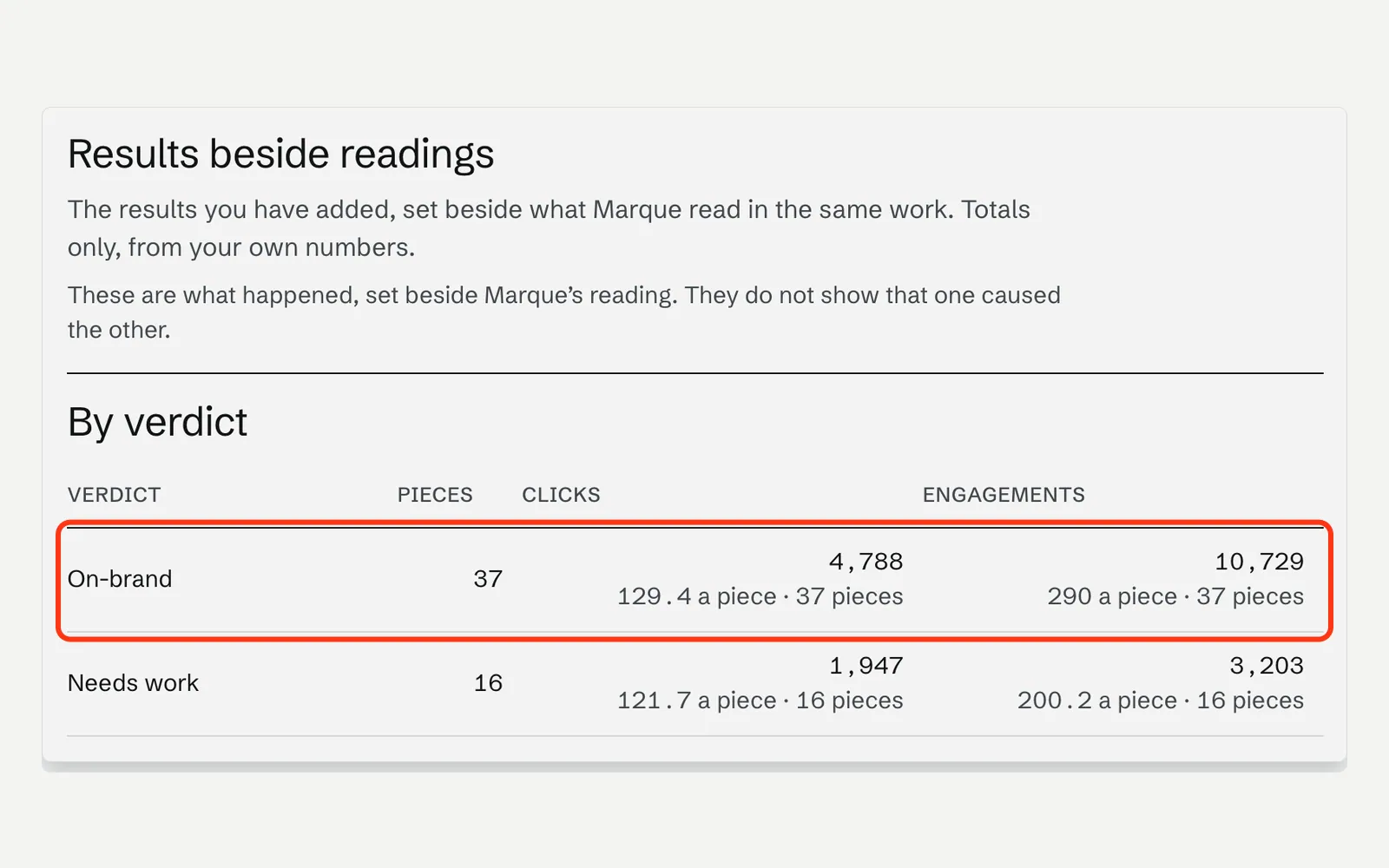
Results
Sets your campaign results beside Marque’s checks of the same work.
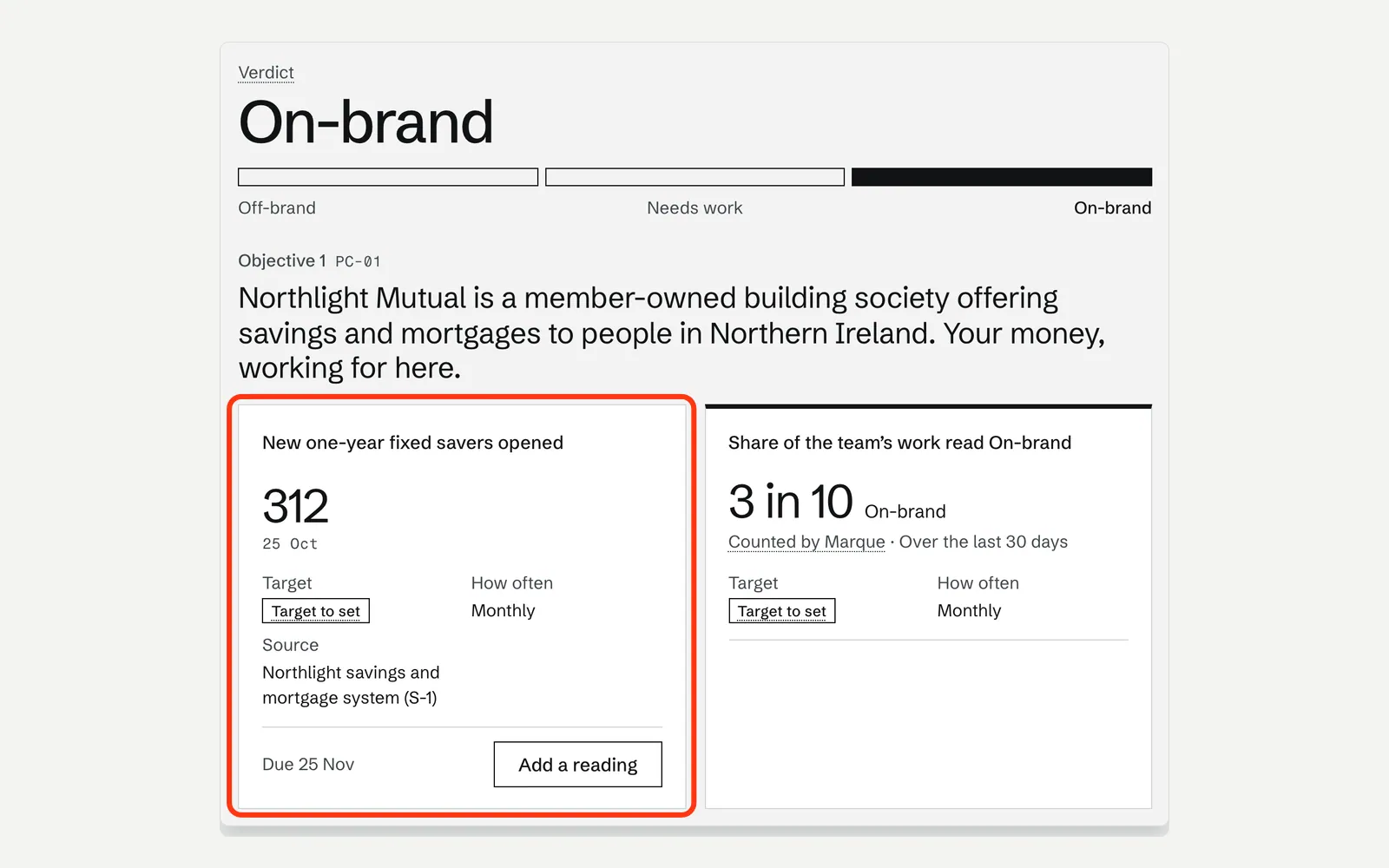
Measurement
Sets out what to measure for each objective: where, the target, how often.
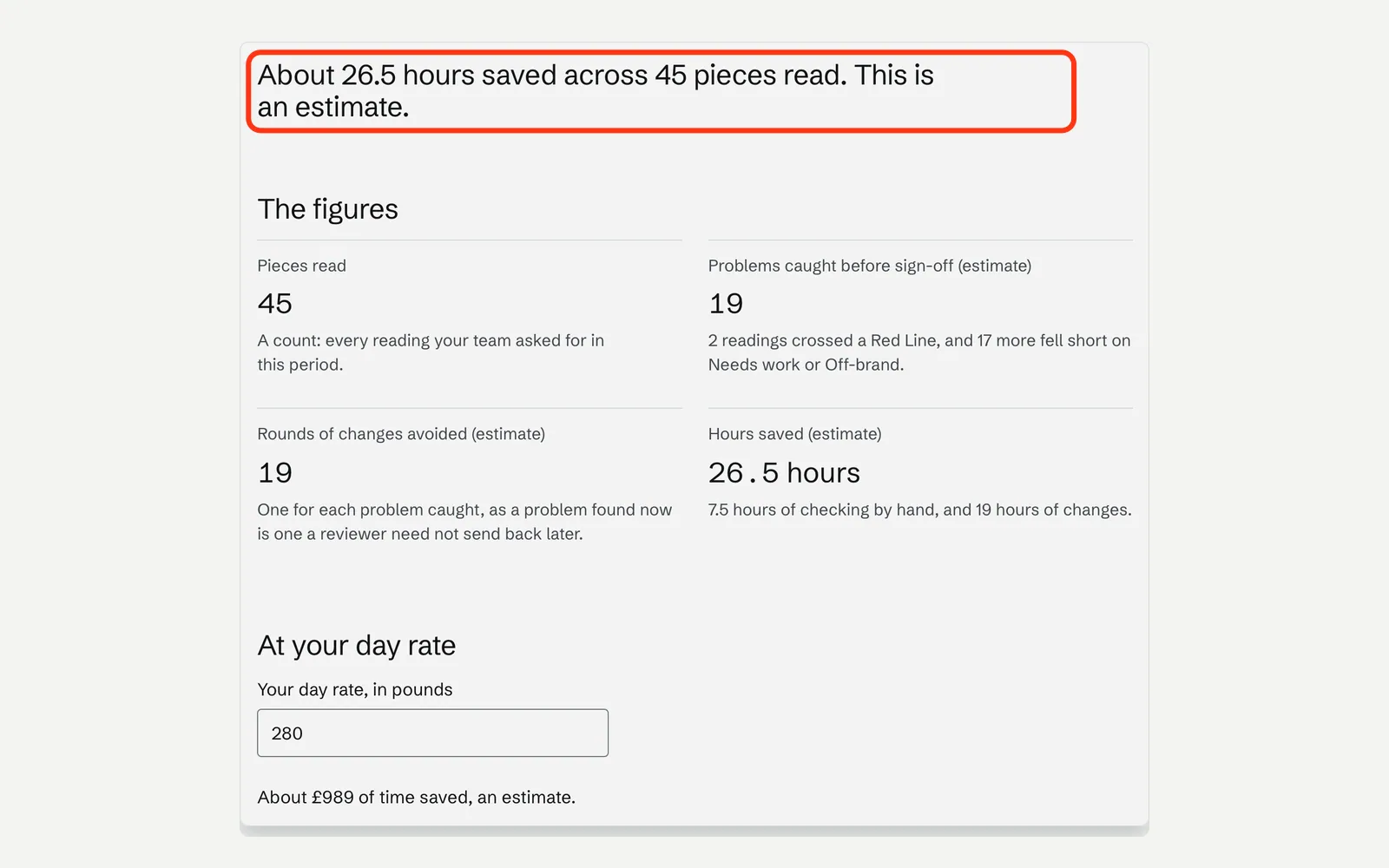
Time and money saved
Counts problems caught before sign-off and estimates the hours and pounds saved.
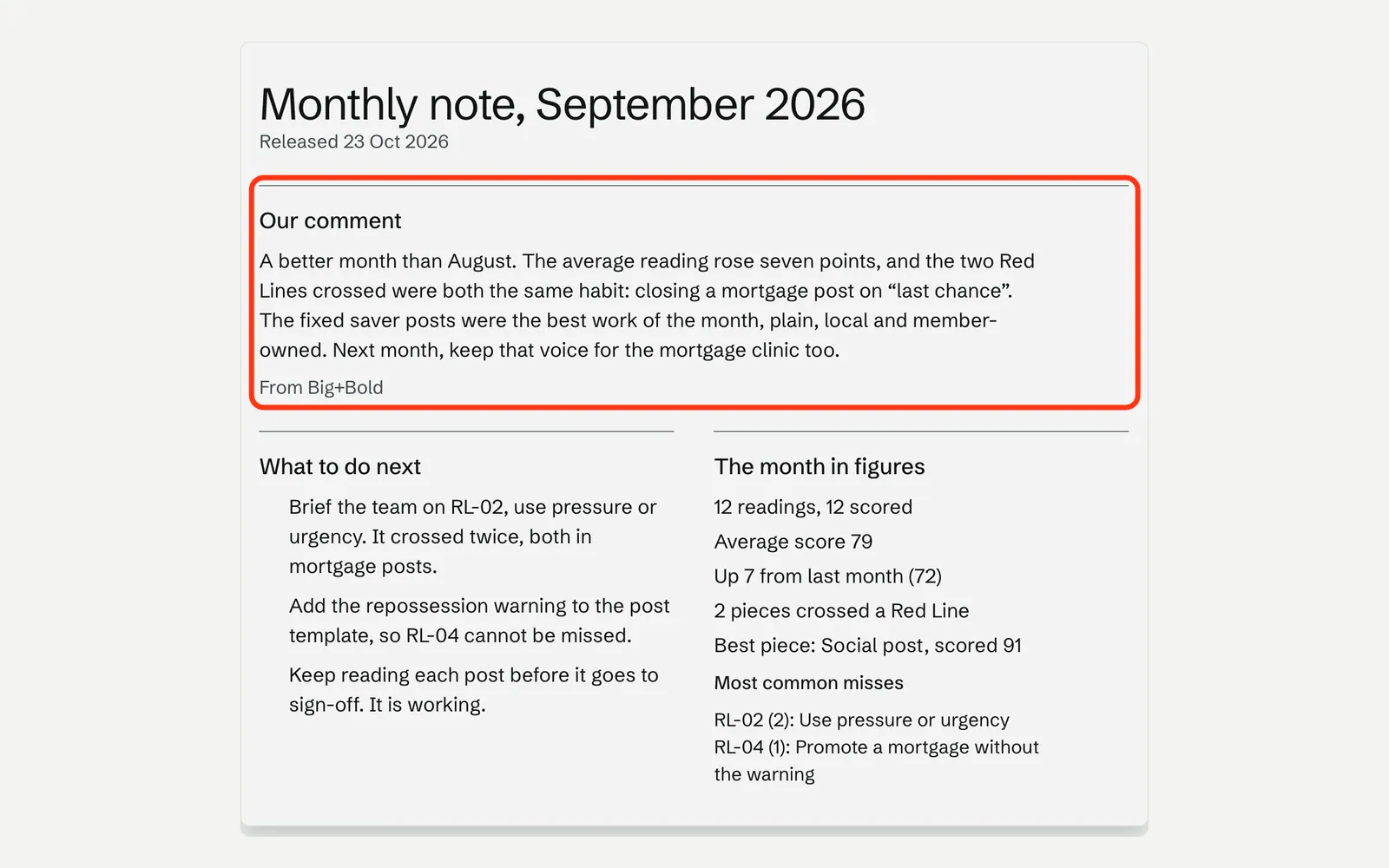
Monthly note
Gives you one note a month: figures, a strategist’s comment and next steps.
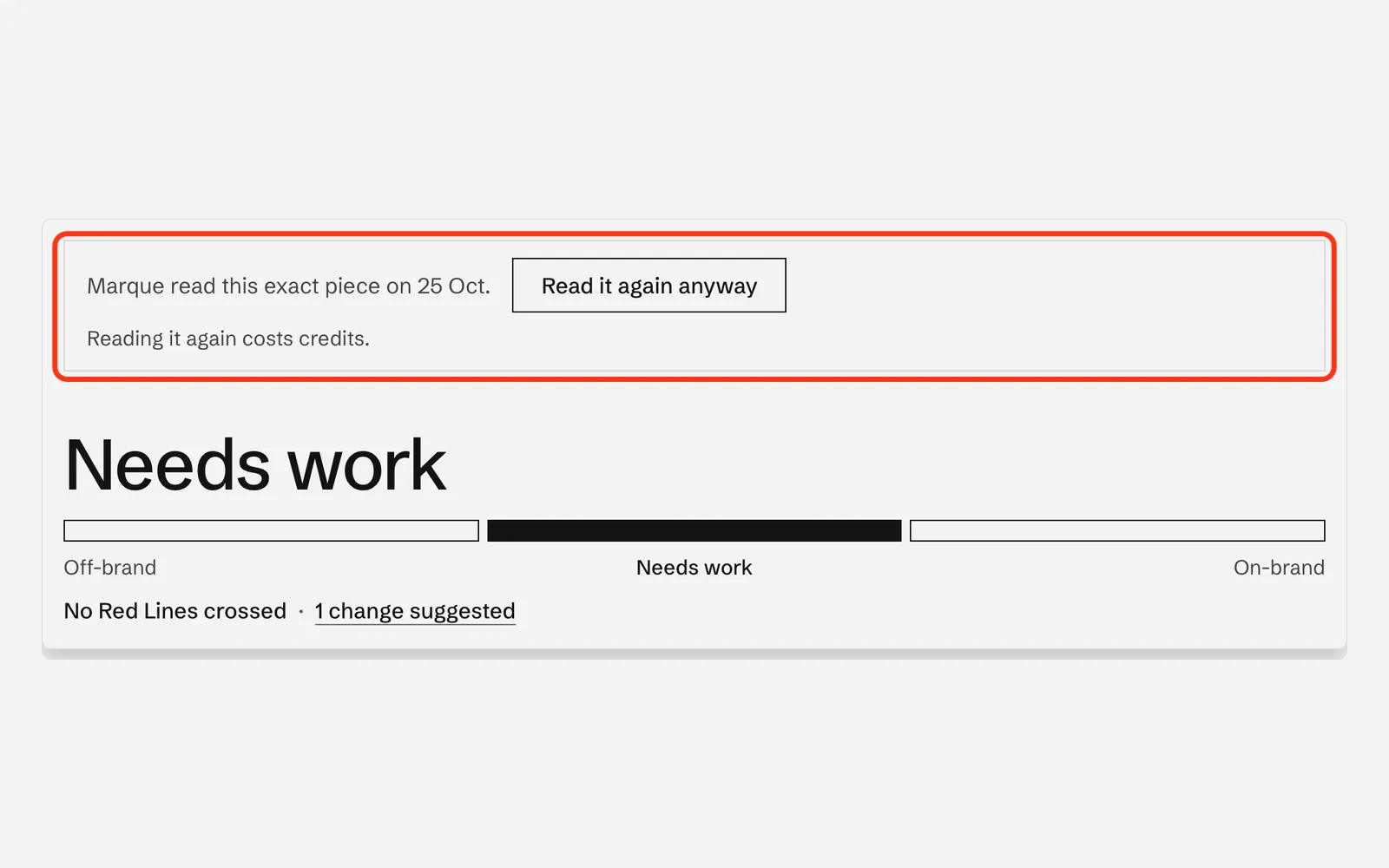
Repeat checks, no credits
Shows the earlier check when you check the same words again, using no credits.
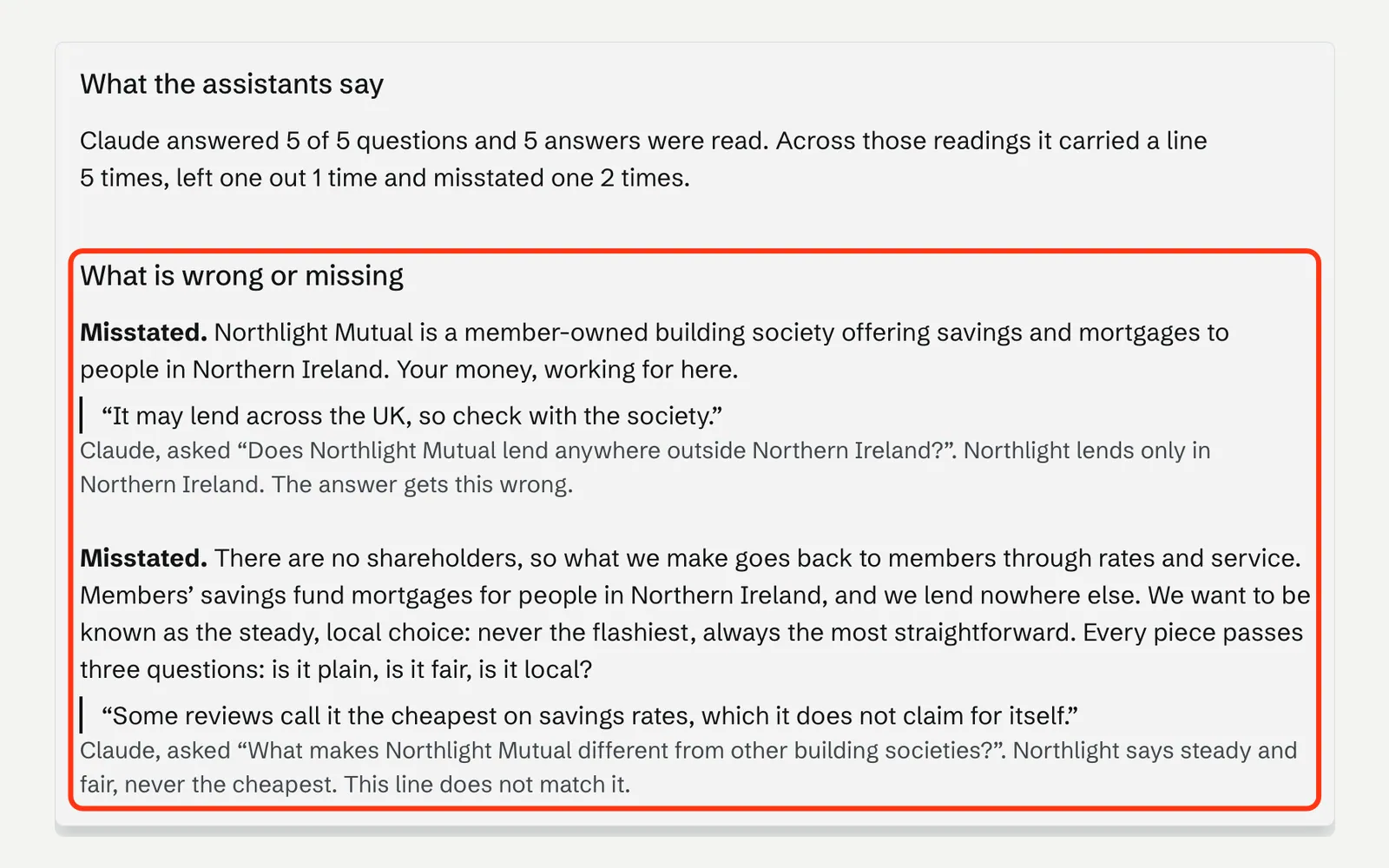
Your brand in assistants’ answers
Checks each quarter how chat assistants describe your brand, and what they miss.
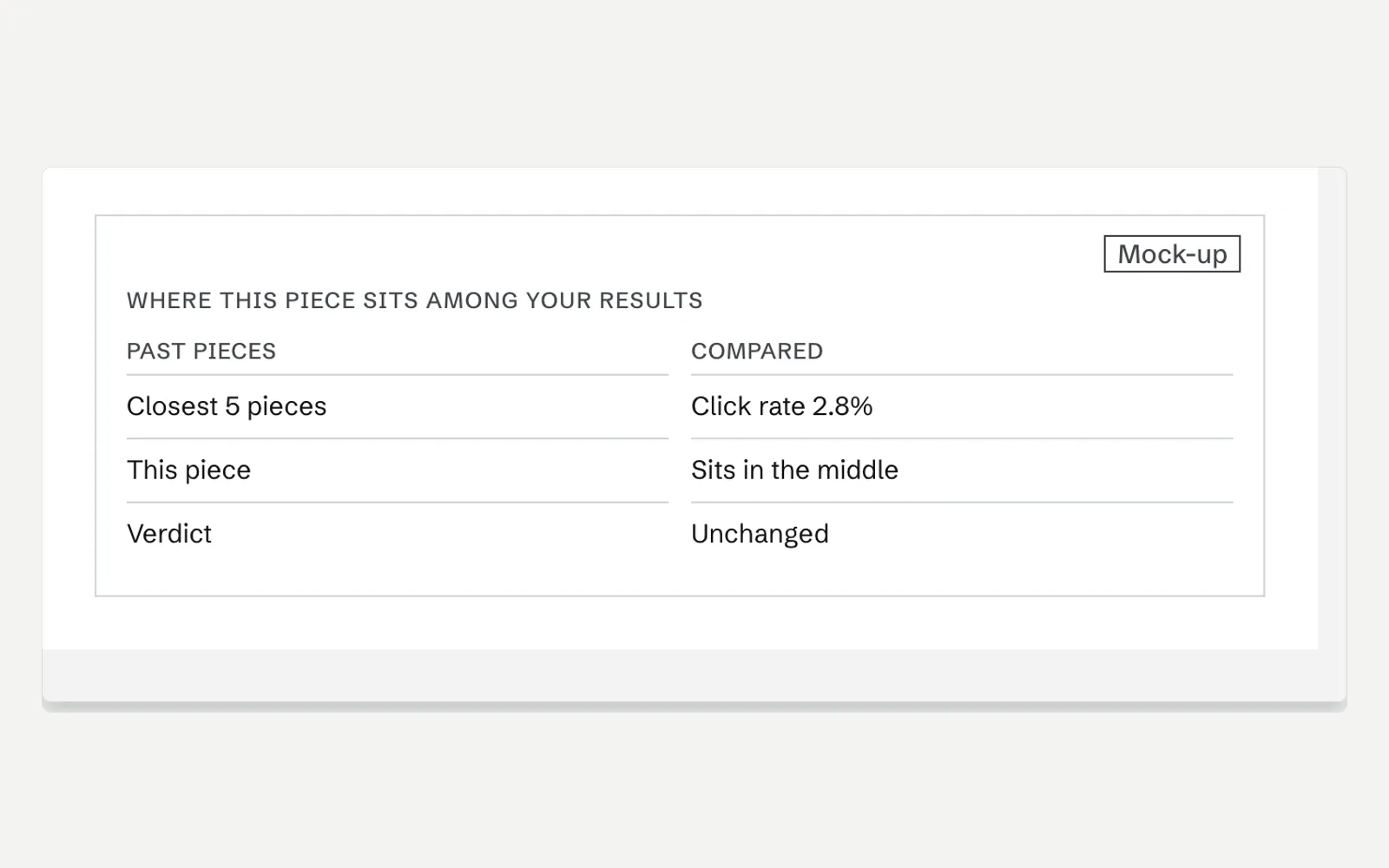
Place among your results
Shows where a new piece sits among your results. It never changes Marque’s check.
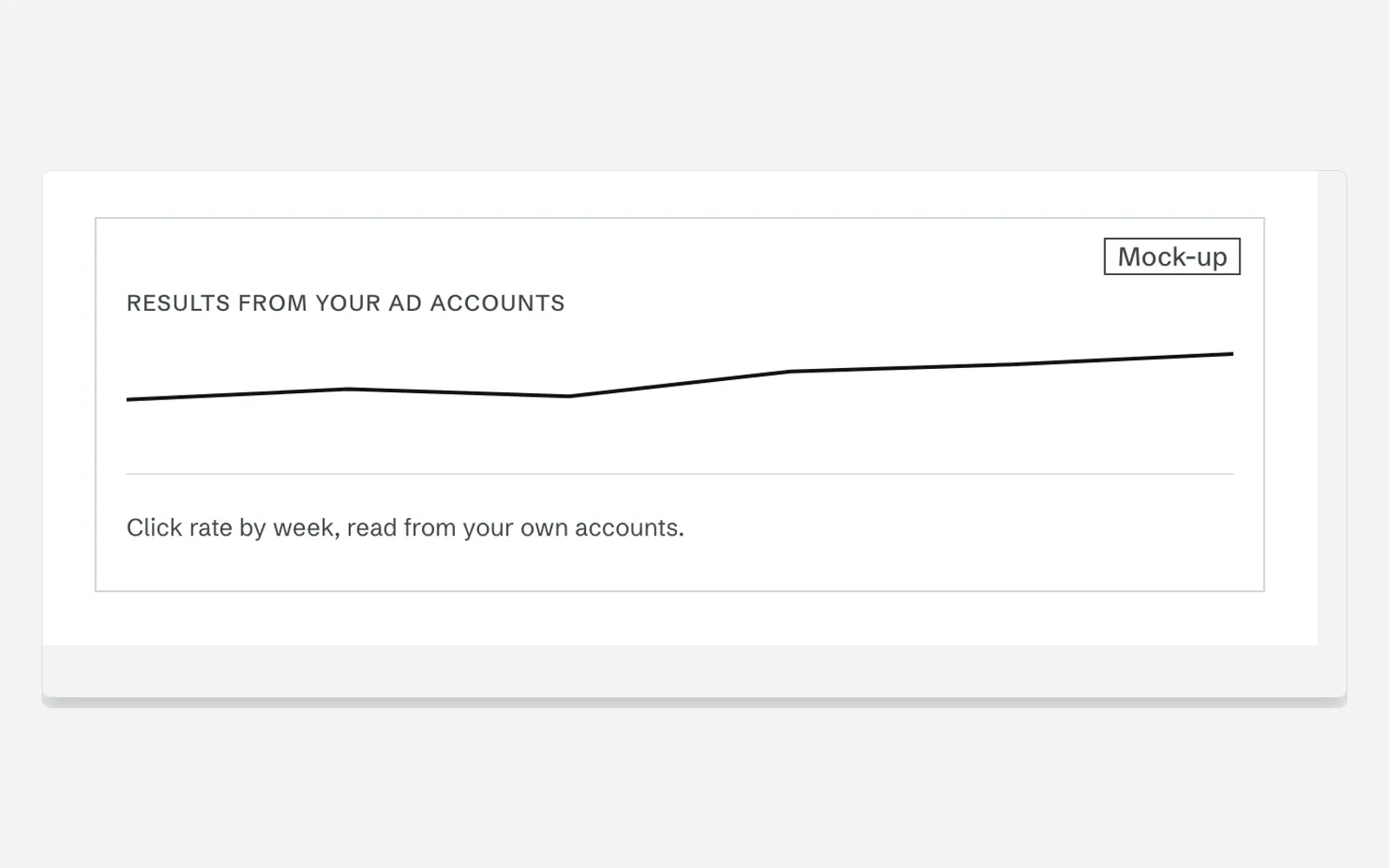
Results from your ad accounts
Reads results from your own ad accounts on a schedule, with read access only.
Teach your team your brand
Your brand explained to everyone who uses it, so the whole team follows it.
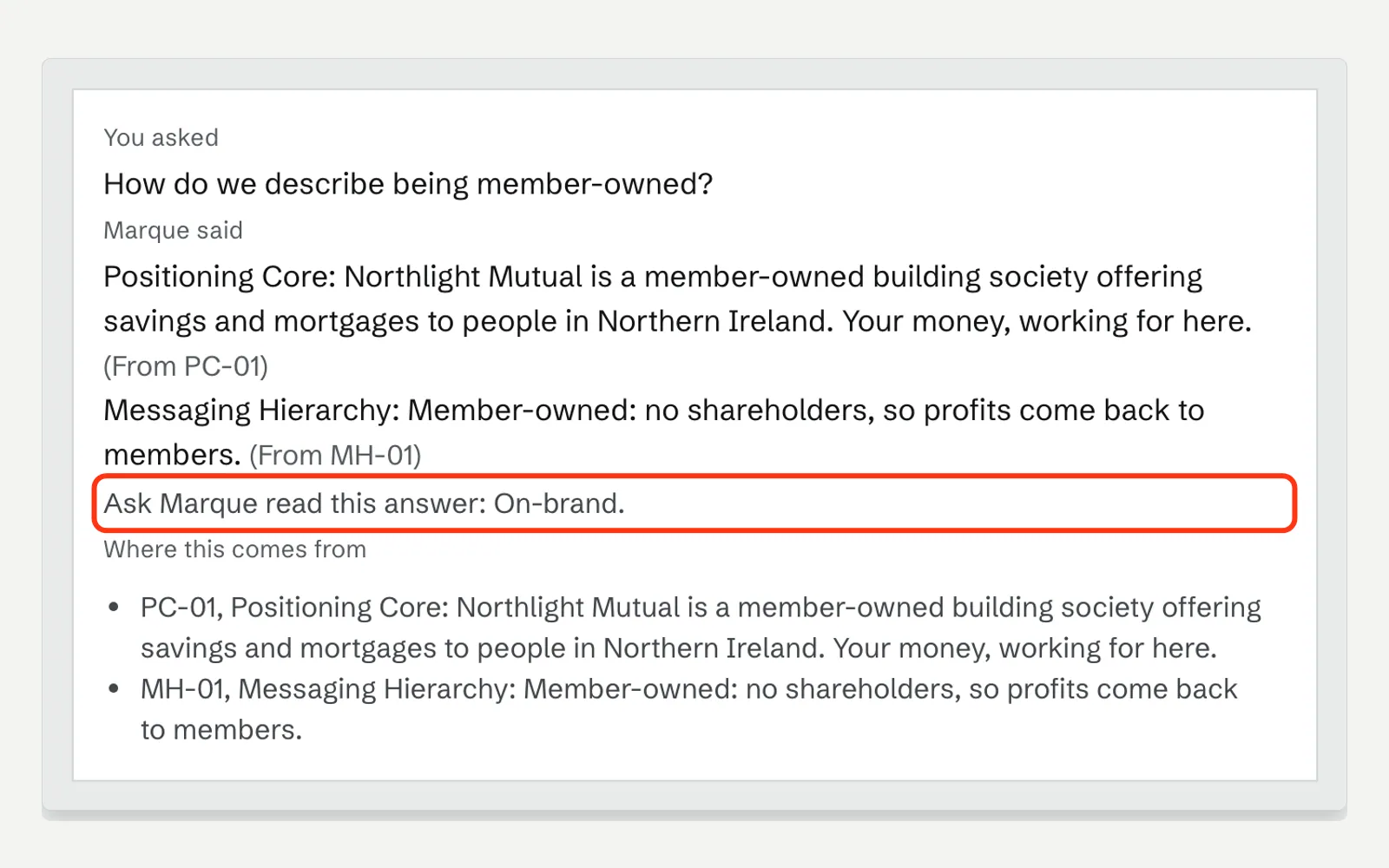
Ask about our brand
Answers questions about your brand and cites the lines each answer rests on.
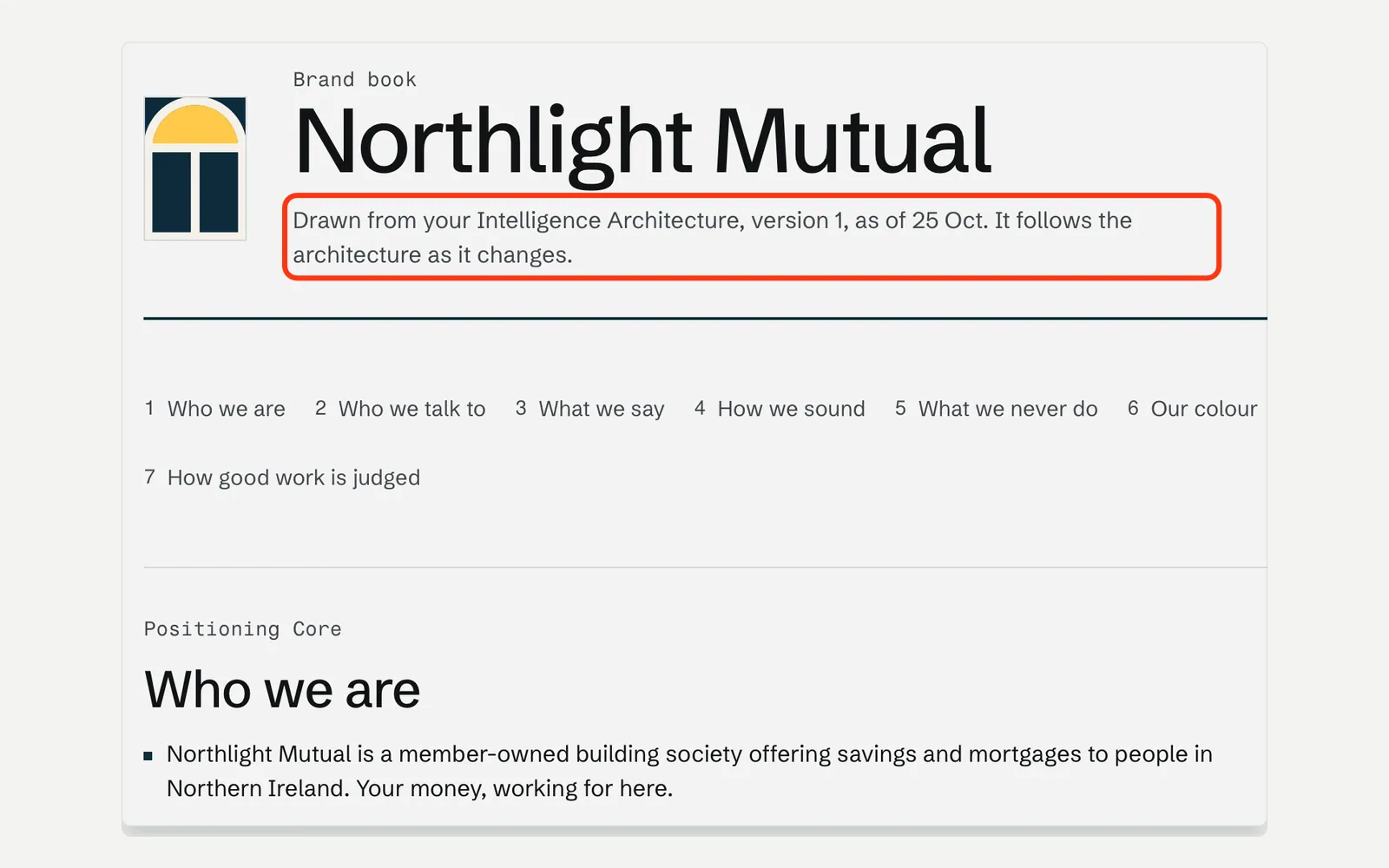
Brand book
Sets out your brand on one page, always up to date.
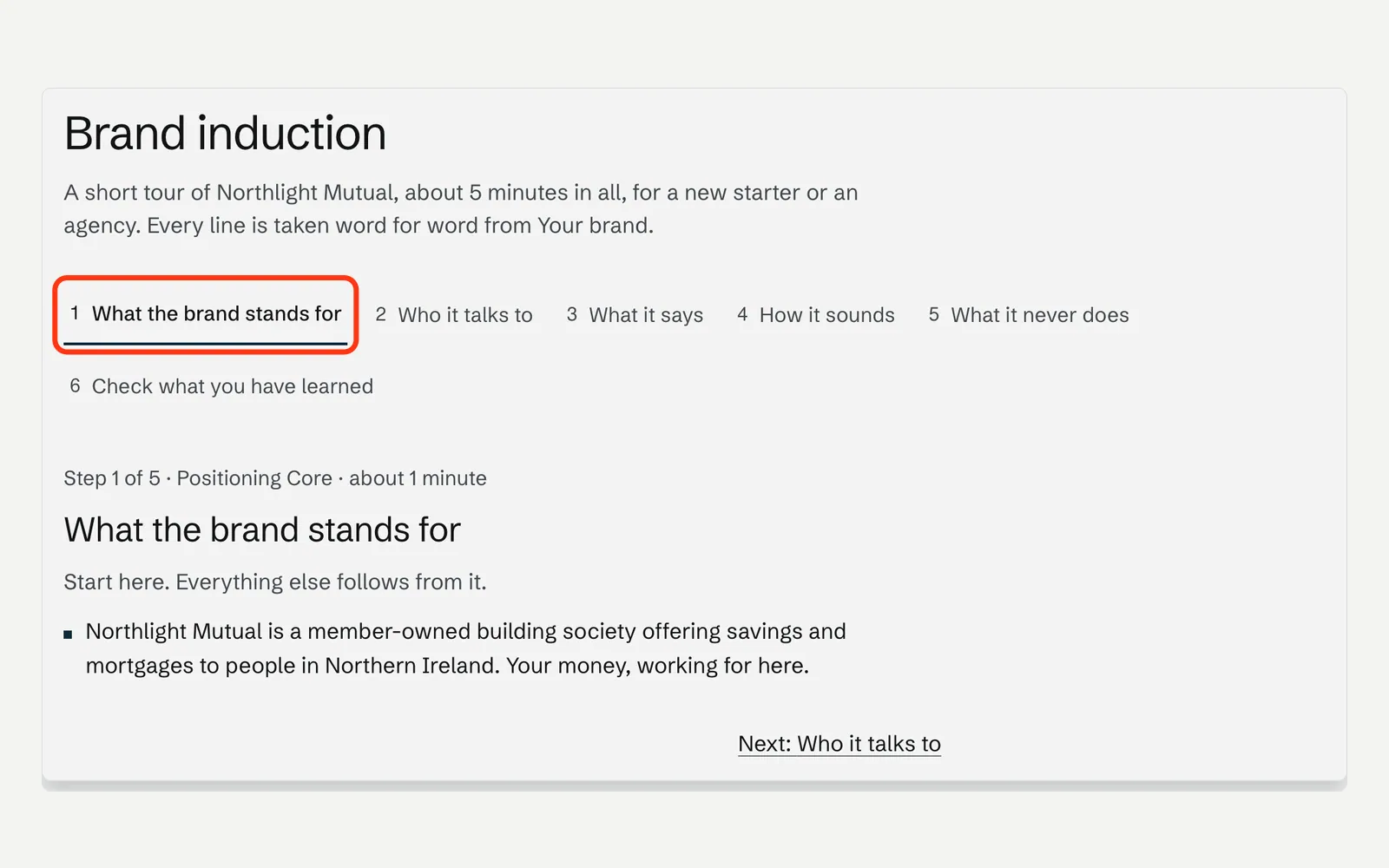
Brand tour
Walks new starters through your brand in fifteen minutes or less.
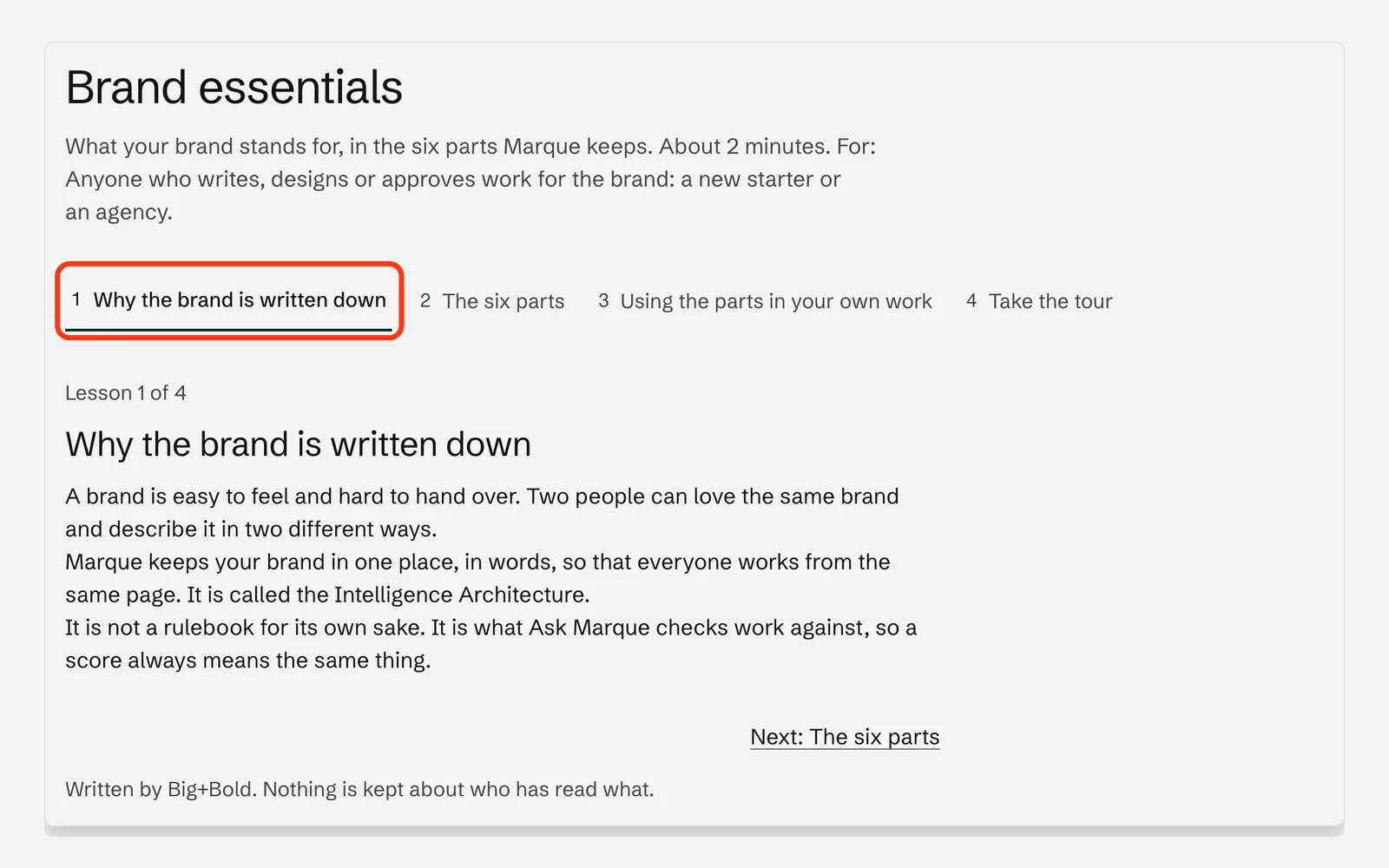
Training
Gives your team short courses on your brand, with a certificate on request.
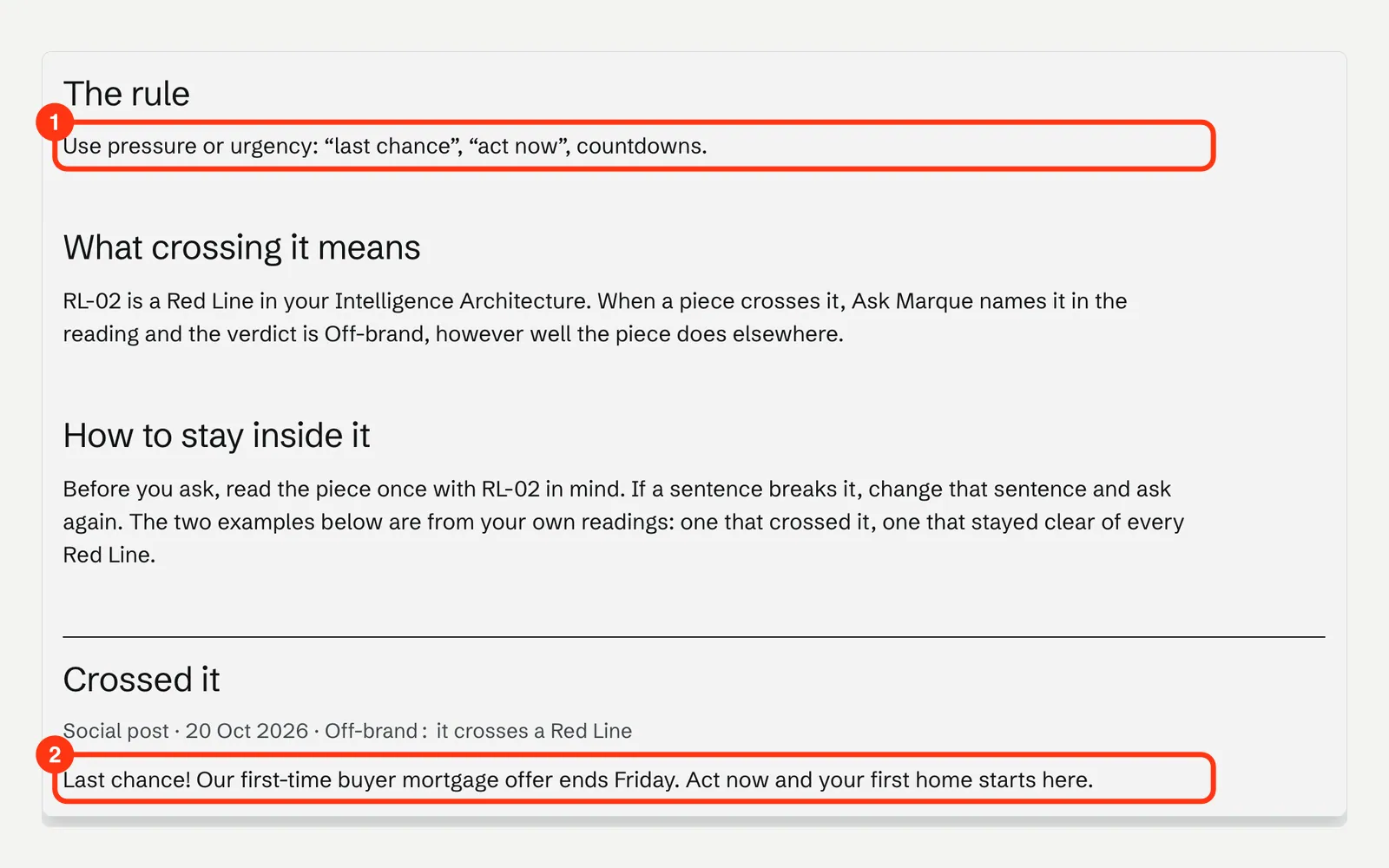
Red Lines crossed most
Lists the Red Lines your work crosses most, each with a short lesson.
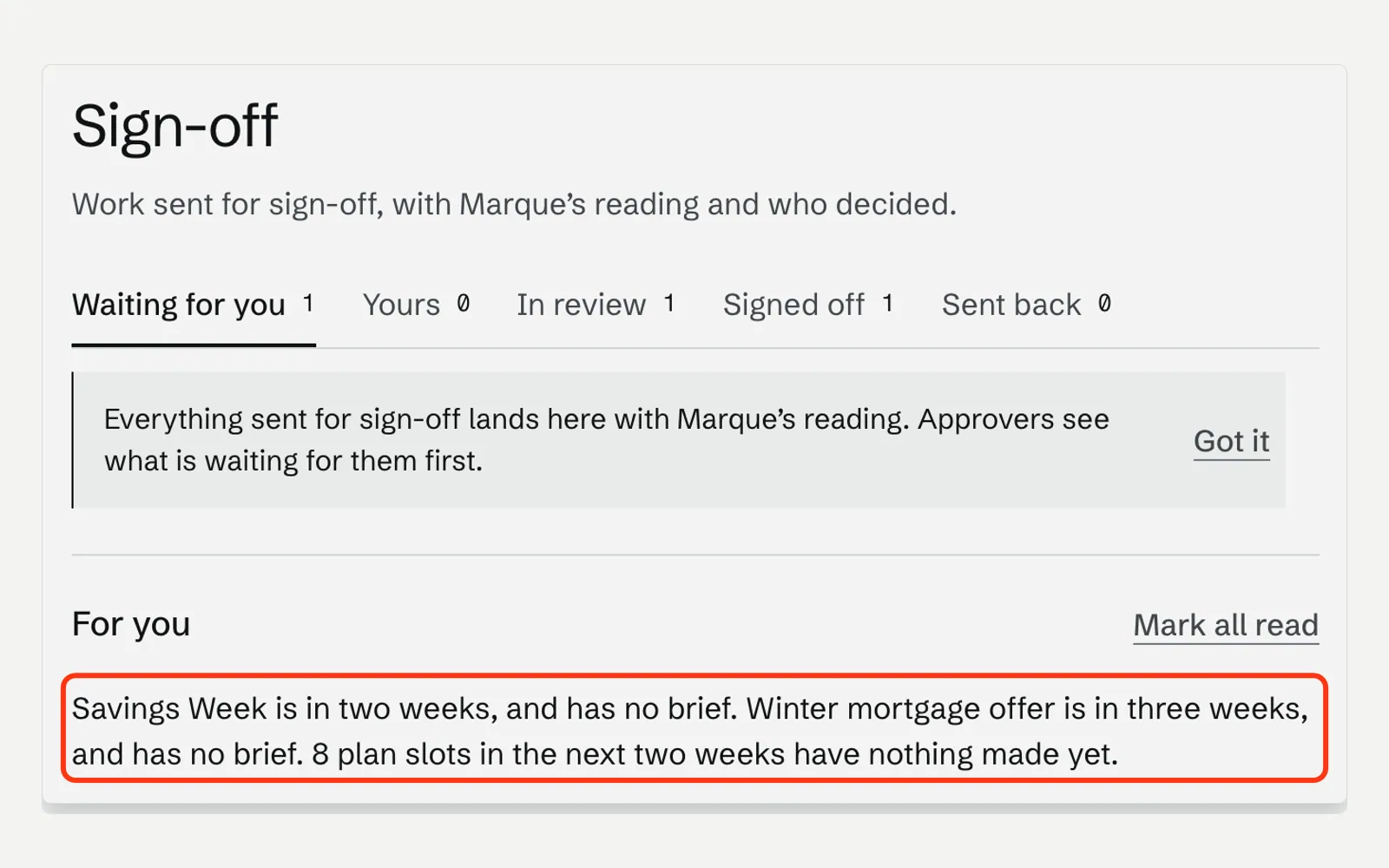
Nudges
Gives you one digest a day: key dates with no brief, and work waiting.
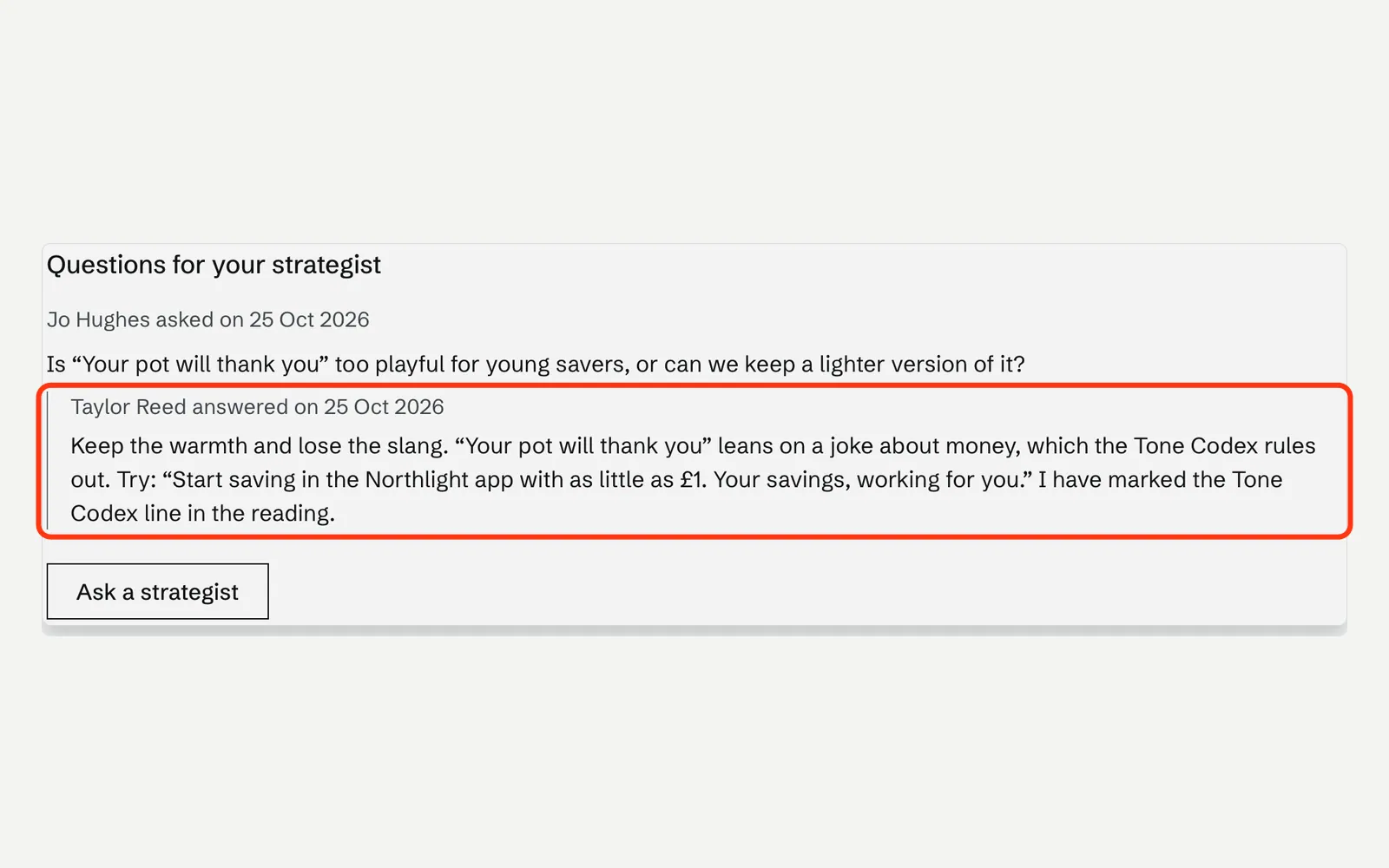
Ask a strategist
Sends a question about a check or plan to your Big+Bold strategist.
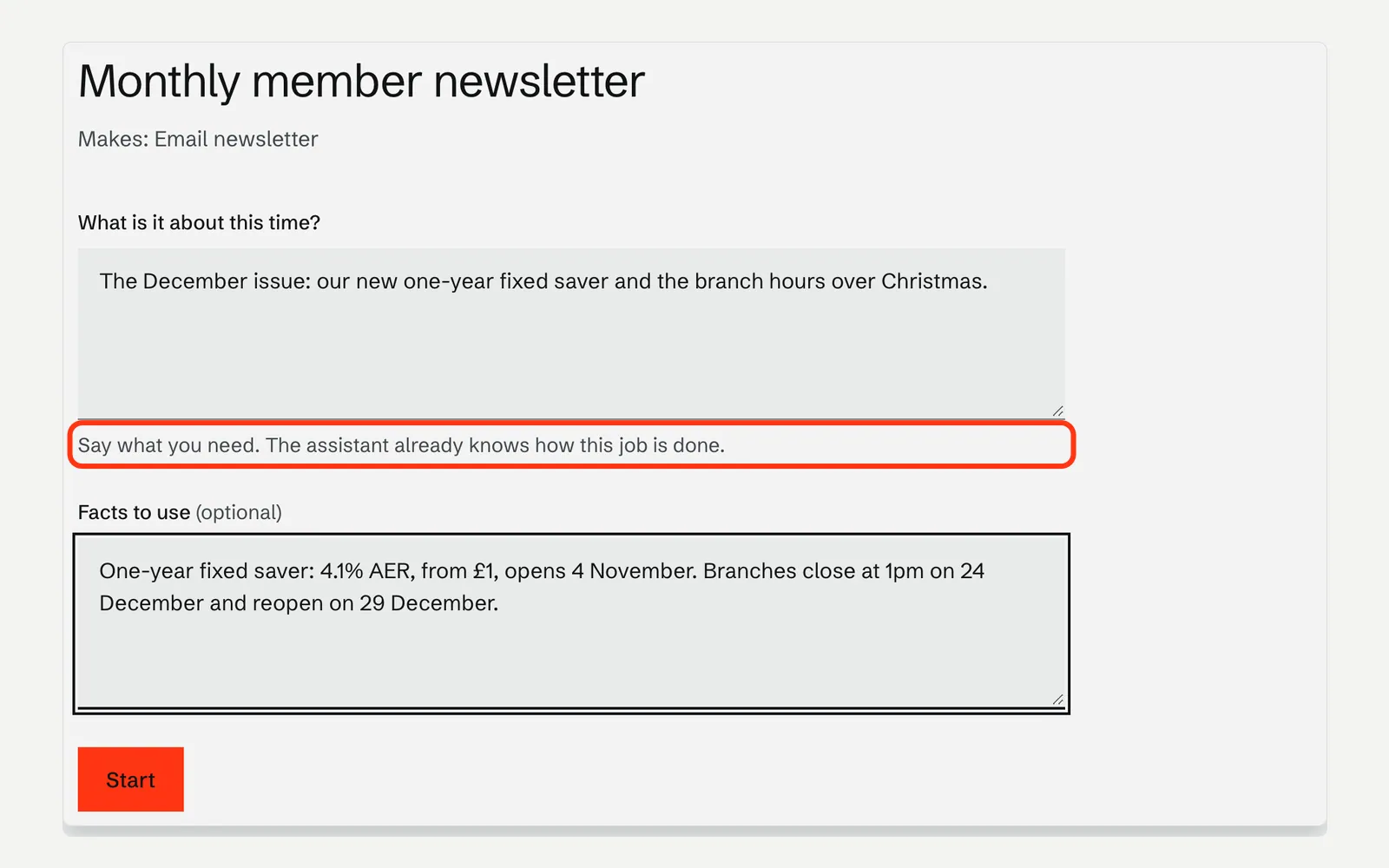
Repeat jobs
Sets up a regular job, such as a monthly newsletter, once and reuses it.
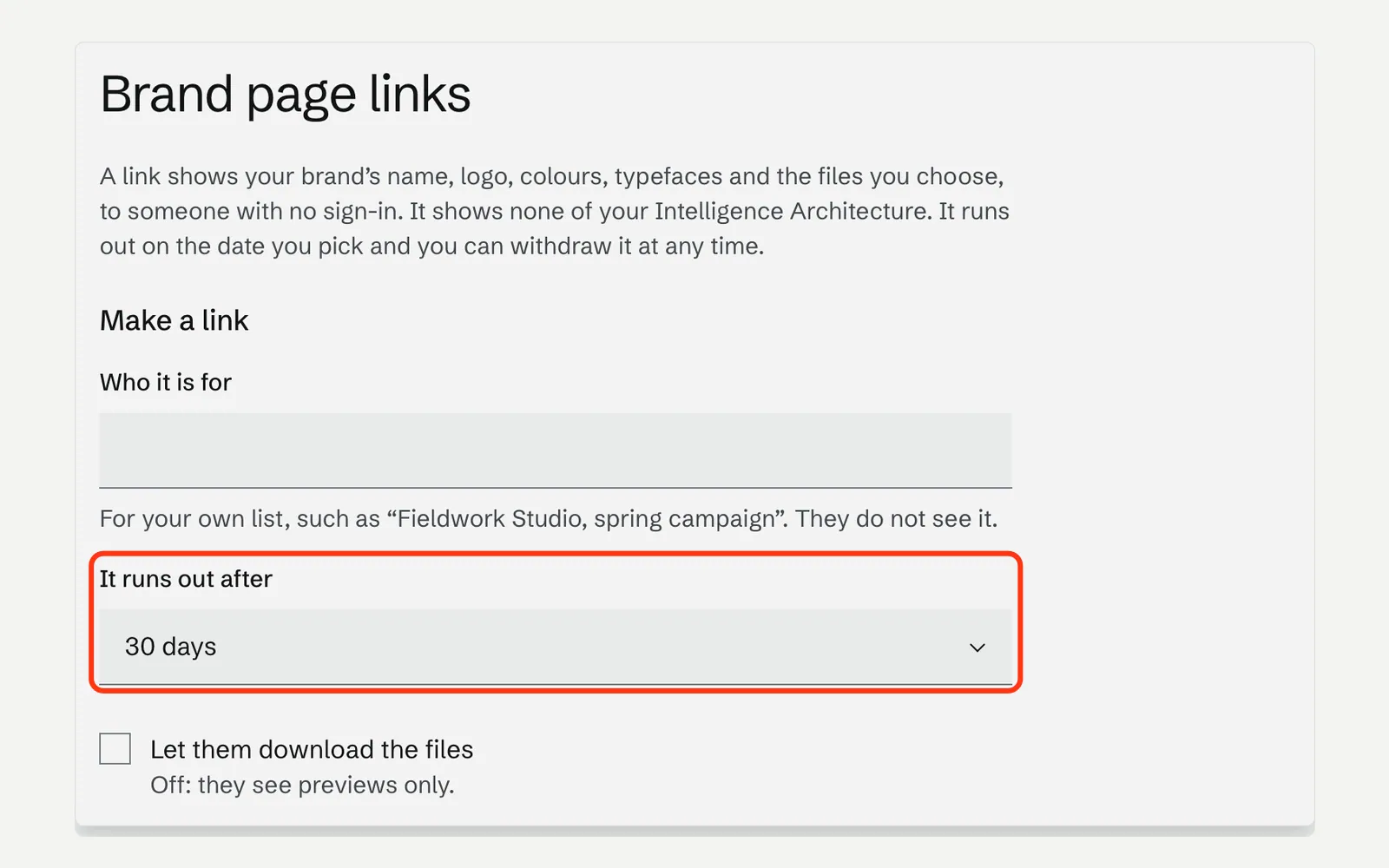
Shared brand page
Shares your logos, colours and chosen files by a link that expires.
Set up and look after your brand
Start from your guidelines, then keep your rules sound as the brand grows.
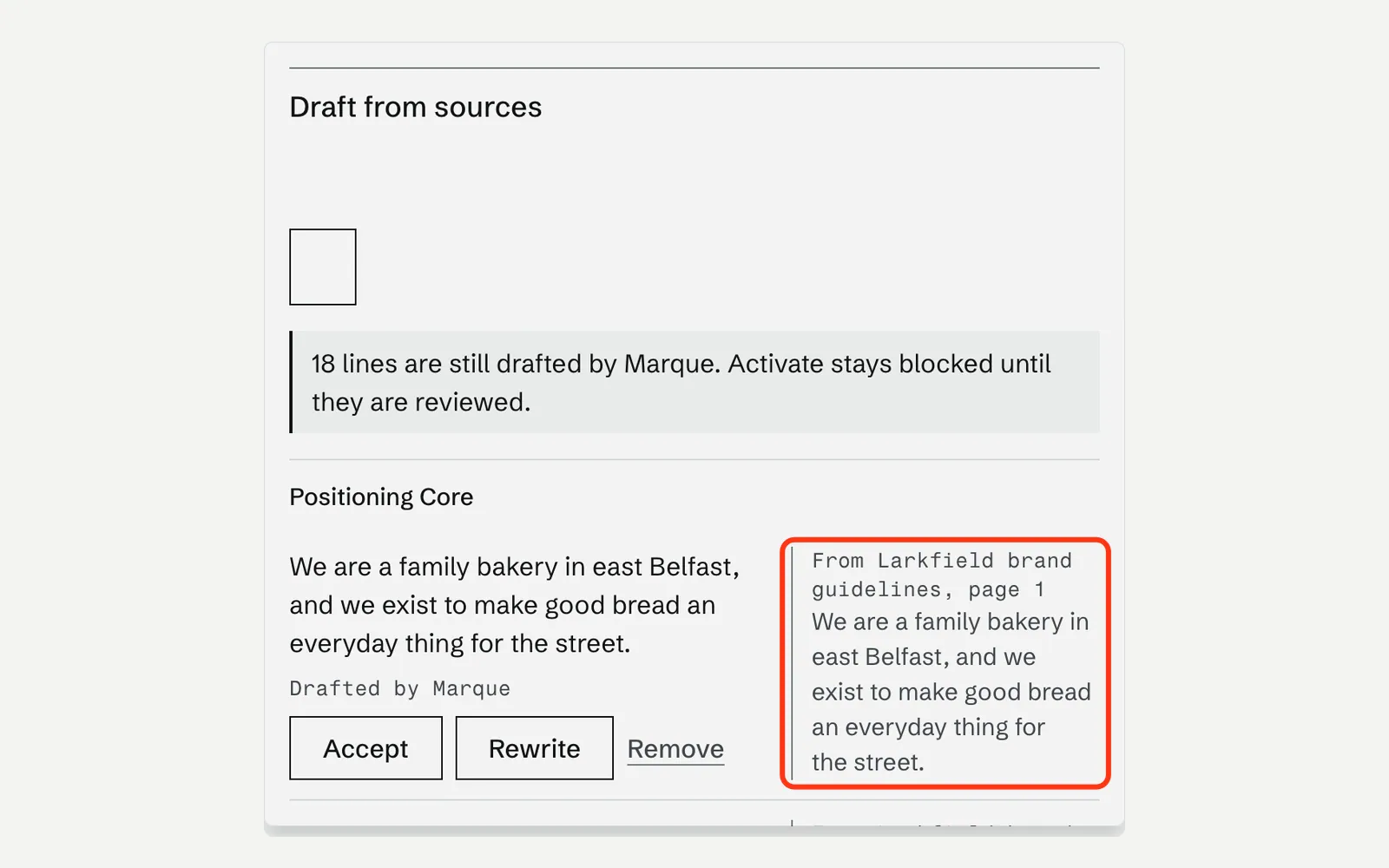
Draft from your guidelines
Big+Bold drafts your Intelligence Architecture from your guidelines, with a source for each line.
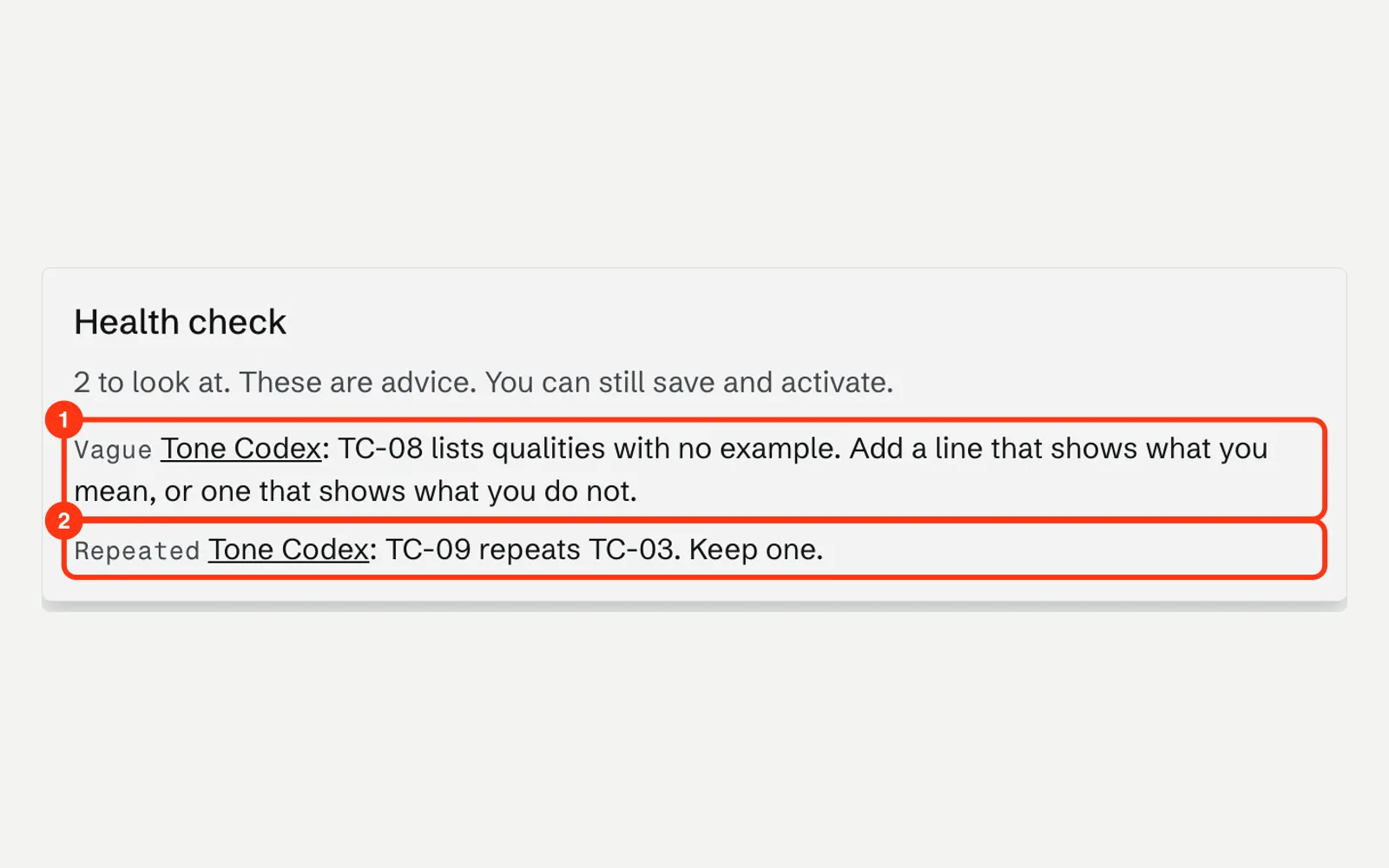
Intelligence Architecture check
Big+Bold checks your Intelligence Architecture for gaps, repeats and clashing lines.
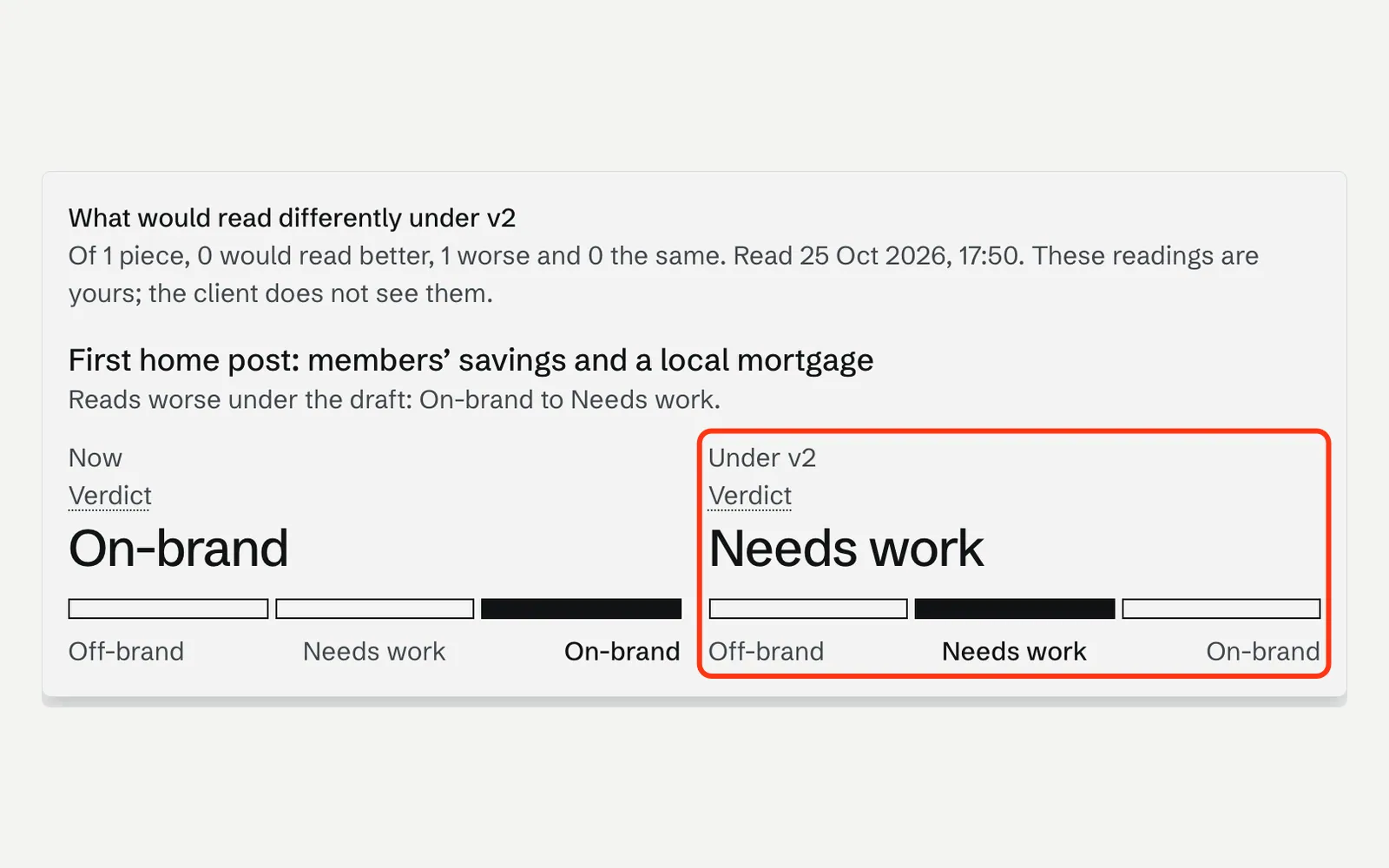
Preview a brand change
Big+Bold tests recent signed-off work against a draft of your brand before you switch.
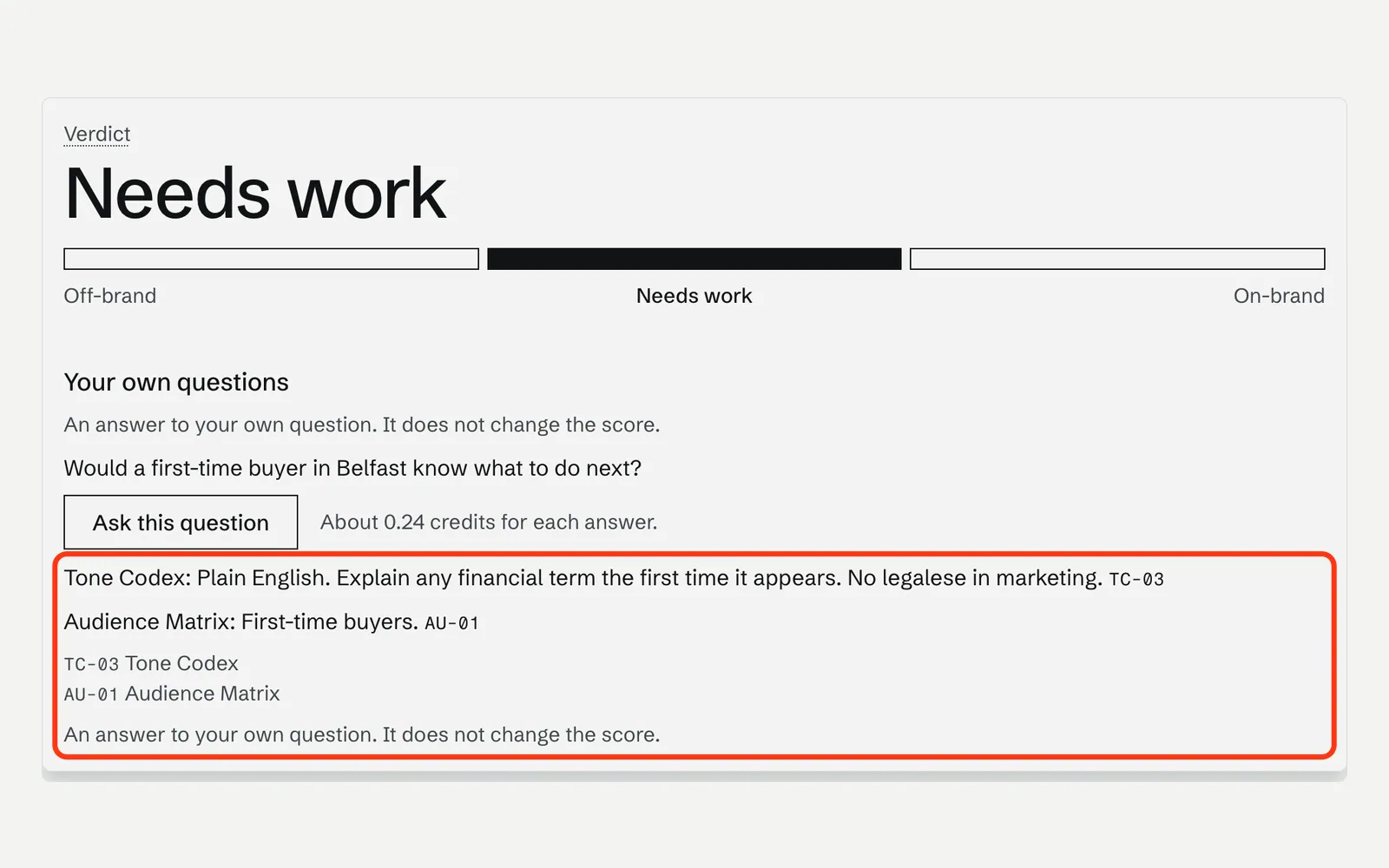
Your own questions
Adds questions of your own, set up by Big+Bold, answered beside Marque’s check.
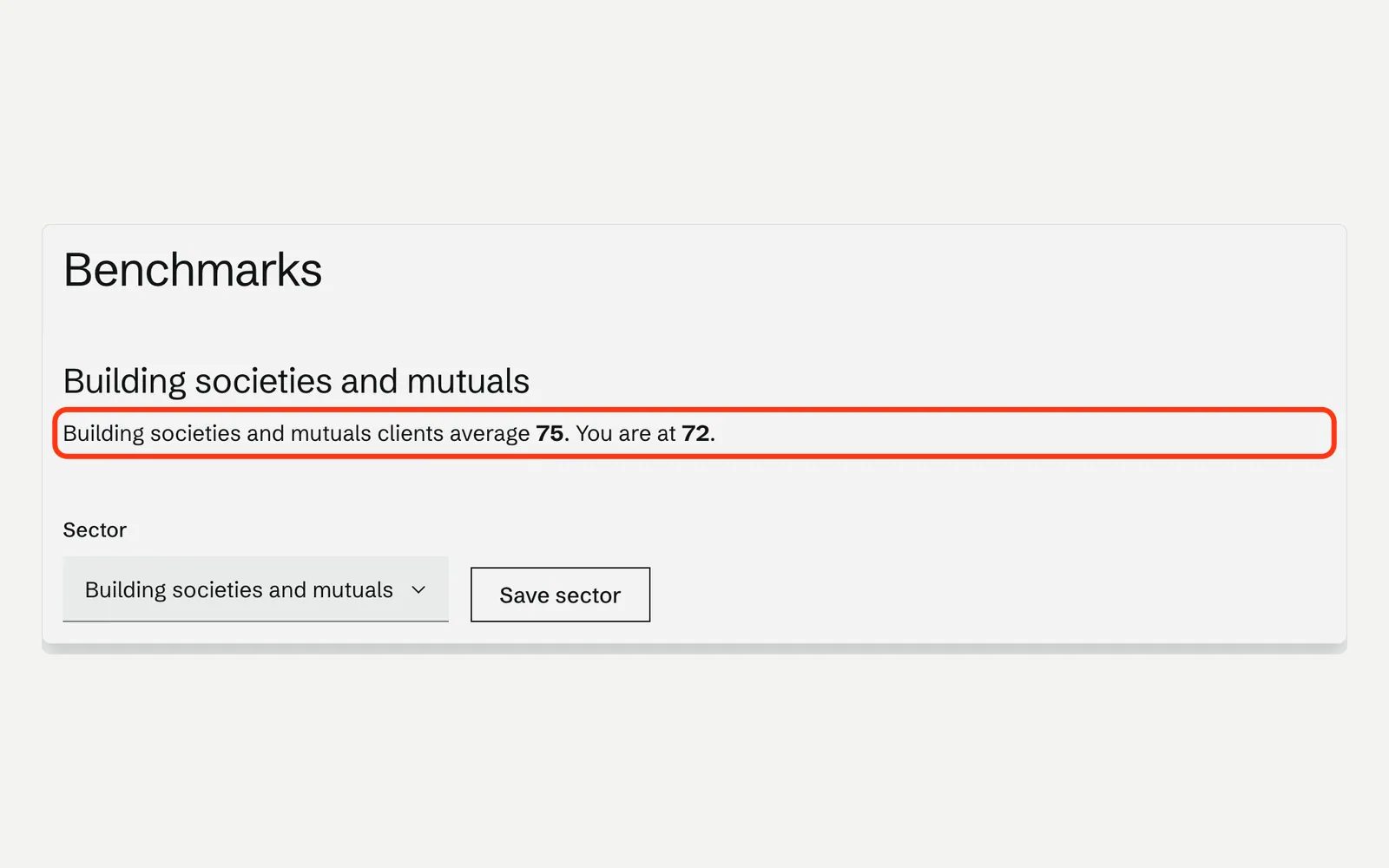
Benchmarks
Shows sector figures to compare your scores with, only with your consent.
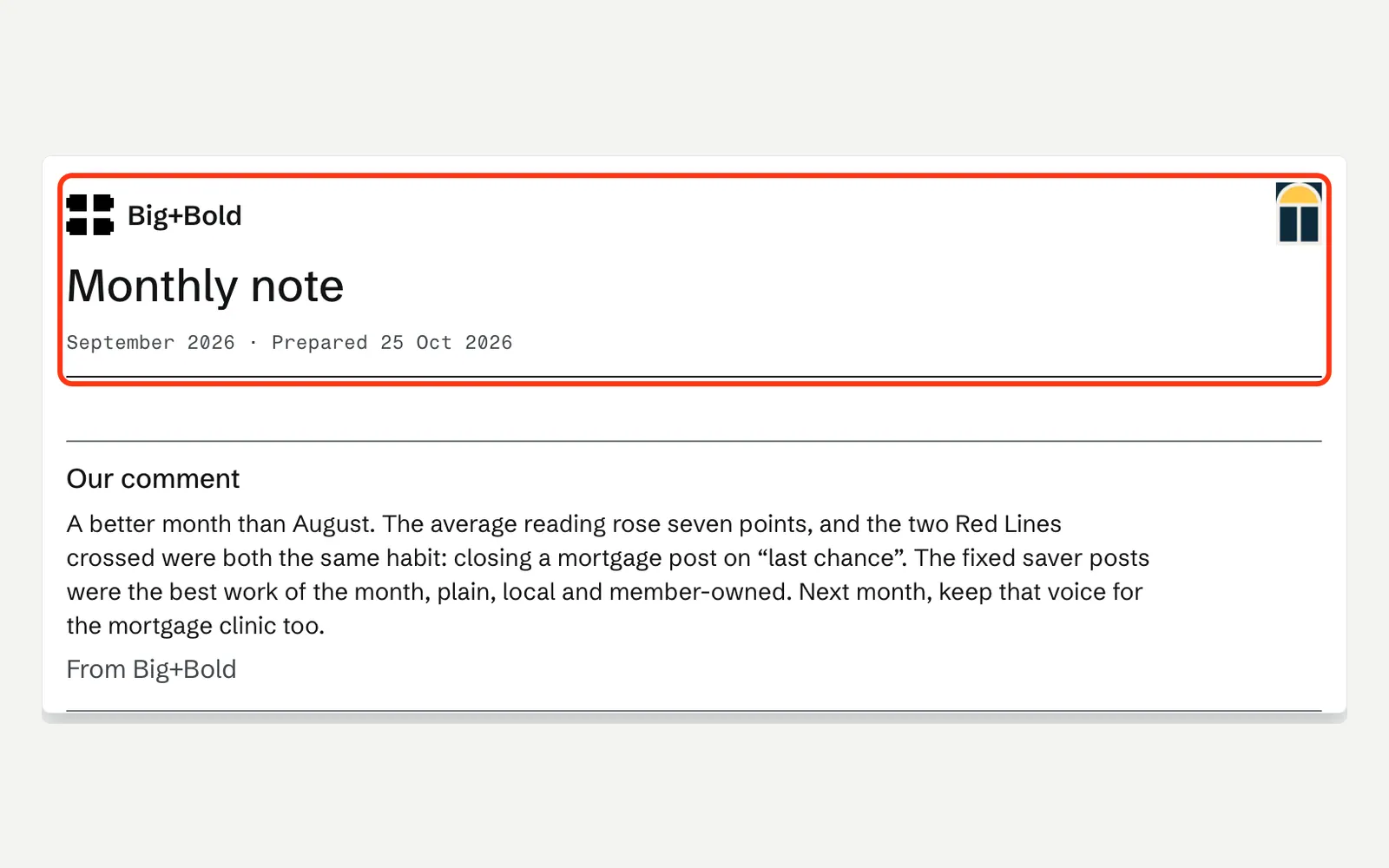
Branded reports
Puts Big+Bold’s mark and your logo on every report.
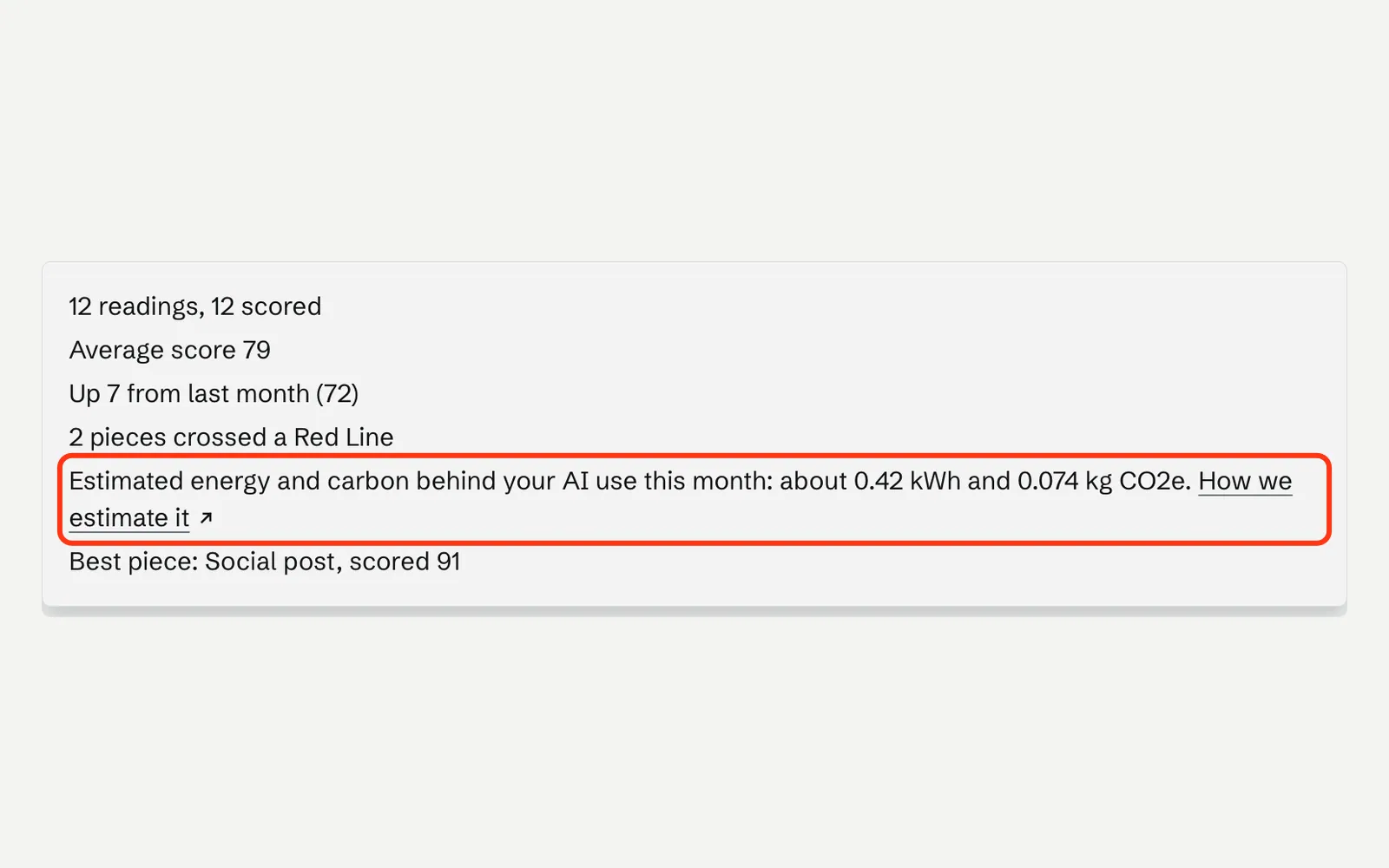
Energy and carbon note
Estimates the energy and carbon behind your month’s use, and shows its method.
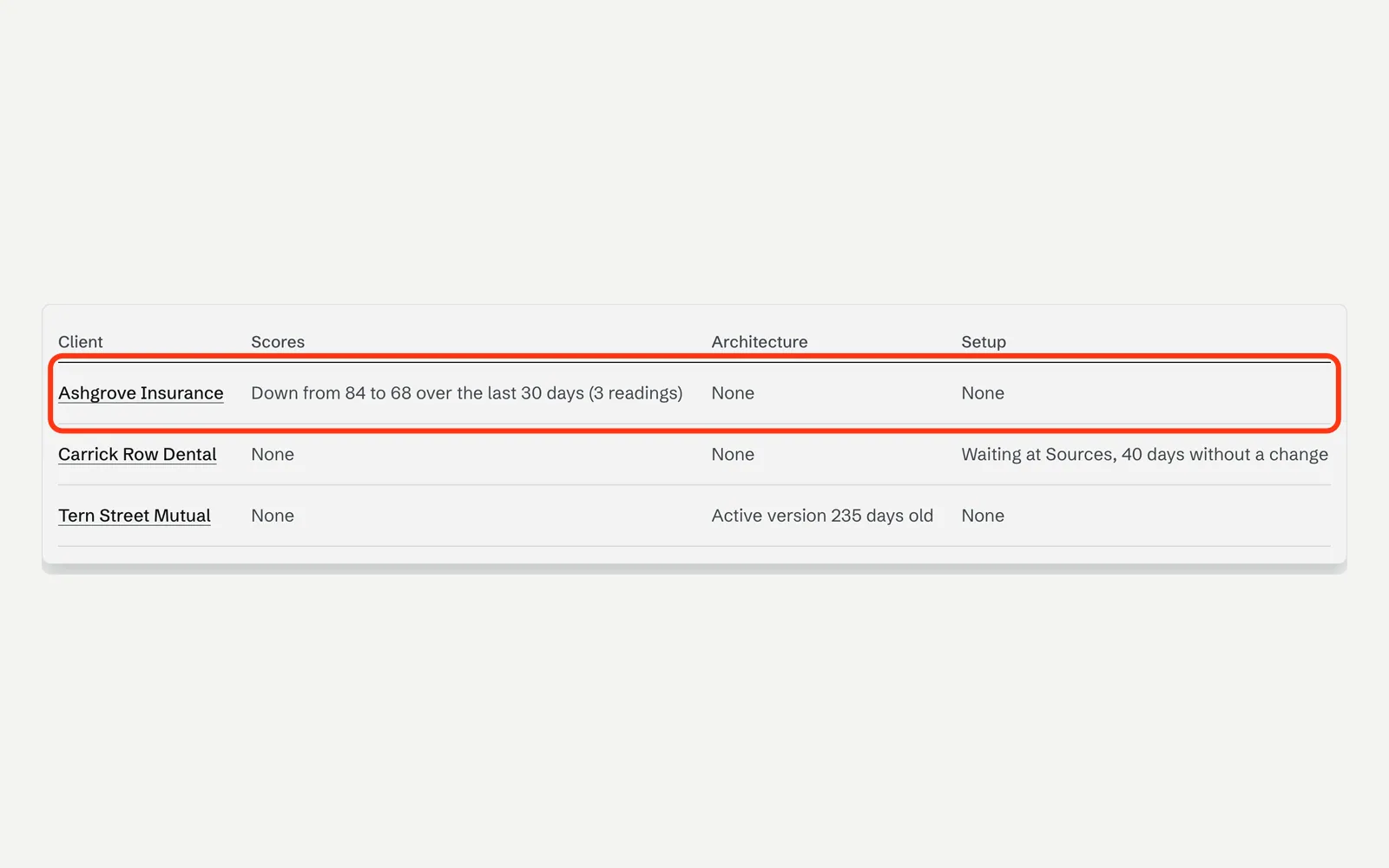
Portfolio
Shows a group’s brands side by side: architecture, kit, checks and sign-off.
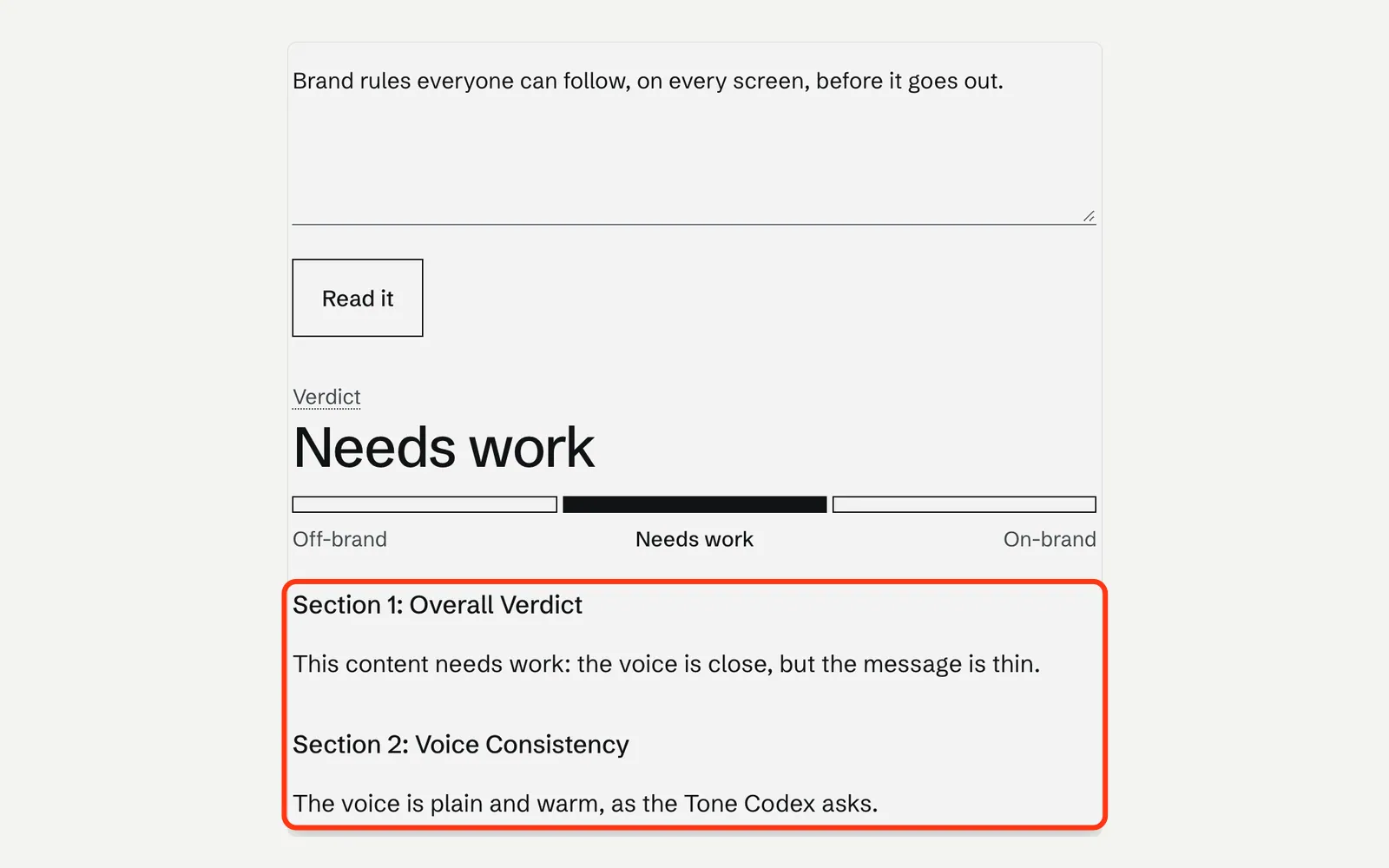
Try it
Checks a line against one of three example brands, with no sign-up.
Work where your team works
Marque in your team chat, your sign-in and the apps where people write and design.
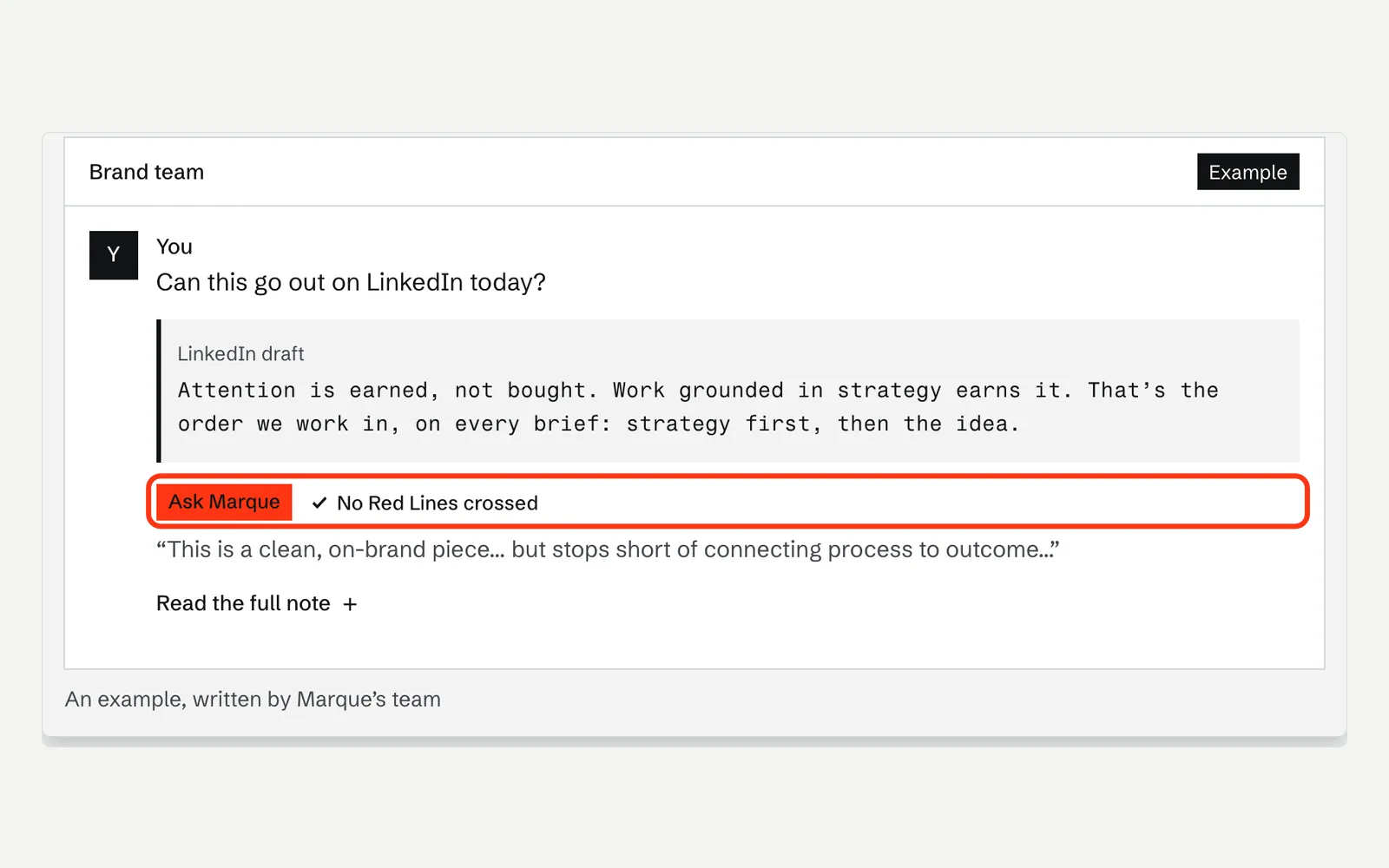
Slack and Microsoft Teams
Checks work inside Slack or Microsoft Teams, where your team already talks.
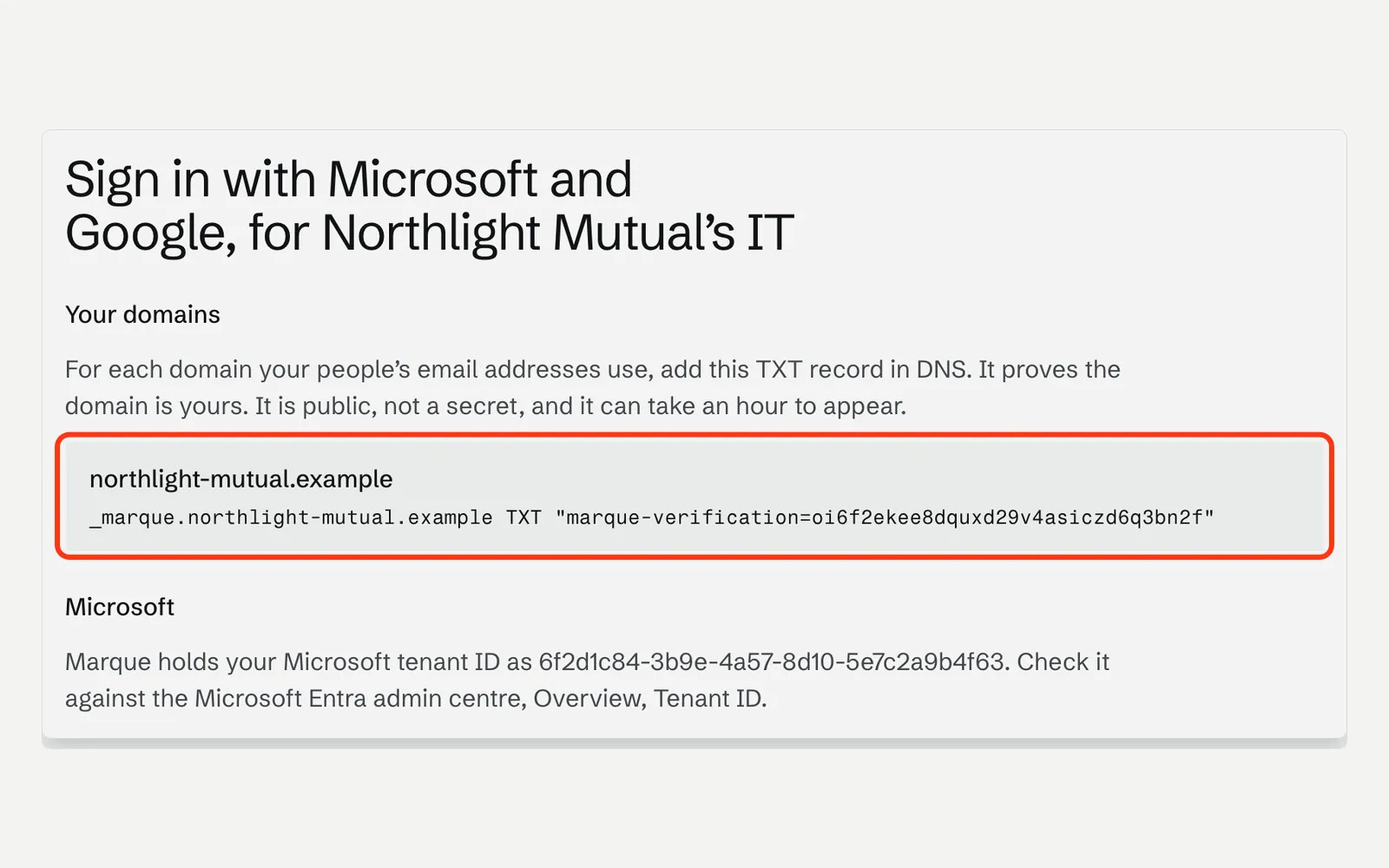
Microsoft and Google sign-in
Signs your team in with the work account they already have.
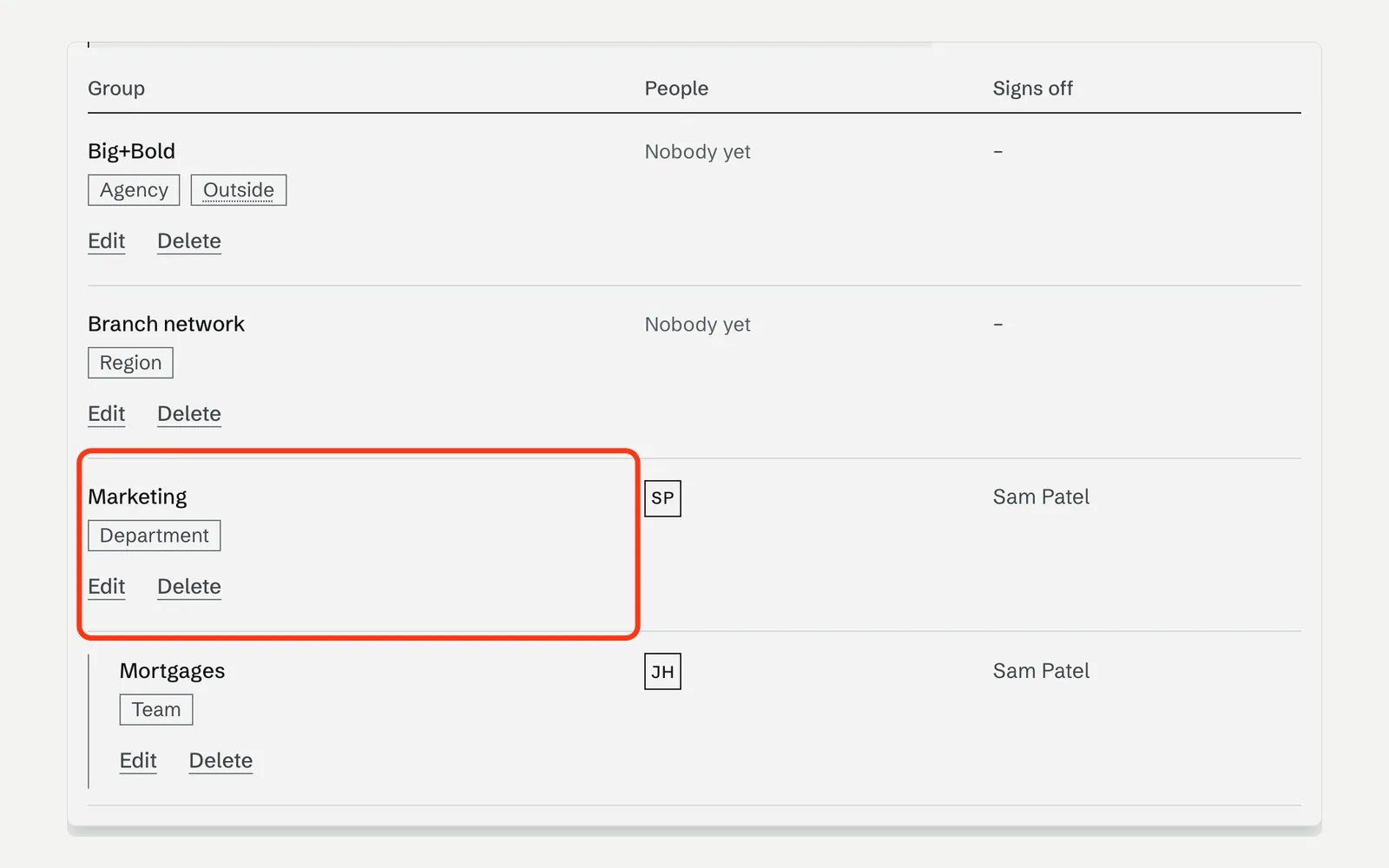
Groups and roles
Sets up departments, regions and agencies, each with its own approvers and view-only seats.
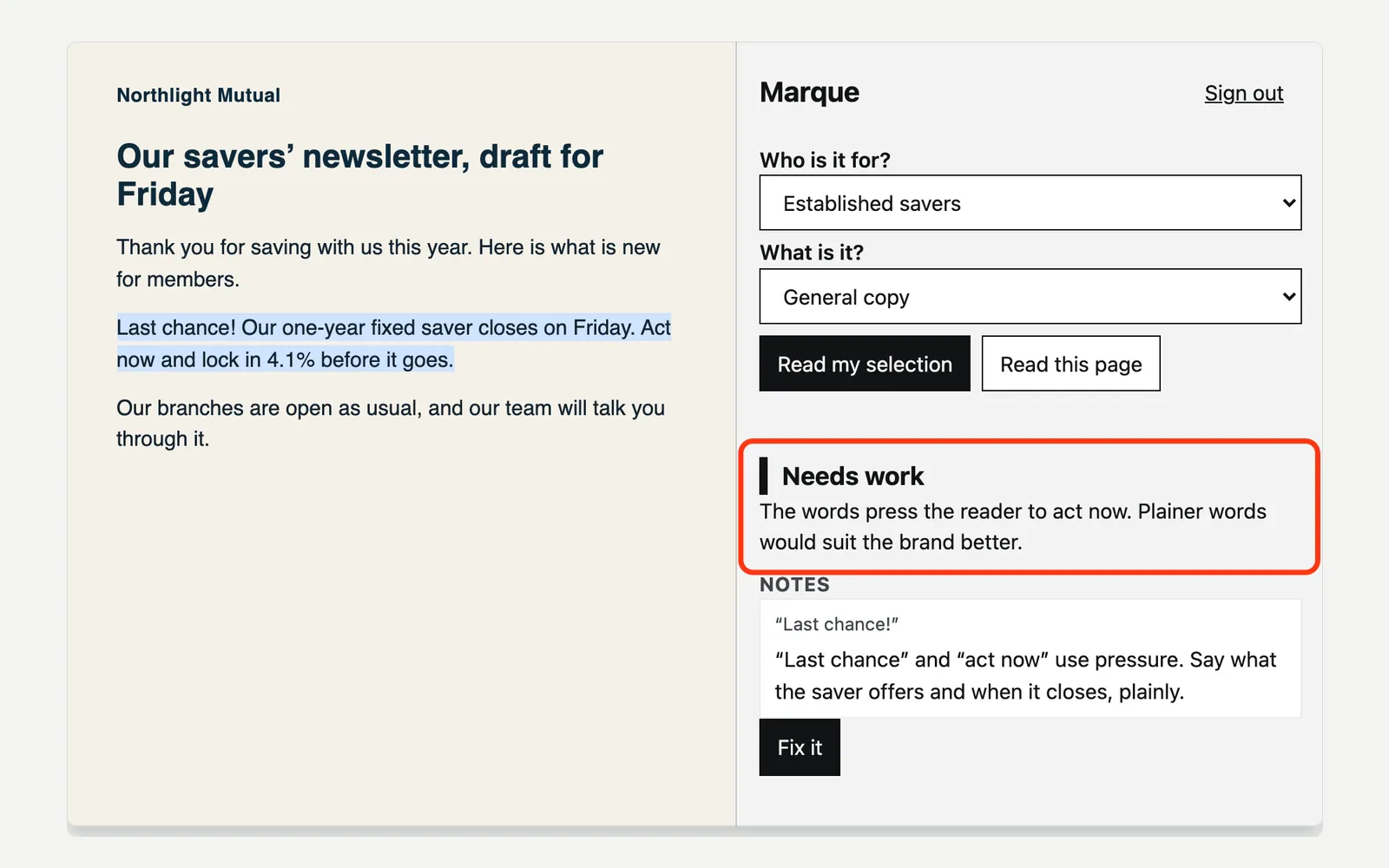
Browser extension
Checks what you write in your browser against your brand.
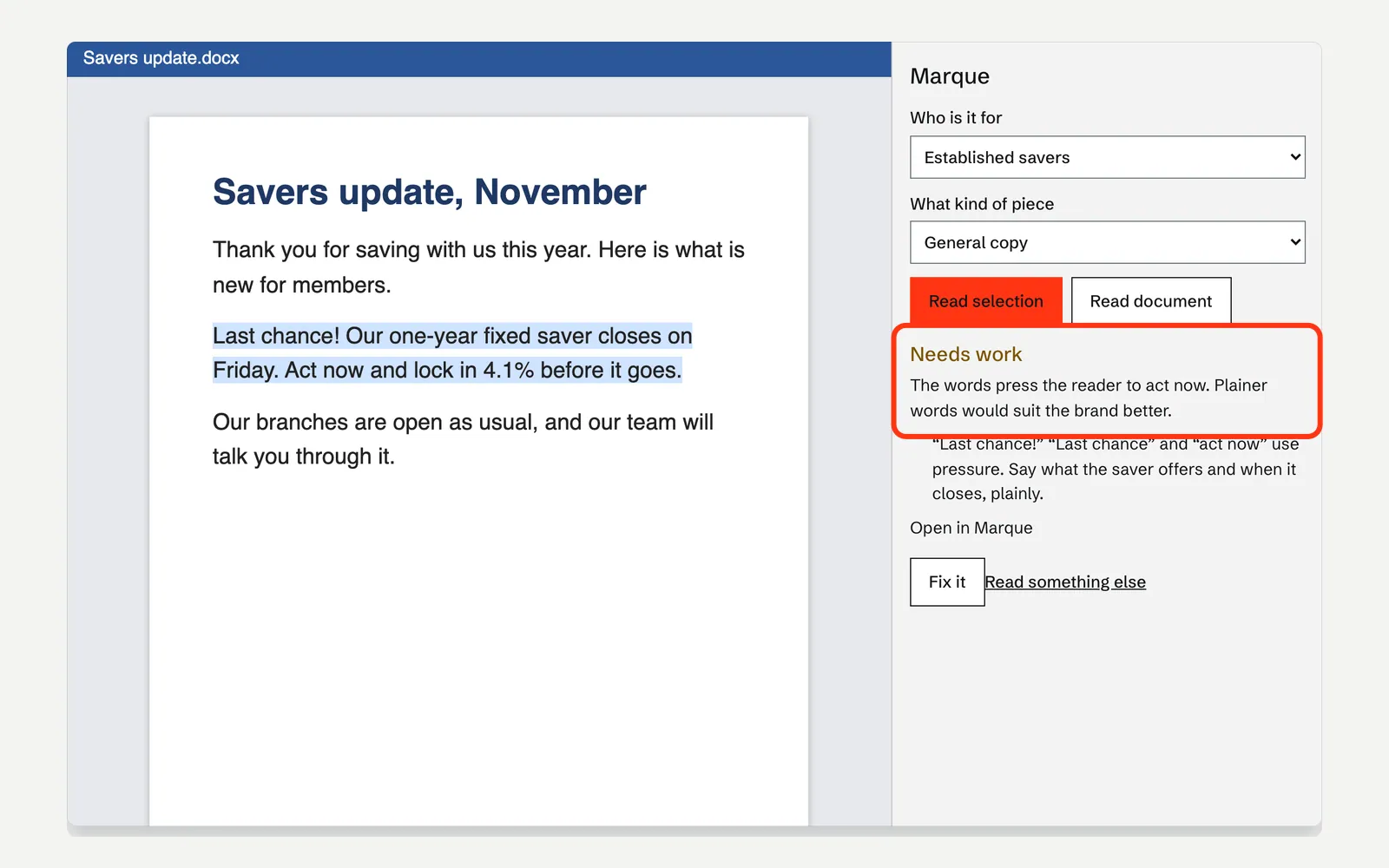
Word, PowerPoint and Docs
Brings the same check into Word, PowerPoint and Google Docs.
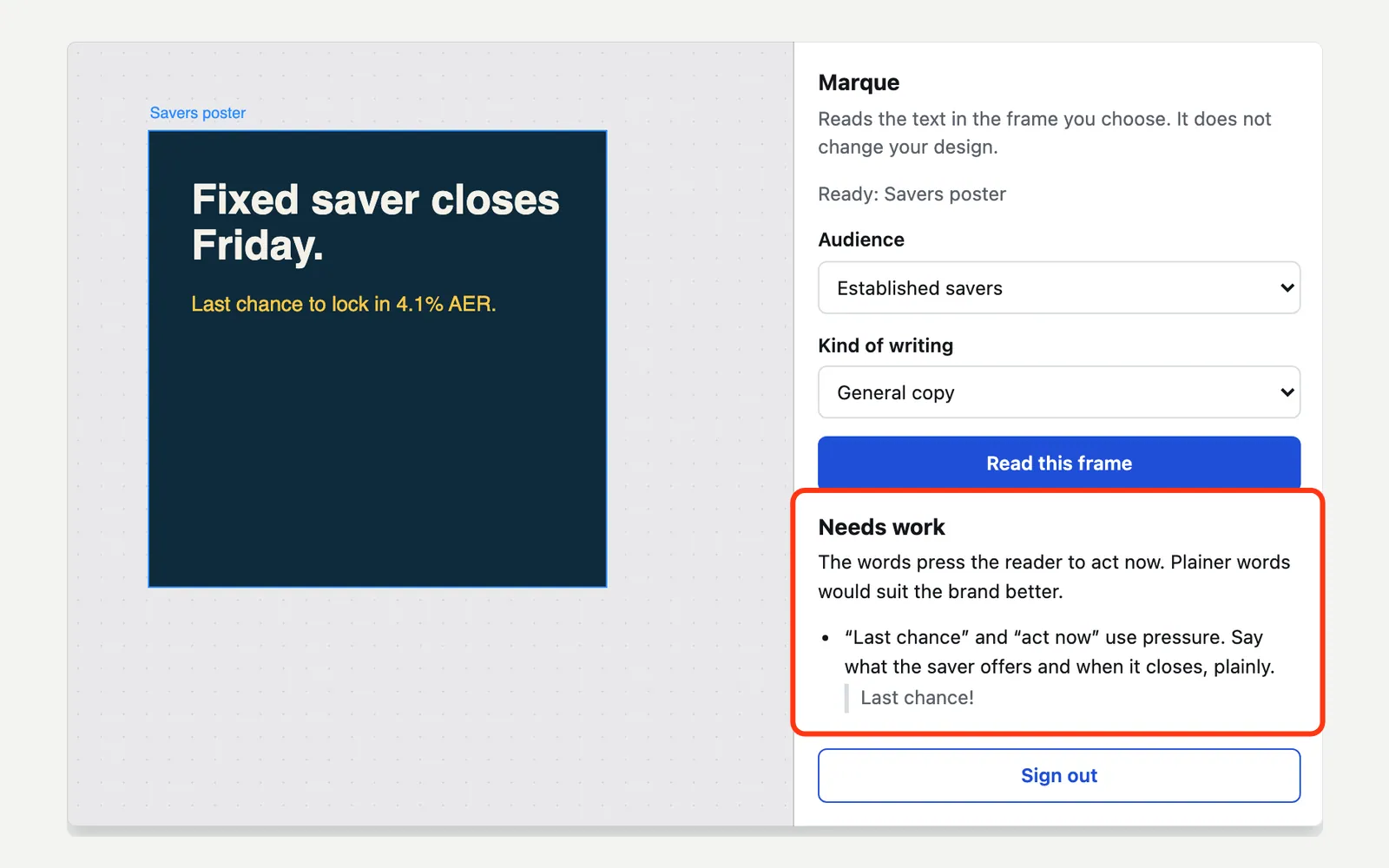
Figma and Canva
Checks a design against your brand without leaving Figma or Canva.
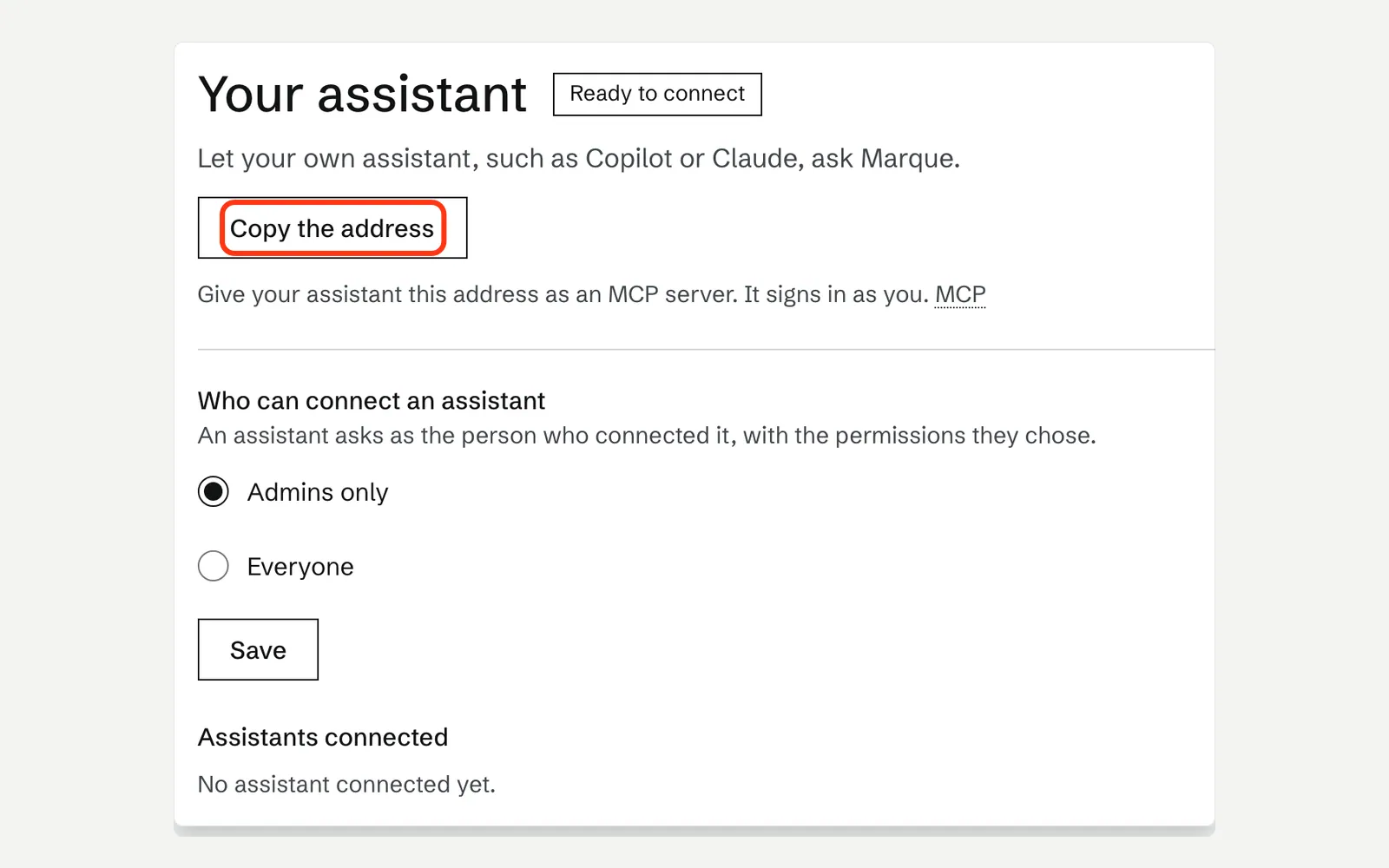
Your assistant
Lets the assistant your team already uses ask Marque for a check.
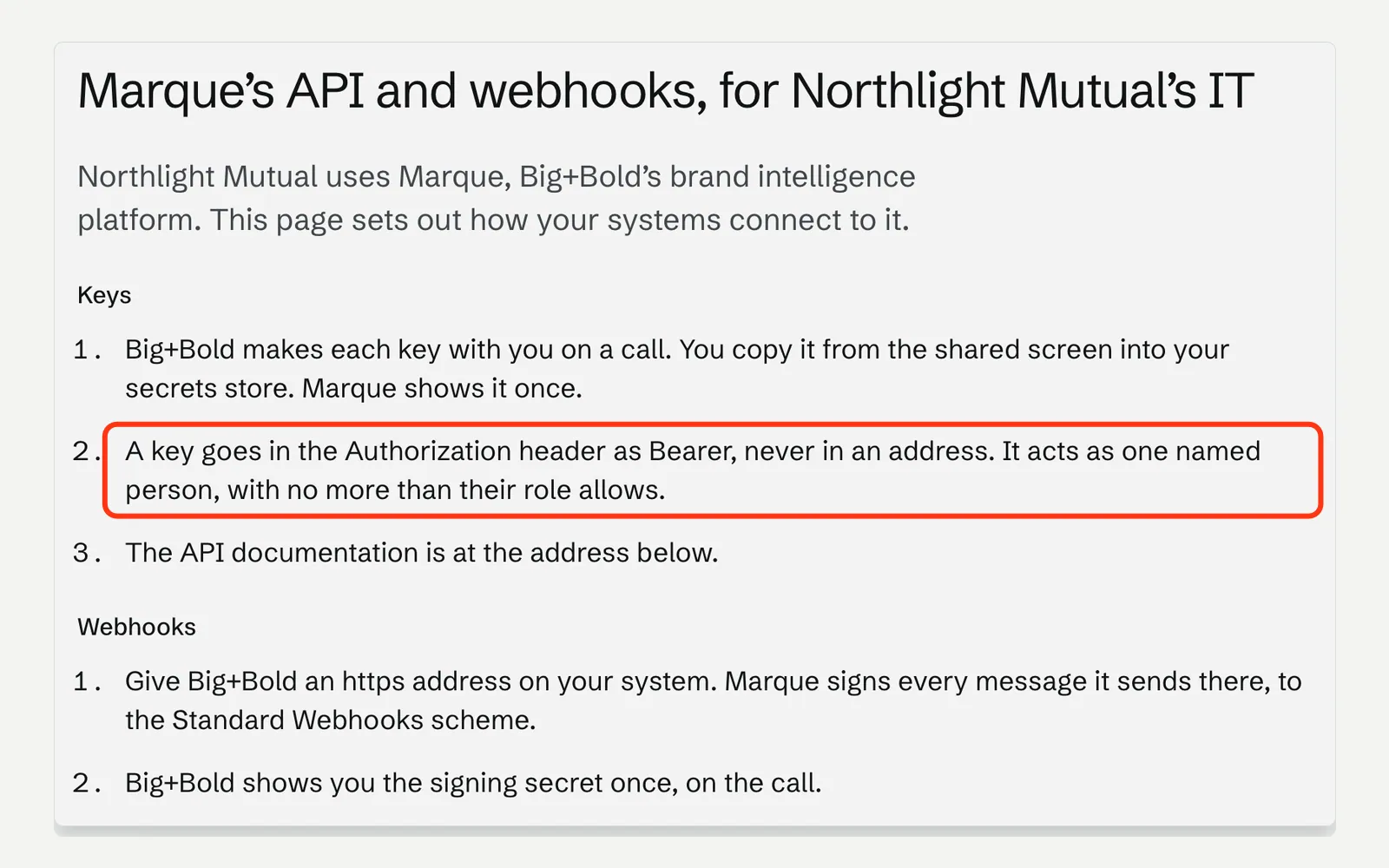
API and webhooks
Lets your own systems ask Marque for checks and receive updates.
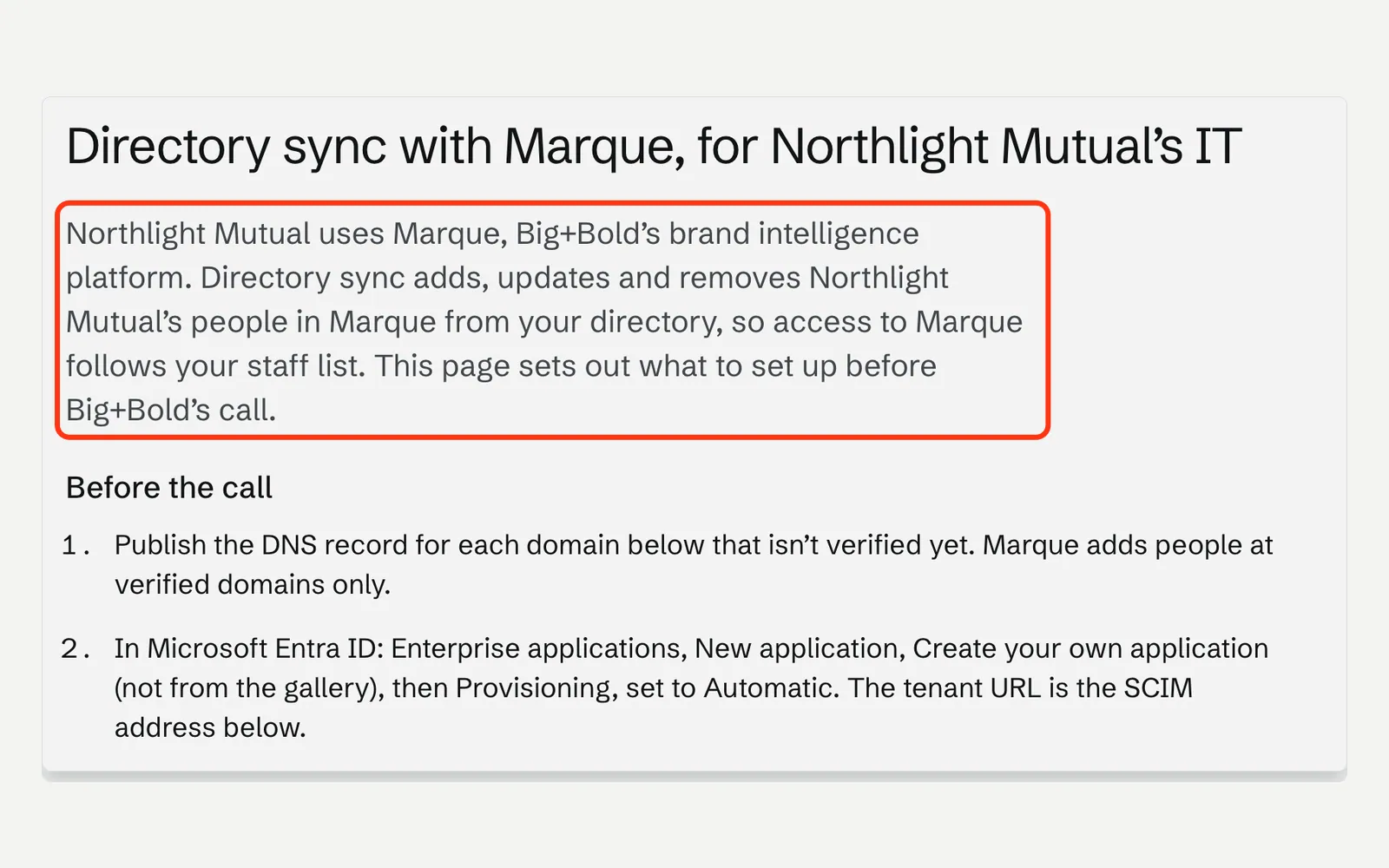
Directory sync
Adds and removes people in Marque as your staff directory changes.
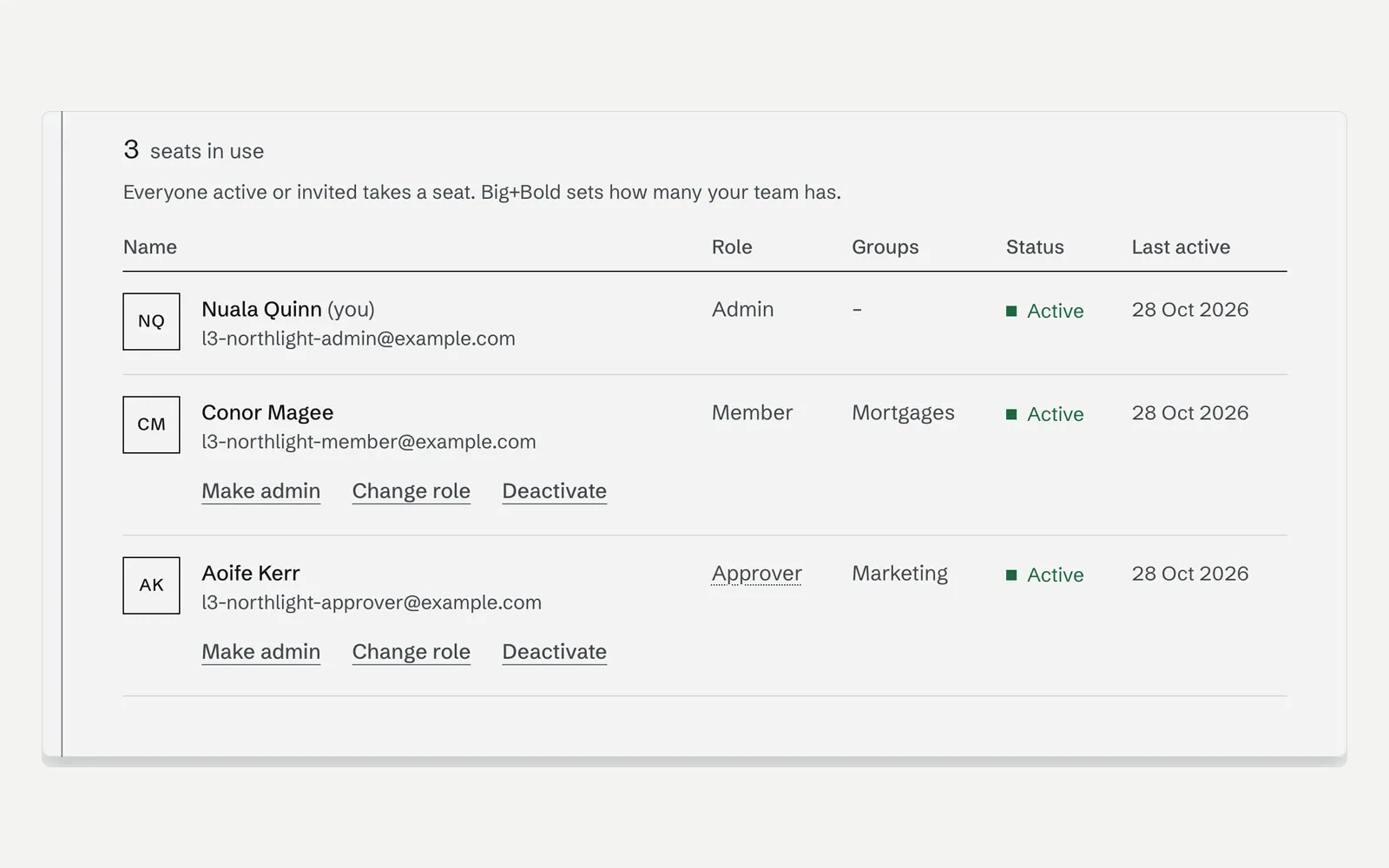
Team and seats
Invites people by email, sets each role and shows how many seats are used.
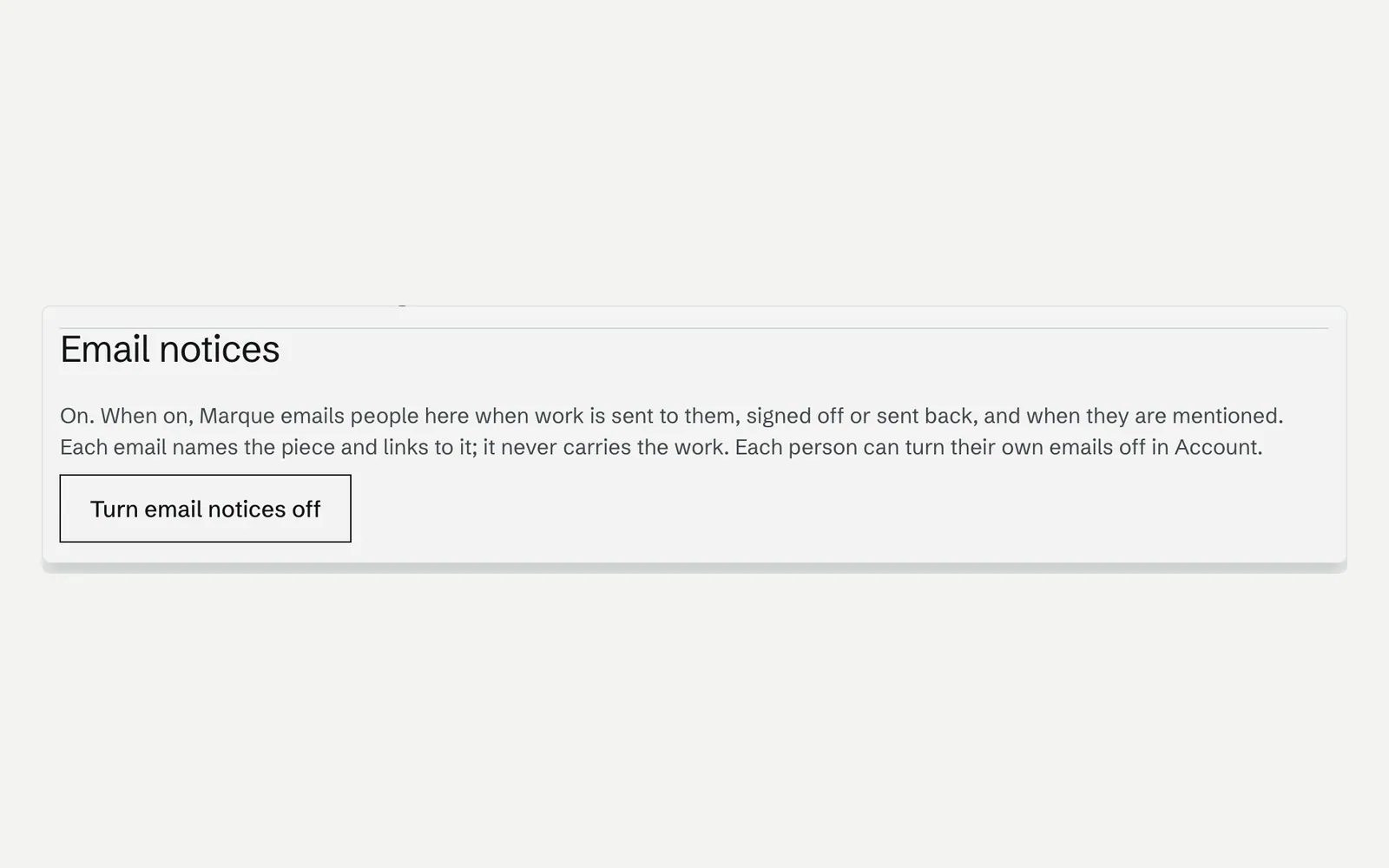
Email notices
Emails people when a piece waits for them or they are mentioned.
Northlight Mutual is a made-up brand we use for demos. Each picture shows a function on made-up work for Northlight Mutual or for Big+Bold, so the results and notes in them are examples, not a client’s results. Screen from Marque is a screen of the product. Illustration is drawn from the product’s own parts where a screen could not be shown.
What happens to your data
Four answers for the person who signs off on new tools. Each one is written in our terms or our privacy notice.
No training on your work
We don’t use your content to train models.
Stored in London
Your database, sign-in details and files are stored in London, UK.
You own what you make
You keep all rights in your content and the work Marque makes for you.
Marque says what it is
Marque is software, not a person. It reads your work with a language model, and says so. People decide what goes out.
Your brand, next.
Big+Bold works with a small group of organisations at a time, and builds Marque around each one.